Overview
Oath (Yahoo) offers a range of marketing solutions for businesses and marketers looking to reach a wide audience. Integrated with Zeotap it offers marketers a range of targeting and analytics tools to help businesses optimise their campaigns and reach the right audiences.Supported Identifiers
This integration supports Yahoo cookies and Device IDs.Available Actions and Supported Features
The following table lists the available action types for the integration and the supported features for each action type:Components of Yahoo
Ensure that you have details about the below components of Yahoo available before creating a Destination.MDM ID
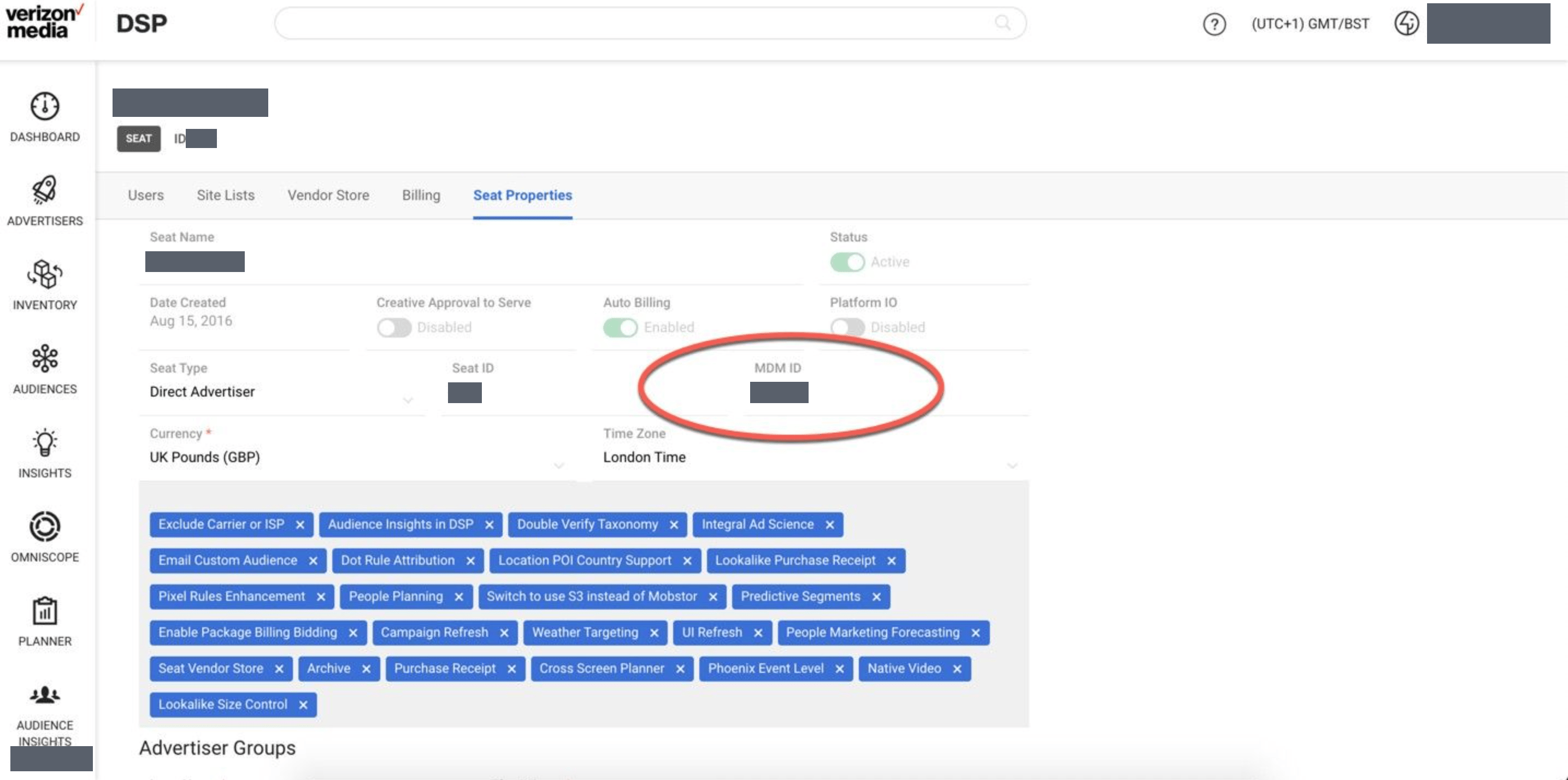
In Yahoo’s taxonomy, fill the Client Seat ID/MDM ID of the advertiser field for private segments. As shown in the below screen,MDM ID: 799304 is the public seat for Yahoo.
For private segments, ask the client to provide their MDM ID and create the corresponding destination in UI.
Note:Always ask the client to send a screenshot with MDM ID to avoid segment failures.
- Advertiser MDM ID’s - This is used either within the global managed seat, where the activity spans across many agencies and/or advertisers or within a client (self serve) seat where the client would like the data shared to specific advertisers and not the whole seat.
- Seat MDM ID’s - When data is shared to this seat, it will be made available to all advertisers.
Create a Destination for Oath (Yahoo)
Perform the following steps to create a Destination for Oath (Yahoo):1
Log into the Zeotap CDP App and go to the DESTINATIONS application.
2
Click + Create Destination.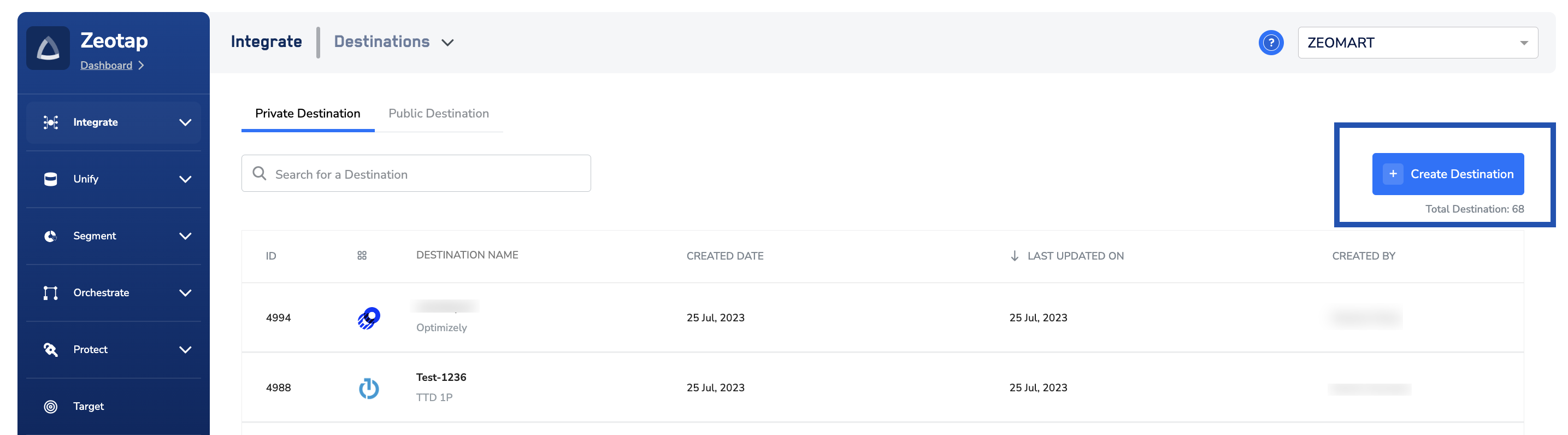
3
Under All Destinations, search for Oath(Yahoo).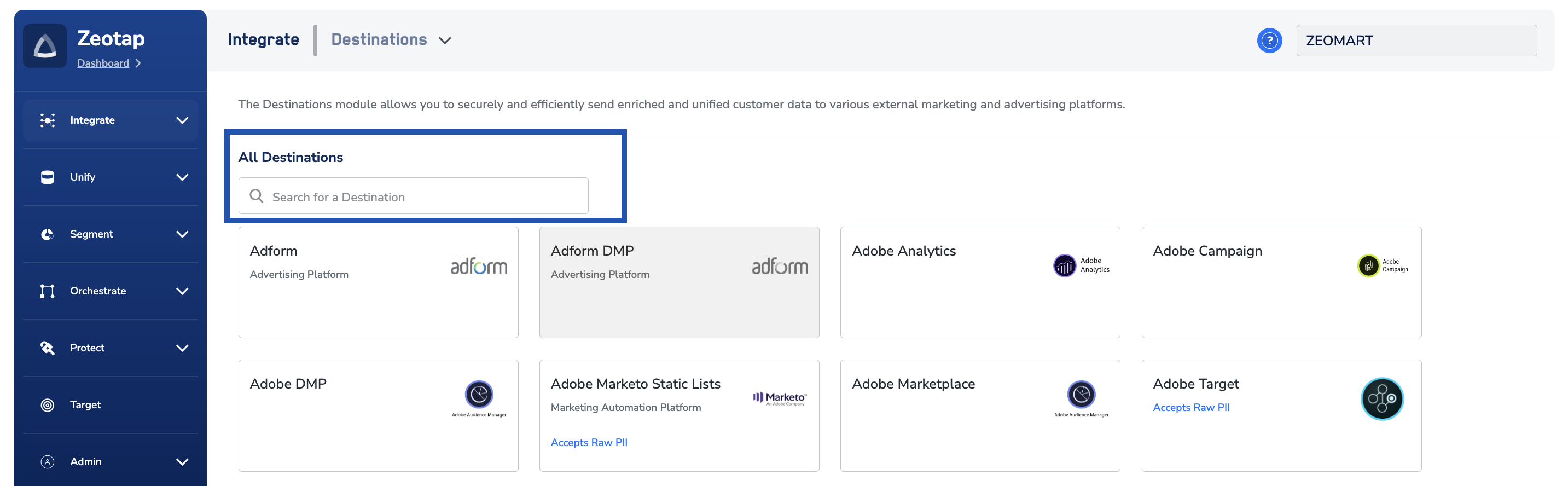
4
Click Yahoo. A screen appears displaying details about the particular destination towards the left. On the right-hand side of the screen find a list of fields that are required for the integration to be established. Enter the required details as mentioned in the following steps:a. Enter a name for the Destination.b. Enter the MDM ID number on which the client has requested the Segment.c. USD appears as the Currency value.d. Review all the values entered above and then click Next to proceed.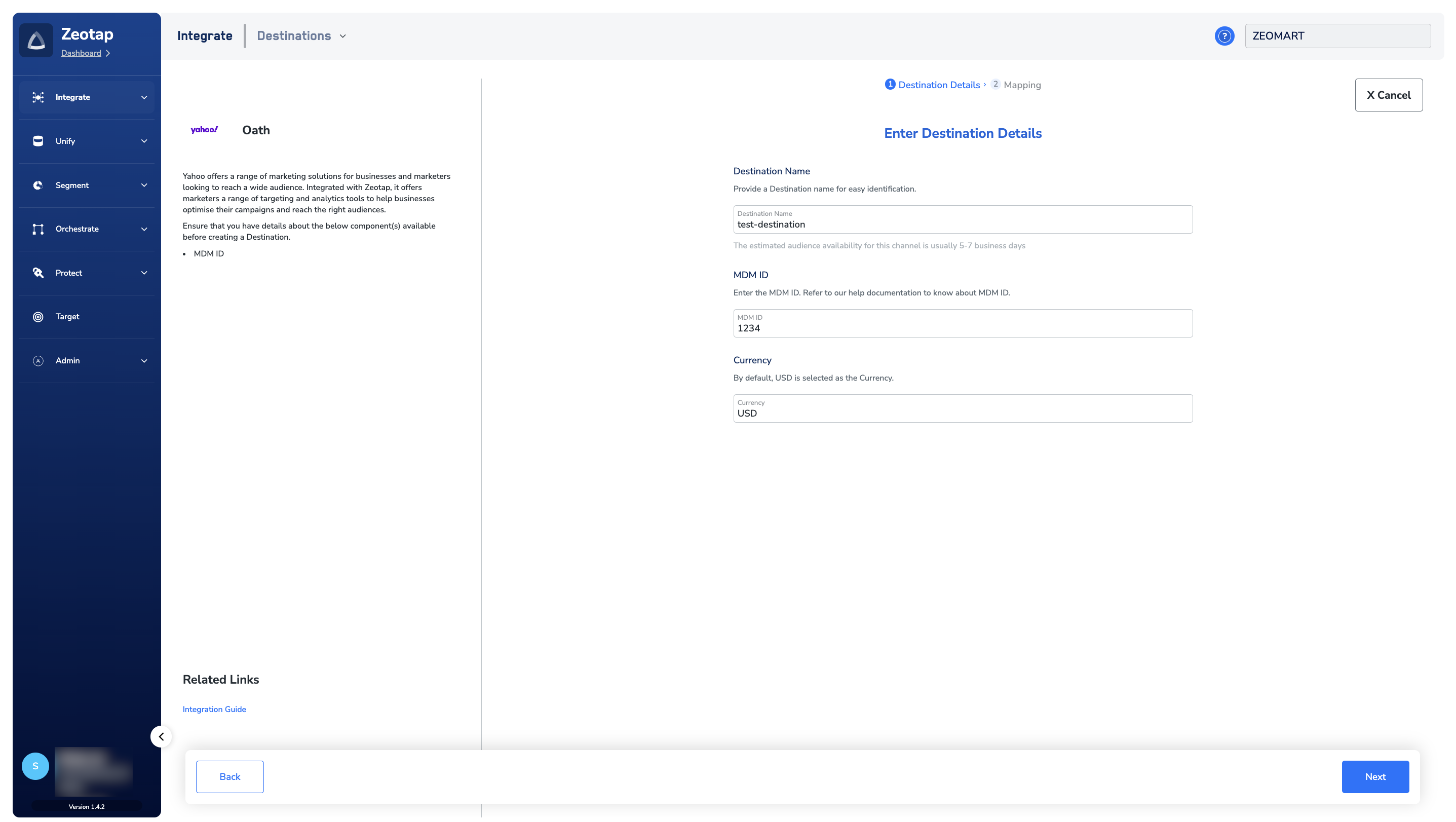
5
In the new screen that appears, choose the appropriate Action and mapping as explained below.a. Choose the desired action under Choose your Action and then choose the corresponding identifiers under Map the Fields. By default, the Output Identifiers that are accepted by the platform such as, MAIDs, Cookies, email Ids and more are displayed. However, you can edit, add or remove an identifier from the list. To do so, refer here.b. Click Create Destination. The created Destination gets listed in the Target and Audiences applications, which can be linked to an Audience/segment.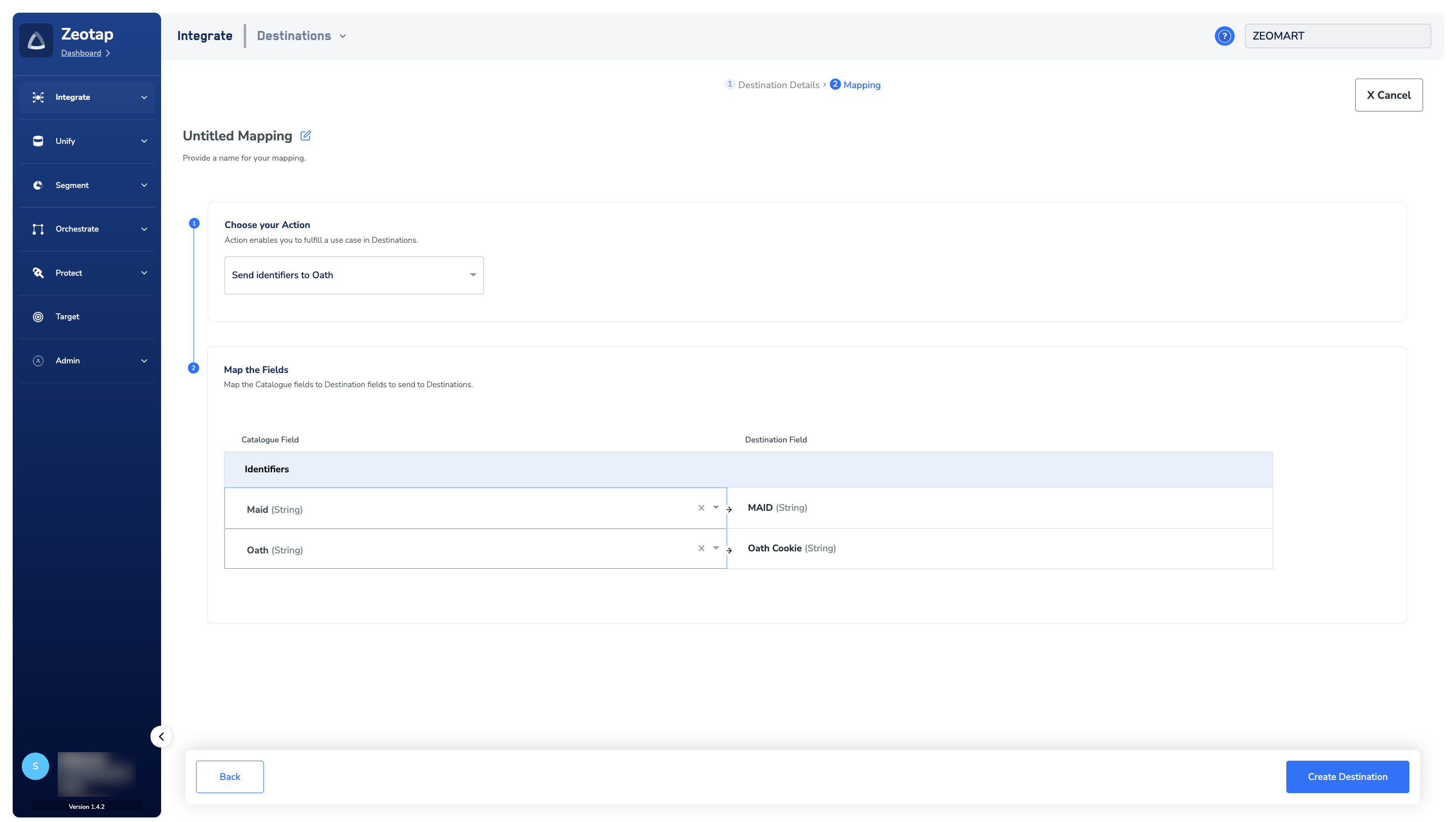
Link an Audience to the Oath (Yahoo) Destination
For information about how to link an Audience or segment to the created Destination in the Audiences and Target applications, refer here. Once the segment is created, reach out to the Zeotap POC to see that the segment gets activated within the platform and goes live on the Platform. Note that it can take up to seven business days for the segment to be available at the Oath (Yahoo) seat.Note:The terms Audiences and Segments are used interchangeably to refer to customer cohorts belonging to a specific category. For example, an Audience or a segment can be a specific group of customers who are over 18 years of age and have performed an
addToCart event within the last 30 days.View Segments on Oath (Yahoo)
To view the segments pushed by Zeotap in the Oath (Yahoo) console, perform the following steps:1
Log into the Yahoo console.
2
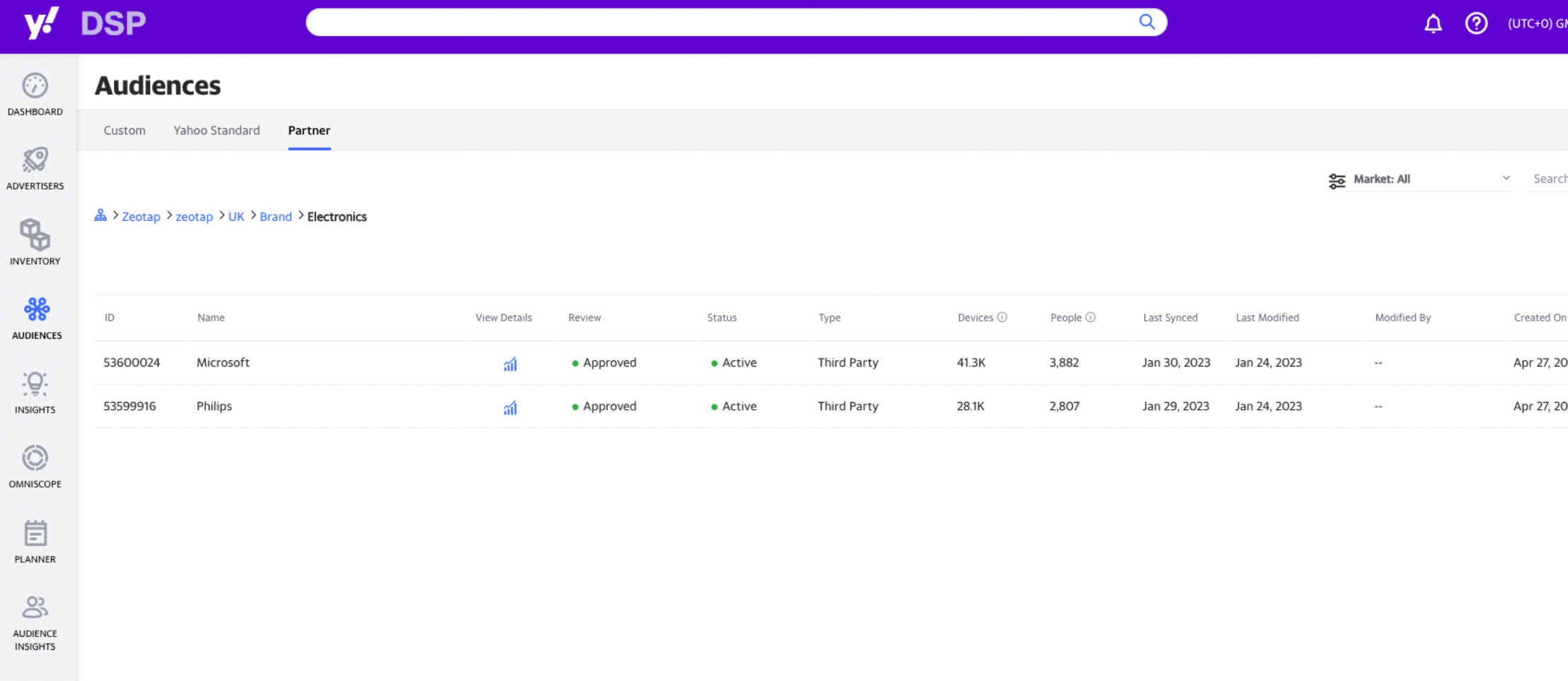
Navigate to Audiences > Partner.
3
In the search bar, search for Zeotap or alternatively, you can scroll down to the bottom of the page until you find Zeotap.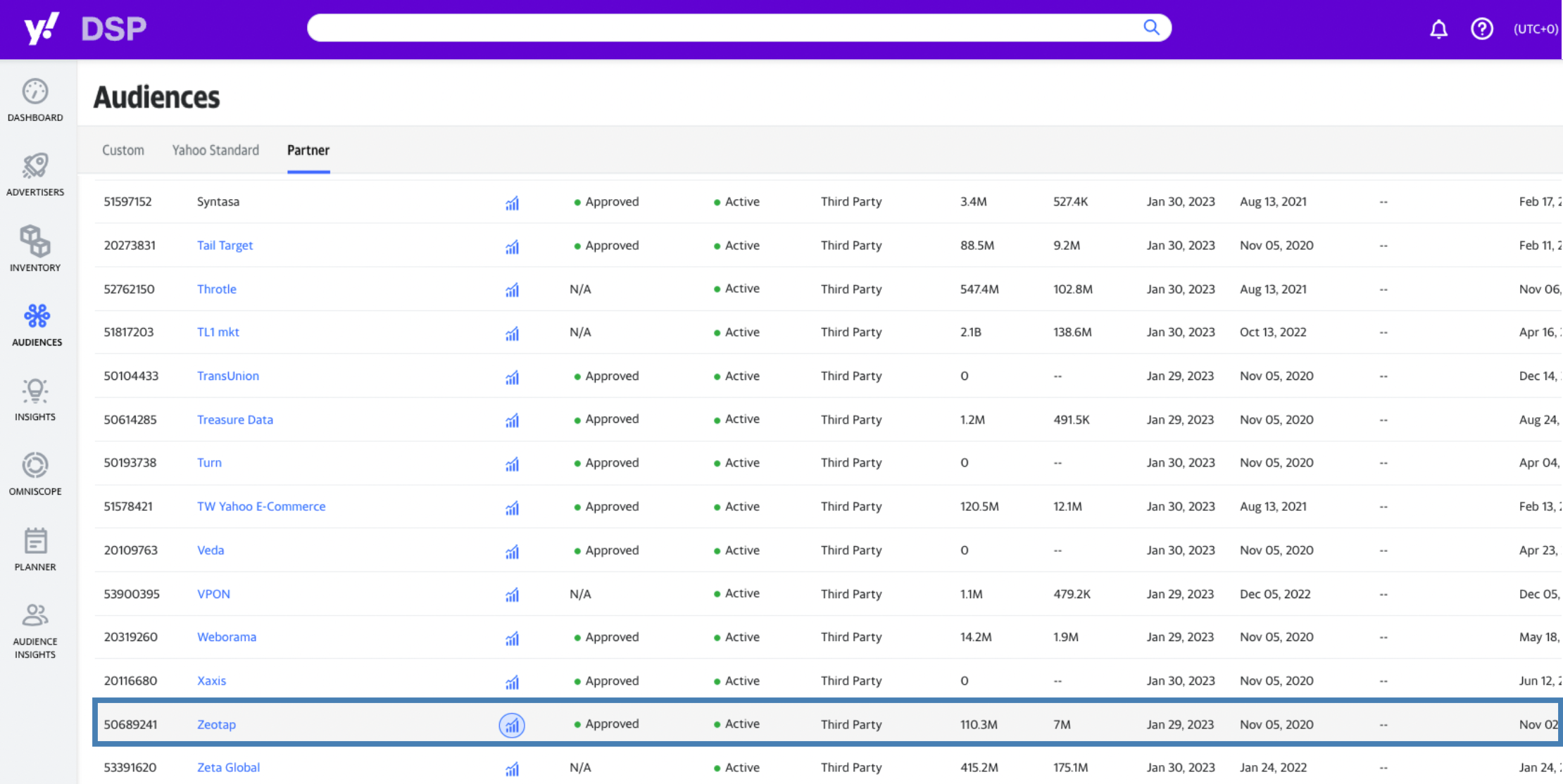
4
Click Zeotap and filter the audience listing as per your requirement.