

Overview
Adform is a global digital media advertising technology company specialising in real-time programmatic marketing automation technologies. Integrated with Zeotap, Adform offers a range of solutions for marketers to plan, execute and optimise their digital advertising campaigns. It provides a comprehensive suite of tools to help marketers target and engage their audiences across multiple channels and devices. The Audiences/segments pushed from Zeotap to Adform can fall into the following categories:- For Advertiser and Agency Org Type, customers can push segments to Adform, restricting access to only themselves. In this case, customers must specify the Country, Agency and Advertisers with access to the segment.
- For Zeotap Org Type, the agencies can make their segments universally visible and accessible to all.
Supported Identifiers
This integration supports MAIDs and Adform cookies.Available Actions and Supported Features
The following table lists the available action types for the integration and the supported features for each action type:Components of Adform
Ensure that you have details about the below components of Adform before creating a Destination.Note:An Adform customer can be an Agency or an Advertiser registered for a country.
Categories
You can choose the Category depending on the type of segment that you wish to create through Zeotap. The Category can be Demographics, Interest, Intent and so on.Org Type
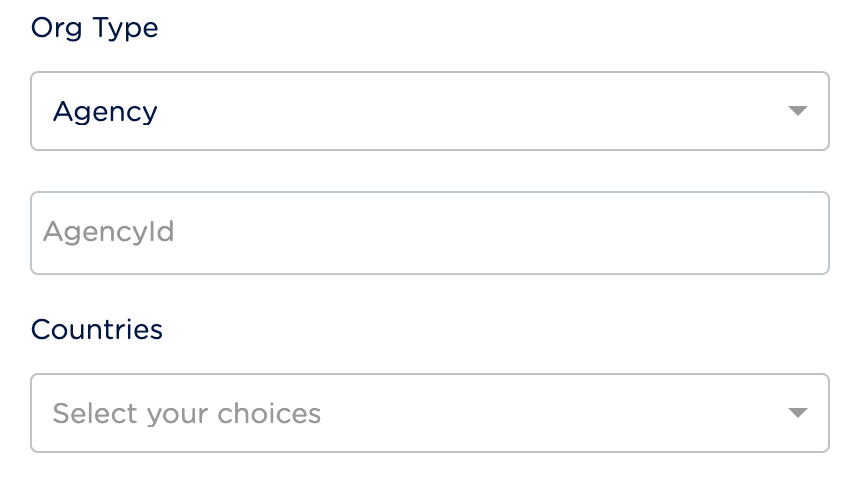
The following are the Org Types that you can choose while creating an Adform Destination:- Agency — Choose Agency as your Org Type if you are an advertising agency within the Adform platform. Agencies typically manage and oversee advertising campaigns on behalf of their clients, utilising Adform’s tools and resources to optimise and track campaign performance. If you choose Agency as the Org Type while creating a Destination, you have to provide the Agency Id and County details that you have obtained from the Adform support team.
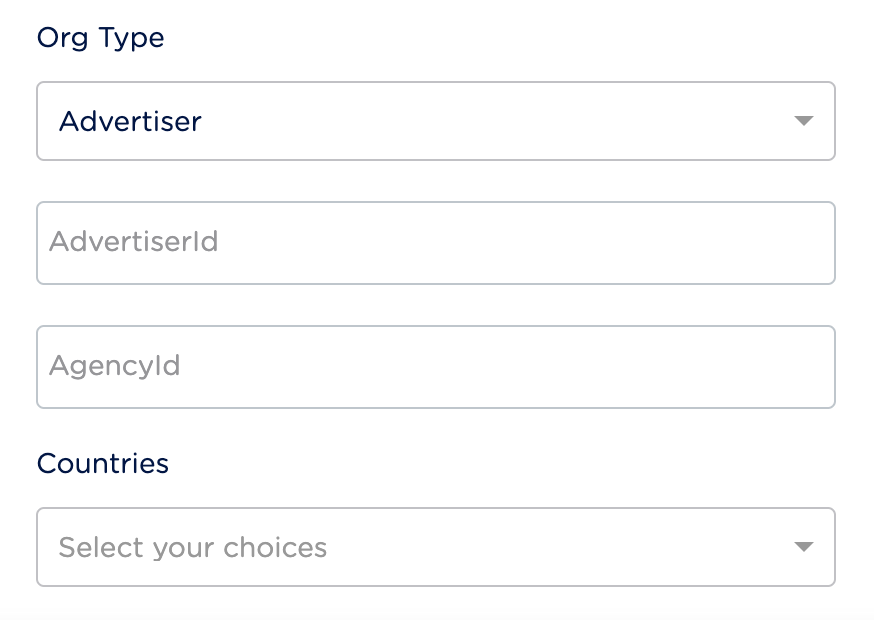
- Advertiser — Choose Advertiser as the Org Type if you are an Advertiser within the Adform platform. Advertisers use the Adform platform to create, launch and manage their advertising campaigns. If you choose Advertiser as the Org Type, you have to provide Advertiser Id, Agency Id and Country details that you have obtained from the Adform support team.
- Zeotap — Choose Zeotap as the Org Type if you intend to make segments created within Zeotap’s Adform account accessible to all Adform Advertisers and Agencies.
Note:For all the above Org Types, the segment is created through Zeotap’s account. However, for Agency and Advertiser, you have to whitelist the segments for the specific Org Type.
Create a Destination for Adform
1
Log into the Zeotap CDP App and go to the DESTINATIONS application.
2
Click + Create Destination.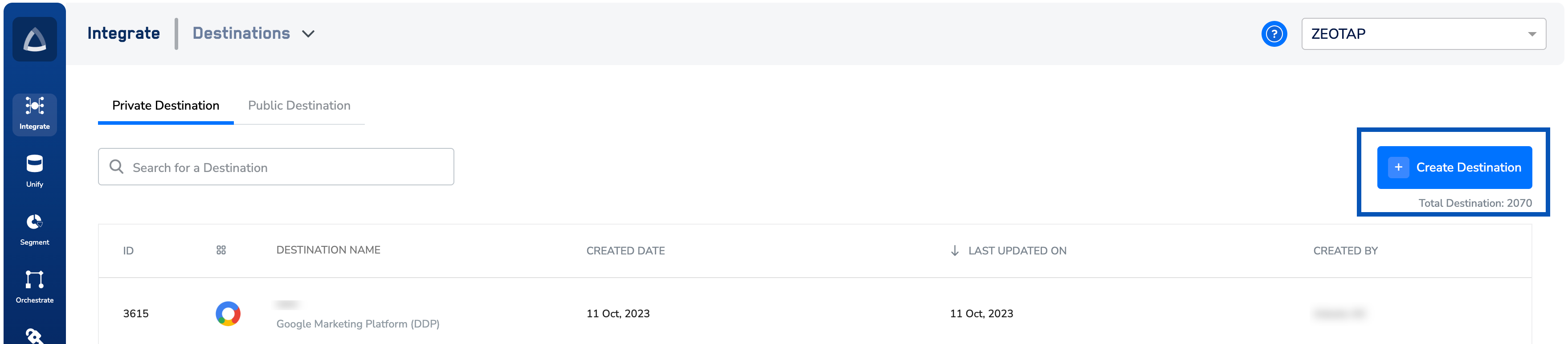
3
Under All Destinations, search for Adform.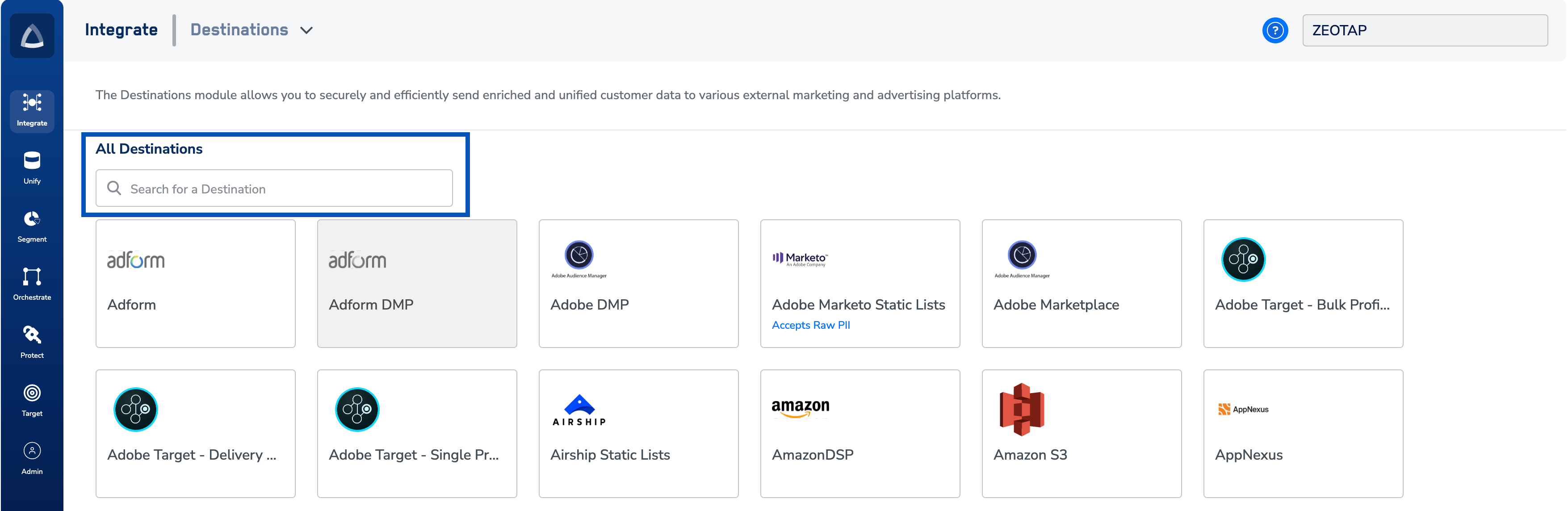
4
Click Adform. A screen appears displaying details about the particular destination towards the left. On the right-hand side of the screen find a list of fields that are required for the integration to be established. Enter the required details as mentioned in the following steps:a. Enter a name for the Destination.b. Price Currency is set to EUR by default. The price value of one currency is expressed in terms of another currency.c. Choose the appropriate Category that best describes the audience that you want to activate through this Destination.d. Choose the desired Org Type from the drop-down list. To know more about how to choose the Org Type, refer here.e. Review all the values entered above and then click Next to proceed.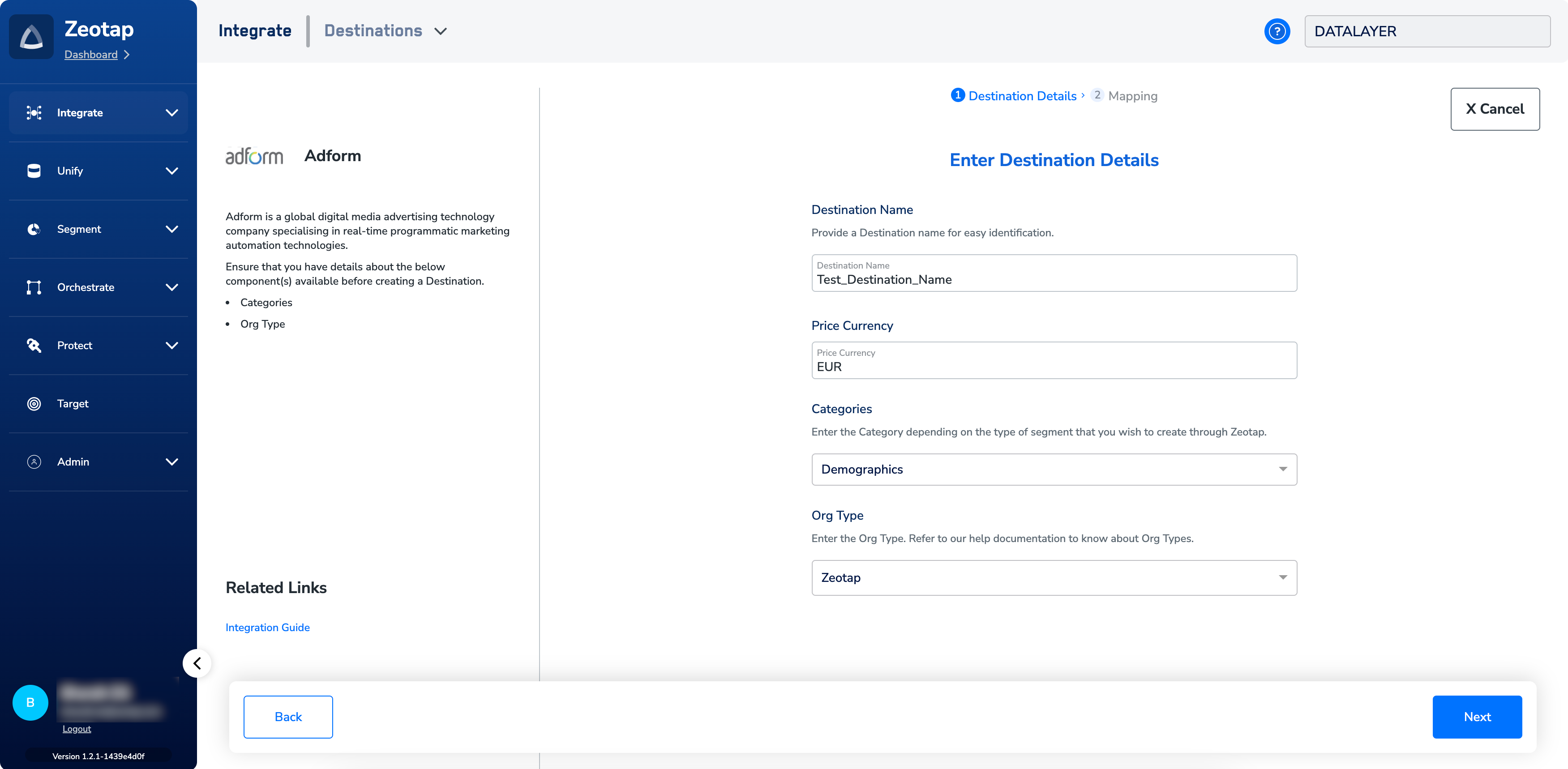
5
In the new screen that appears, choose the appropriate Action and mapping as explained below.a. Choose the desired action under Choose your Action and then choose the corresponding identifiers under Map the Fields. By default, the Output Identifiers that are accepted by the platform such as MAIDs, Cookies, email Ids and so on are displayed. You can edit, add or remove an identifier from the list. To do so, refer here.b. Click Create Destination. The created Destination gets listed in the Target and Audiences applications, which can be linked to an Audience/segment.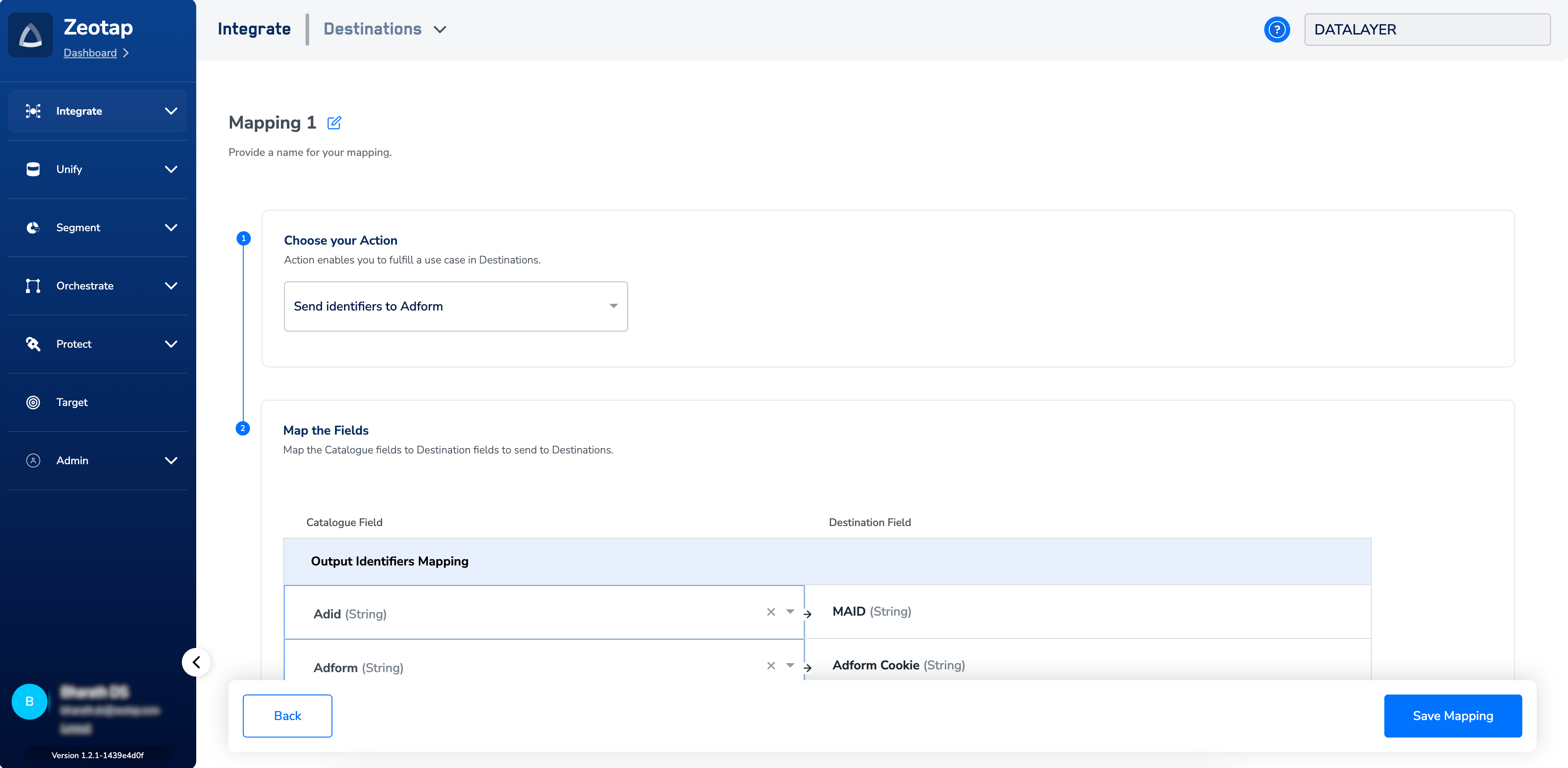
Note:This integration supports ID extension for the action Send identifiers to Adform.
Link an Audience to the Adform Destination
For information about how to link an Audience or segment to the created Destination in Audiences and Target applications, refer here. Note that it can take up to three business days for the segment to be available at the Adform seat. The CPM textbox appears in the audience settings when a customer links a destination to an audience. Customers can enter a value here if they want to specify a CPM for that destination.Note:The terms Audiences and Segments are used interchangeably to refer to customer cohorts belonging to a specific category. For example, an Audience or a segment can be a specific group of customers who are over 18 years of age and have performed an
addToCart event within the last 30 days.