

Overview
Amazon Marketing Cloud (AMC) offers a secure, privacy-safe, cloud-based clean room environment. AMC enables partners and advertisers to analyse pseudonymised data, generate custom queries and develop audiences for campaign execution. It supports creating reports based on event-level Amazon Ads data, such as impressions, clicks and purchase events. By integrating Zeotap CDP with AMC, advertisers can transfer strategic CDP segments to AMC in a pseudonymised format. This integration combines CDP data with Amazon Ads signals, delivering insights on media impact, audience segmentation, segment overlap and customer journeys while maintaining privacy. It improves campaign targeting and optimisation.Supported Identifiers/Attributes
This integration supports the following identifiers and attributes:- External User ID
- Hashed Email Addresses (SHA256)
- Hashed Cellphone Numbers (SHA256)
- First Name
- Last Name
- Address
- City
- State
- Postal
- Country Code
Available Actions and Supported Features
The following table lists the available action types for the integration and the supported features for each action type:Components of Amazon Marketing Cloud
Ensure that you have the following details about the Amazon Marketing Cloud available before creating a Destination:- Connection ID
- Audience Country
- Region
Connection ID
Connections are objects managed by Amazon Ads that store the mapping of AMC instances and Amazon DSP advertiser IDs. These connections serve as targets for audience creation, targeting and activation. AMC accounts come in two types:- Account fully managed by Amazon
- Self-serve account
Country
This is the country where the customer data is collected (for example, Belgium and Switzerland). You can choose the country from the drop-down menu. However, we convert it into 2-character string in the ISO 3166 format as required by AMC. You can set the country at the following two levels:- audience metadata-level - This is the country that you choose while creating a Destination. This field applies to all customers who qualify for a particular audience linked to the Destination.
- record-level - This is the field that you map for Country Code in the Actions and Mapping screen. Note that we support a catalogue field named User Source Country, which continuously updates with the latest country information of the customer entering the system. We recommend mapping User Source Country to Country Code to get the latest record-level information.
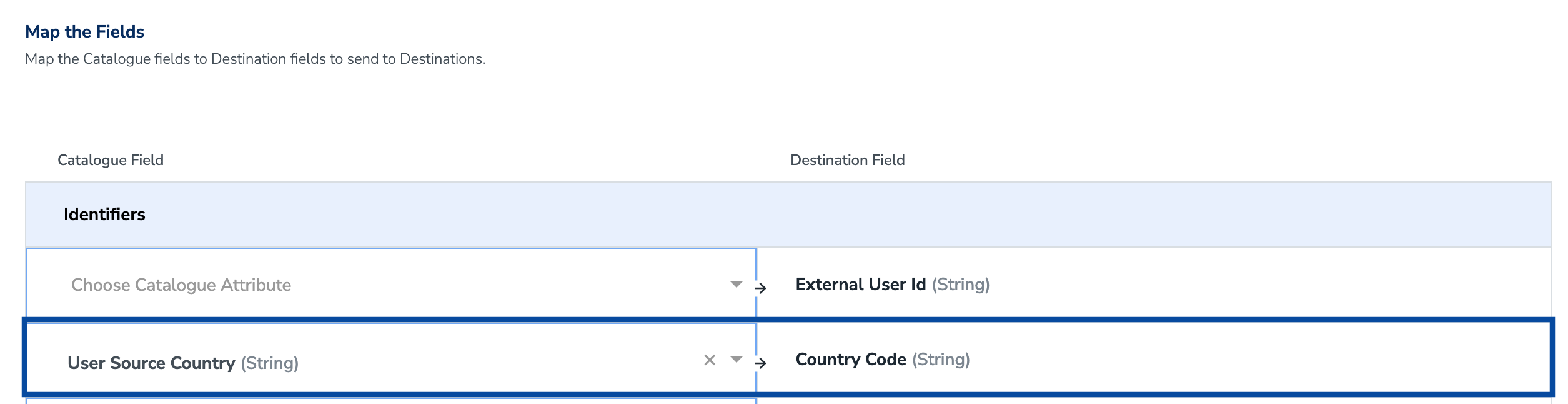
Note:A country code added at the record-level will supersede a country code added at the Audience level when there is a conflict.
Region
This is the region to which your Amazon Marketing Cloud instance is subscribed. To manage Amazon DSP audiences, choose the appropriate region based on your Amazon DSP Advertiser Account region (North America or Europe). Note that audiences are sent to connected AMC instances regardless of the endpoint region provided.Create a Destination for Audience Marketing Cloud (AMC)
Perform the following steps to create a Destination for Audience Marketing Cloud (AMC):1
Log into the Zeotap CDP App and go to the DESTINATIONS application.
2
Click + Create Destination.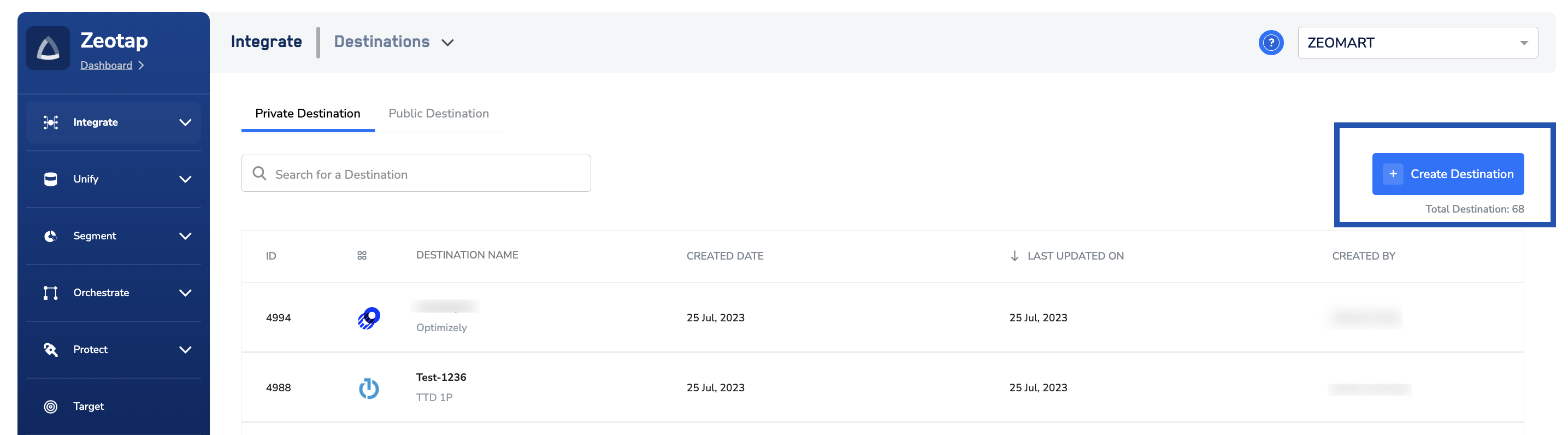
3
Under the All Destinations section, search for Audience Marketing Cloud (AMC).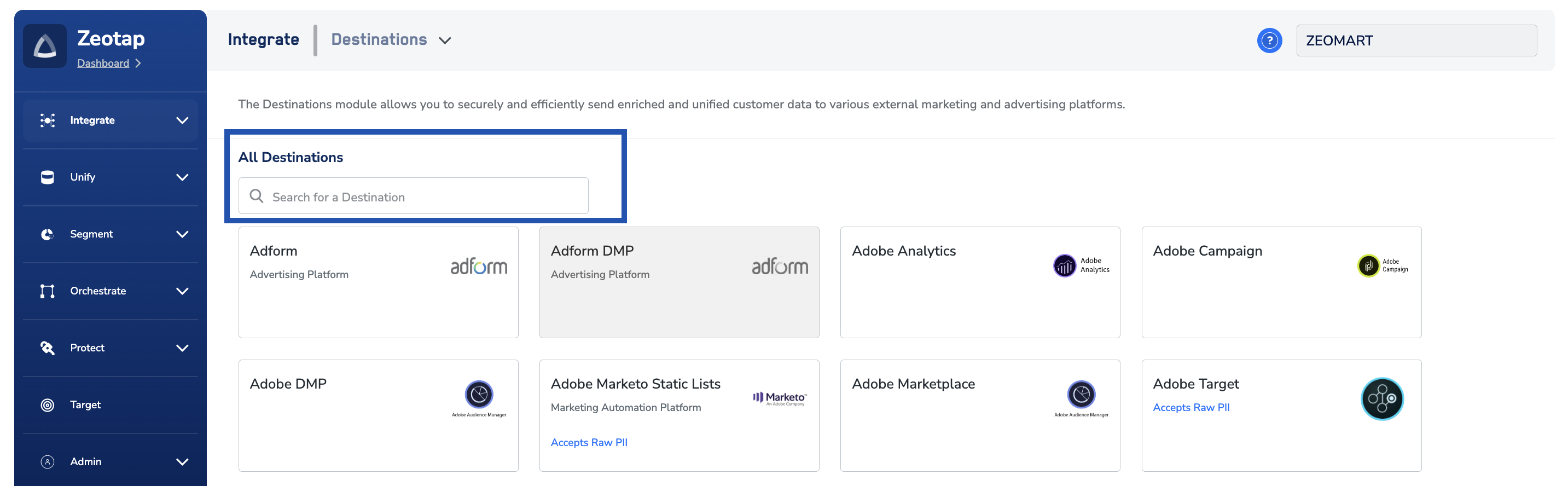
4
Click Audience Marketing Cloud (AMC). A screen appears displaying details about the particular destination towards the left. On the right-hand side of the screen find a list of fields that are required for the integration to be established. Enter the required details as mentioned in the following steps:a. Enter a name for the Destination.b. Enter the Connection ID for your advertiser account on AMC. For more information about how to obtain it, refer here.c. Choose the country where the customer data is collected.d. Choose the region to which your Amazon Marketing Cloud instance is subscribed.e. Click Connect to Amazon Marketing Cloud.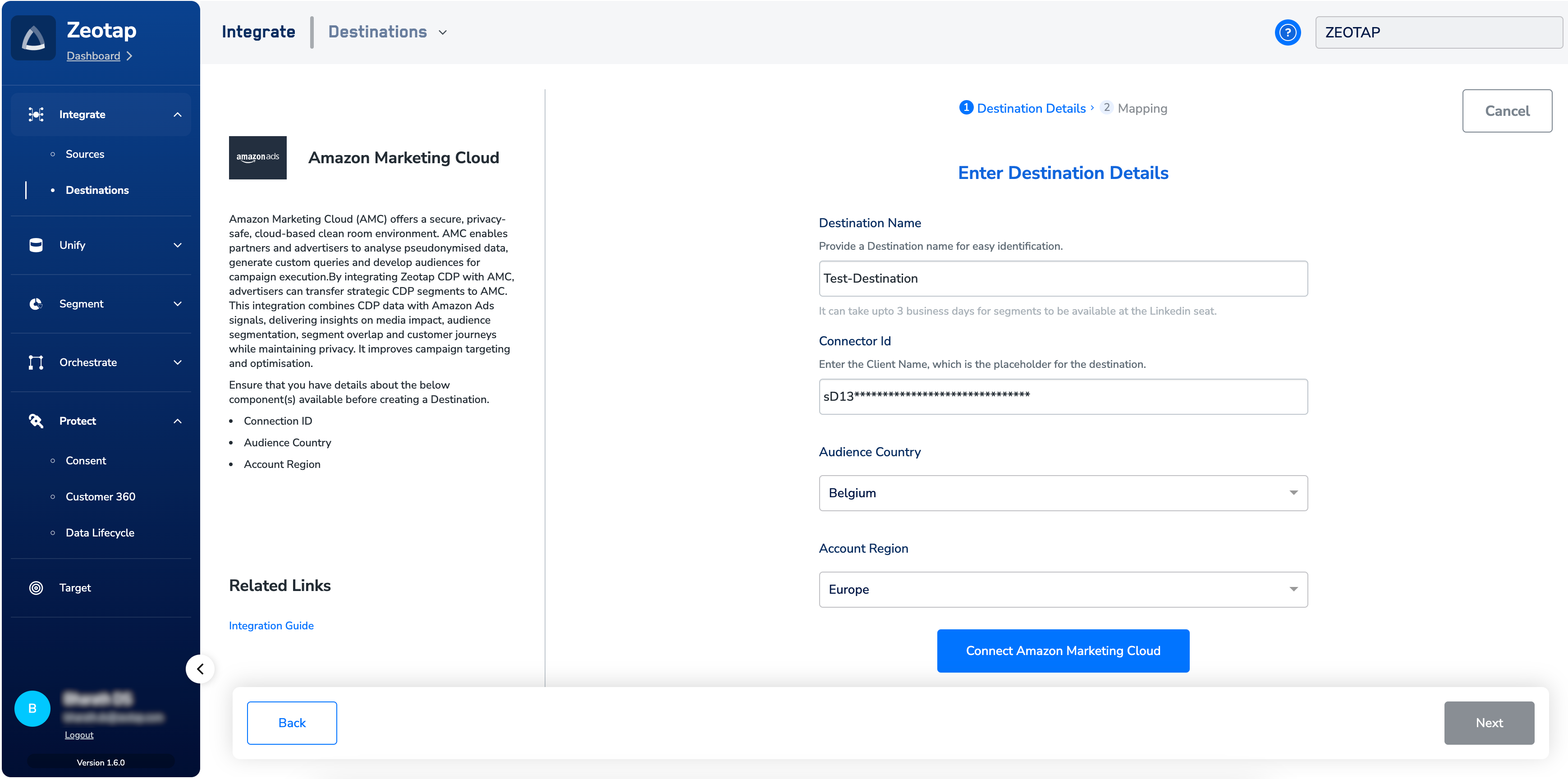
5
In the new screen that appears, log into the Amazon Marketing Cloud account using your credentials.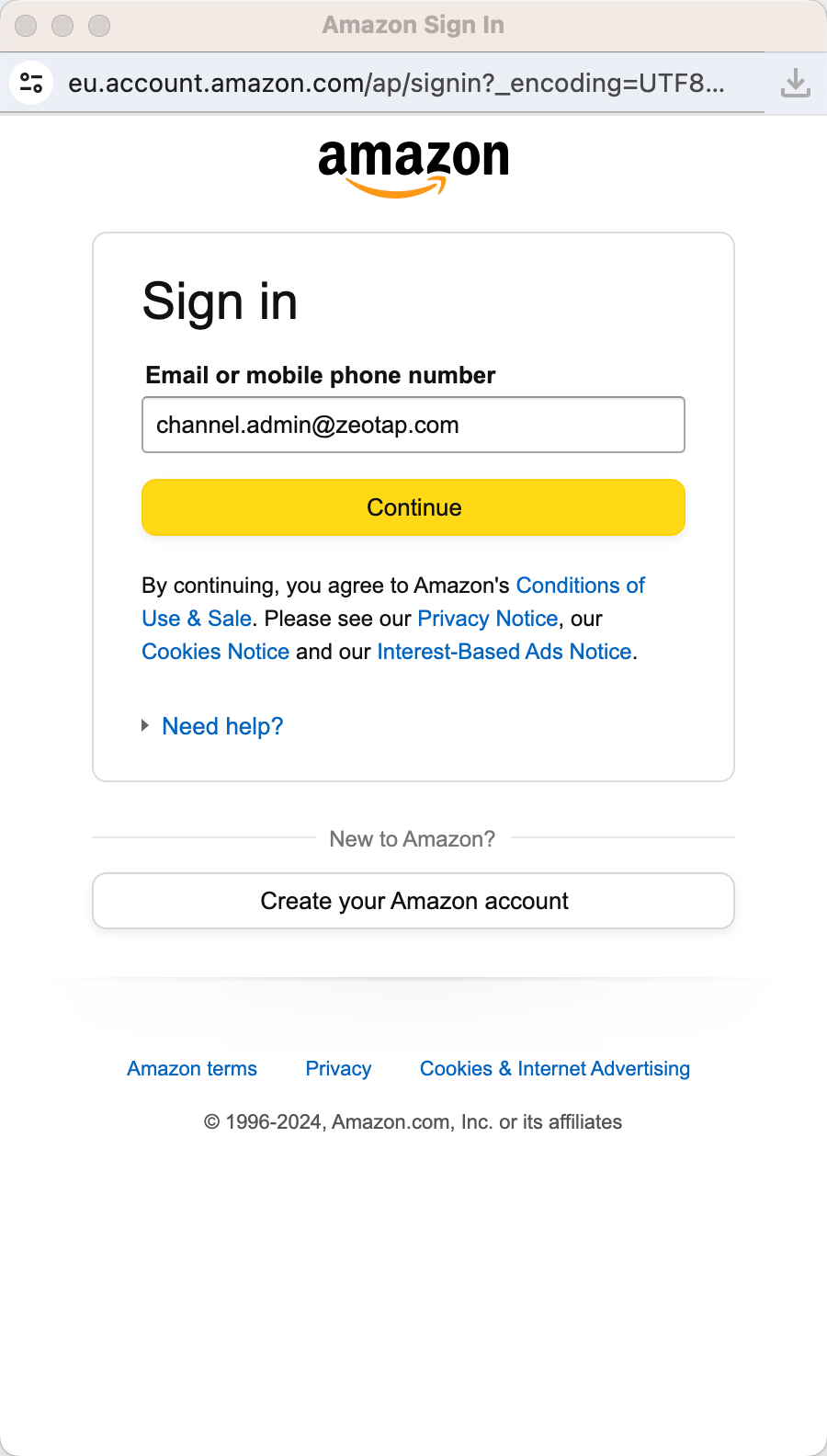
6
Once the connection is successfully established between the Zeotap CDP app and your AMC account, you are redirected to the Zeotap environment. Here, you can find that the Access Token and Refresh Tokens are automatically populated, along with the expiry period for the Access Token. Note that through this connection, you grant permission to Zeotap CDP to manage your AMC instance.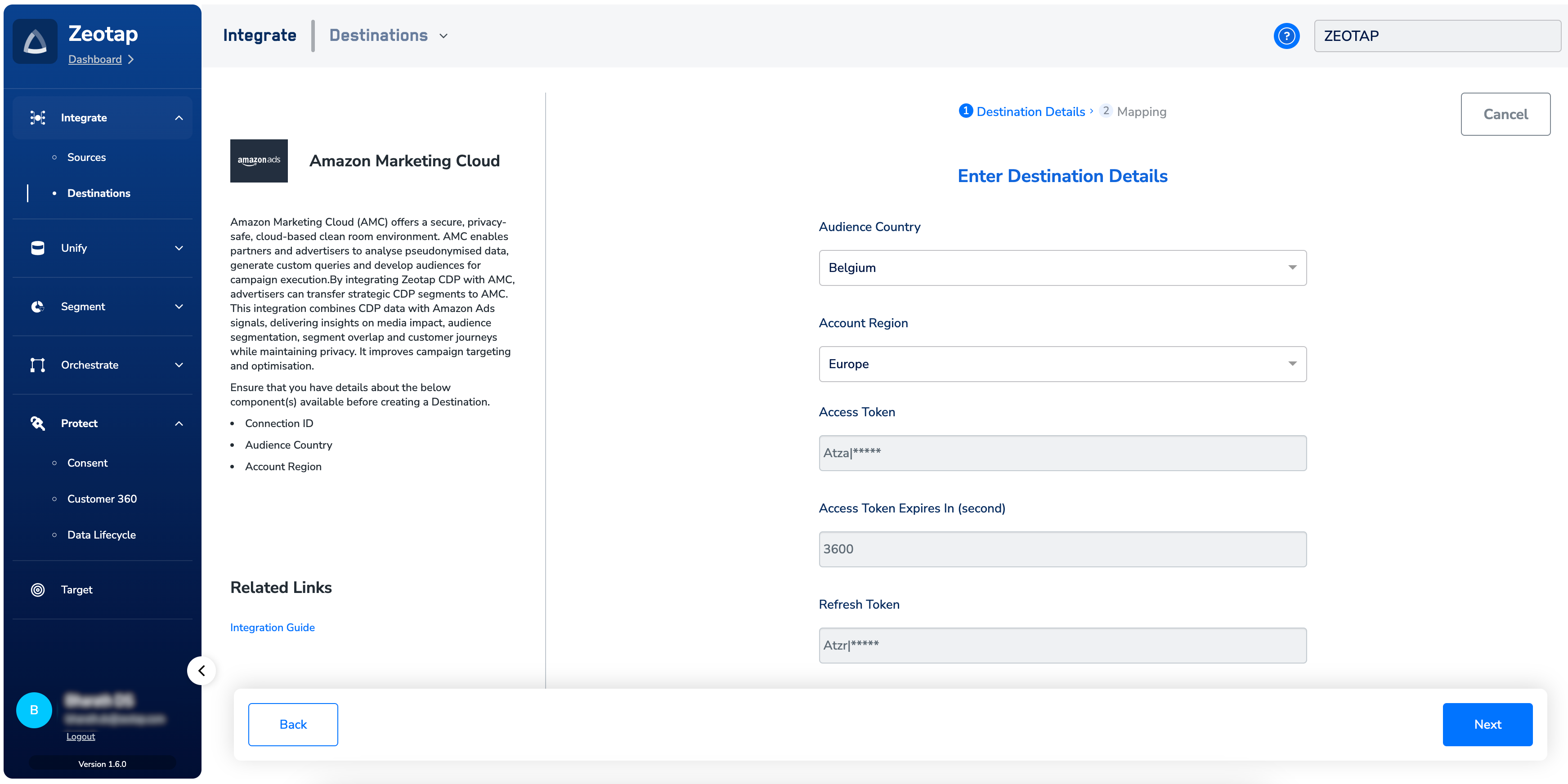
7
Click Next to proceed.
8
In the Actions and Mapping screen that appears, under Choose your Action, select Send Identifiers and Attributes to AMC Audiences as the action for activating your audience (segment) on the Audiences module.Under Map the Fields, the system lists all the identifiers and attributes that AMC supports. Map the Catalogue fields to the Destination fields accordingly.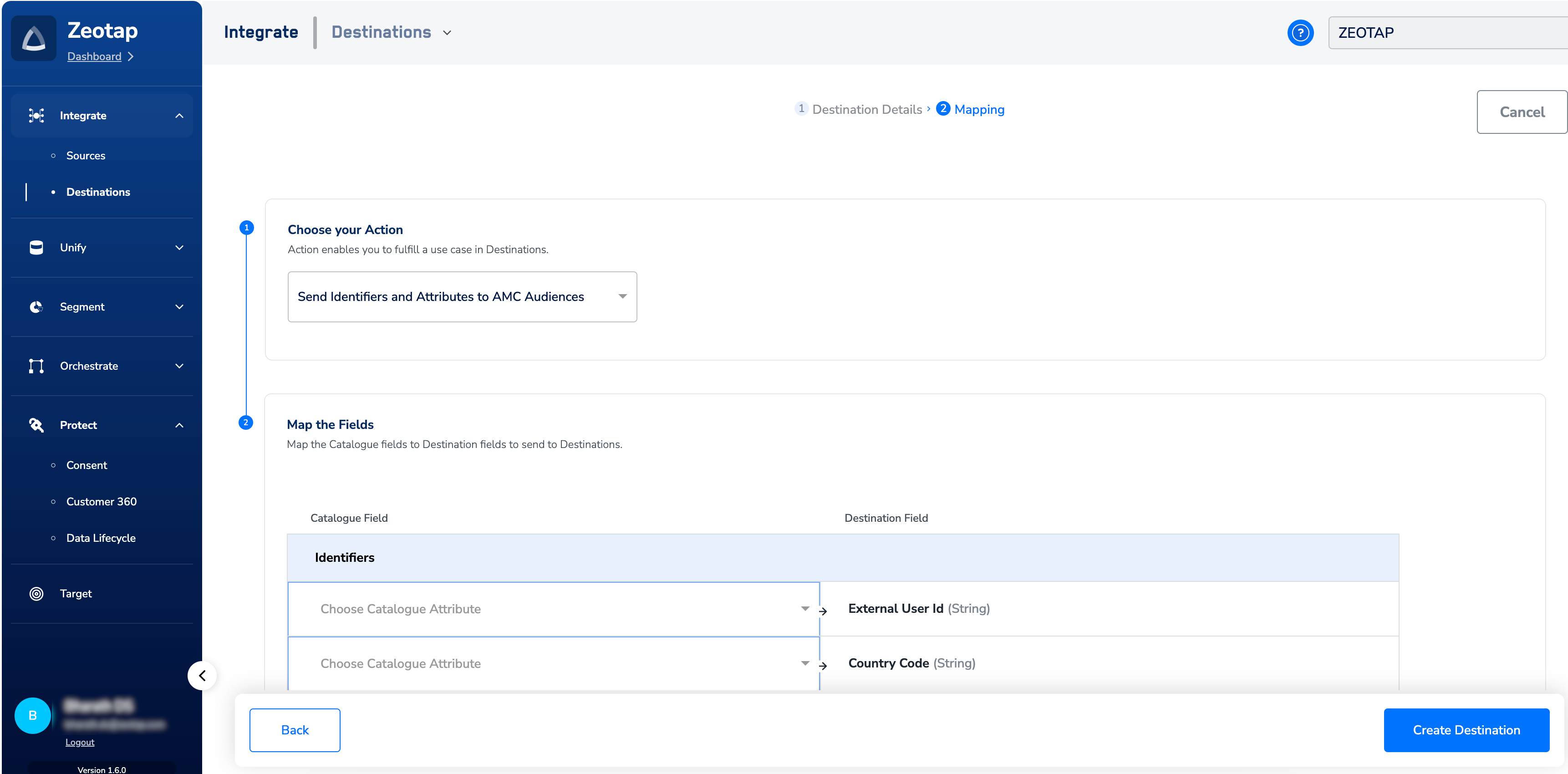
9
After reviewing the mapping and click Create Destination. The created Destination gets listed in the Audiences application, which can be linked to an audience (segment).
Link an Audience to the Amazon Marketing Cloud Destination
For information about how to link an Audience or segment to the created Destination in Audiences application, refer here.Note:The terms Audiences and Segments are used interchangeably to refer to customer cohorts belonging to a specific category. For example, an Audience or a segment could be a specific group of customers who are over 18 years of age and who have performed an addToCart event within the last 30 days.