

How does the integration work?
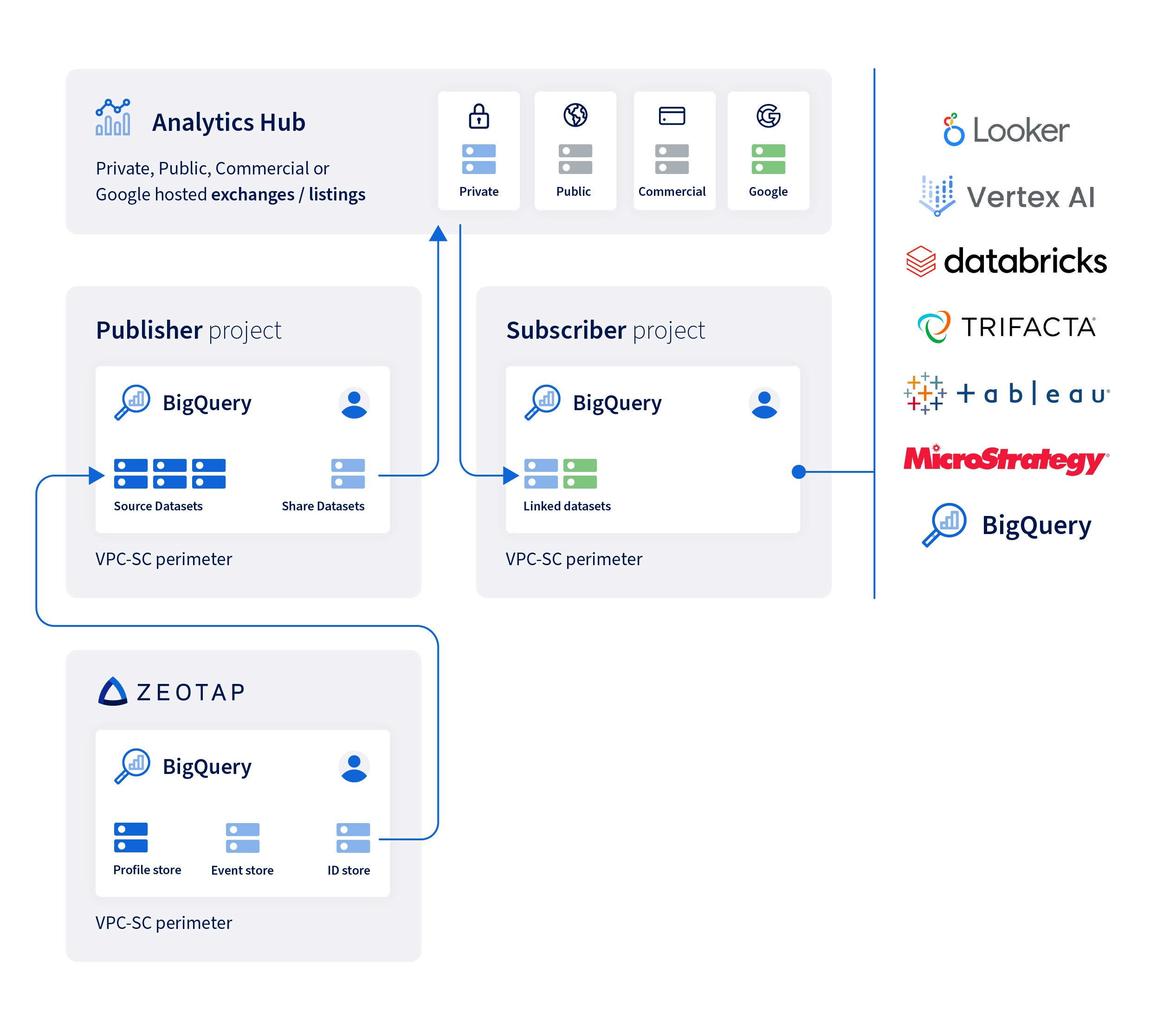
Your ingested customer data in Zeotap is unified, based on the identifiers shared and the id strategy set in your account. The unique customer profile that is created, involves linking identifiers from different data sources and devices in a way that is accurate, scalable and privacy compliant. For the integration to work between Zeotap and the Google Analytics Hub, Zeotap gives access for the Profile (Profile + ID) store hosted in Zeotap’s Google BigQuery account to your service accounts. Note that the Google Analytics Hub uses a Publisher-Subscriber model to distribute data at scale. As the core element of this model, Zeotap publishes the dataset privately on the Google Analytics hub, to which you can subscribe. The shared dataset is the Profile store hosted in Zeotap’s Google BigQuery account to which Zeotap has granted you access. You get access to the profile, consent, ids and campaign-related data. Once these steps are successfully executed, you can easily leverage this data through any other data warehouse you are using.Components of the integration
Before we proceed with the detailed steps to set up the integration, it is necessary to understand the components of the Publisher-Subscriber model for the Google Analytics Hub. Shared datasets A shared dataset is a BigQuery dataset that is the unit of data sharing in Analytics Hub. To know more about shared datasets, refer here. Data exchanges A data exchange is a container that enables self-service data sharing. It contains listings that reference shared datasets. To know more about Data exchanges, refer here. Listings A listing is a reference to a shared dataset that a Publisher lists in a data exchange. As a Publisher, you can create a listing and specify the dataset description, sample queries to run on the dataset, links to any relevant documentation, and any additional information that can help Subscribers to use your dataset. To know more about Listings, refer here. Linked datasets A linked dataset is a read-only BigQuery dataset that serves as a symbolic link to a shared dataset. Subscribing to a listing creates a linked dataset in your project and not a copy of the dataset, so Subscribers can read the data but cannot add or update objects within it. To know more about Listings, refer here.Enable the Integration
To enable this integration you have to raise a ticket with the Zeotap Support Team with the email address of users who want to grant access to your shared datasets. Once the Support Team grants access, those users can log into the Google BigQuery account and subscribe to the shared dataset.Raise a Request with Zeotap Support
Perform the following steps to enable the integration:1
Raise a ticket with the Zeotap Support Team to enable unified data sharing as per your requirement.
2
Provide the email group address or the individual email address of users who would be granted access to your shared datasets. We recommend that you send us the email group of users who would be granted access to your shared data sets. However, you can also share with us the individual email of users as well.
3
Ensure that the user (individual or group) must have access to Google Analytics Hub on the client’s GCP.
Note:The Zeotap Support Team then grants access to the email group address or the individual email address that you have shared with them.
Steps Performed at the Subscriber’s End
Once the Zeotap Support Team grants access to the users, they can perform the following steps:1
User can log into their Google BigQuery account.
2
They can search through the datasets.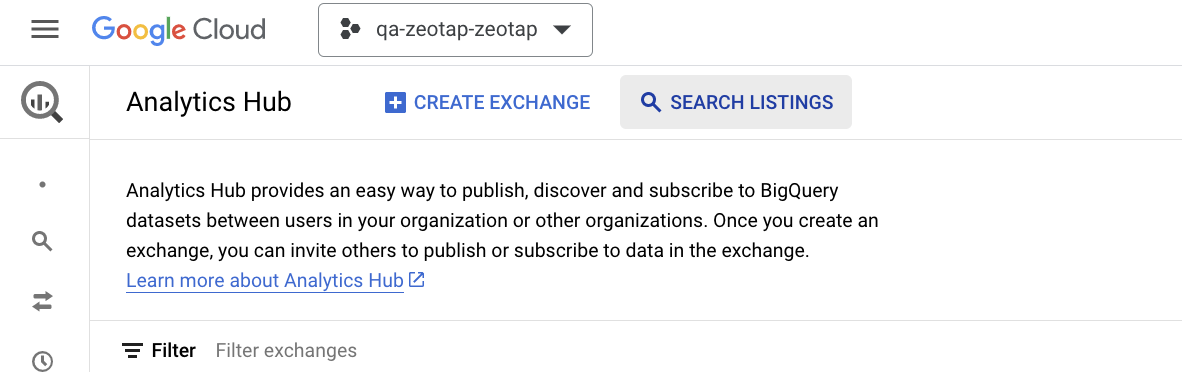
3
Navigate to the relevant listing and subscribe to it.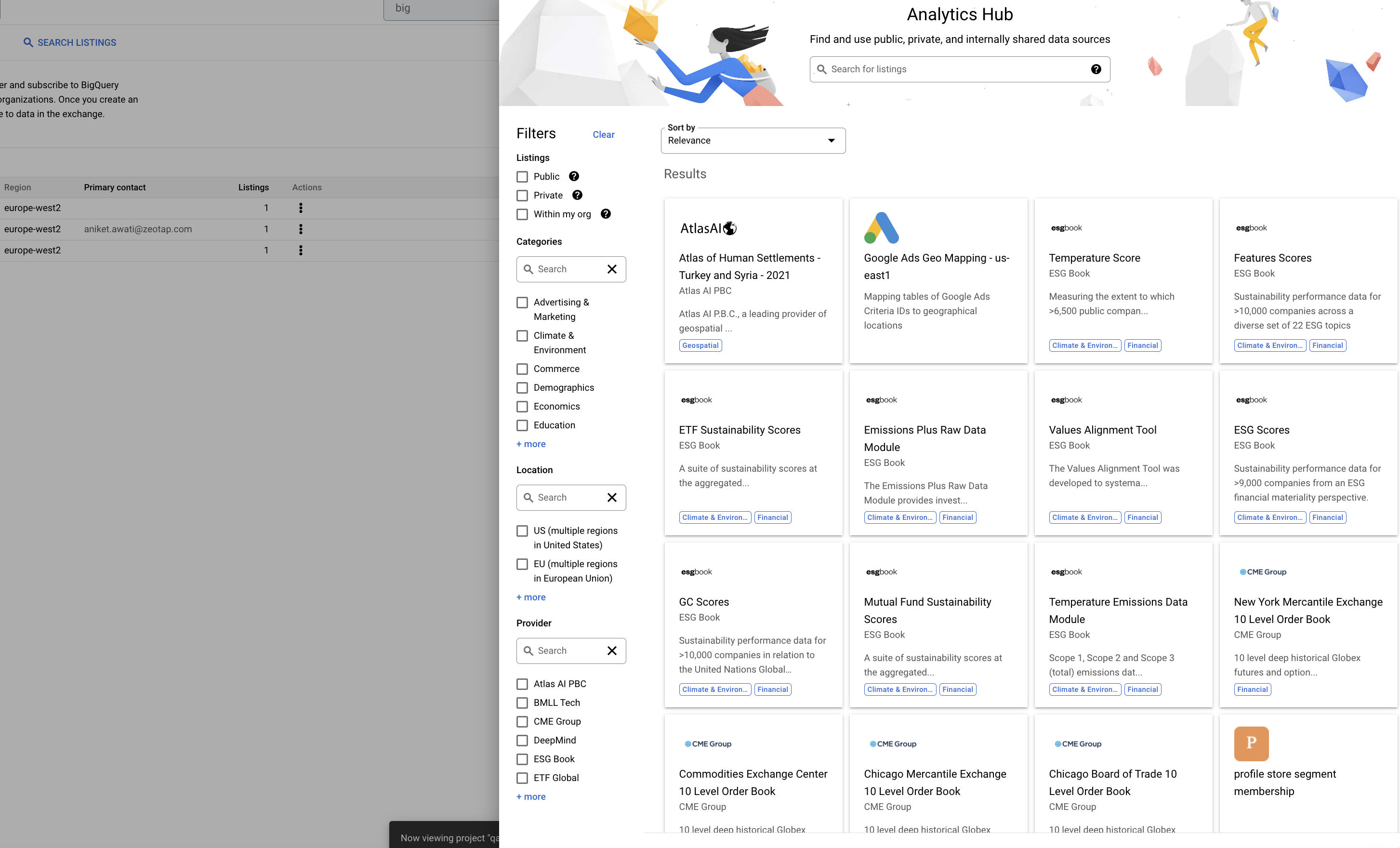
4
This gives them access to the shared dataset.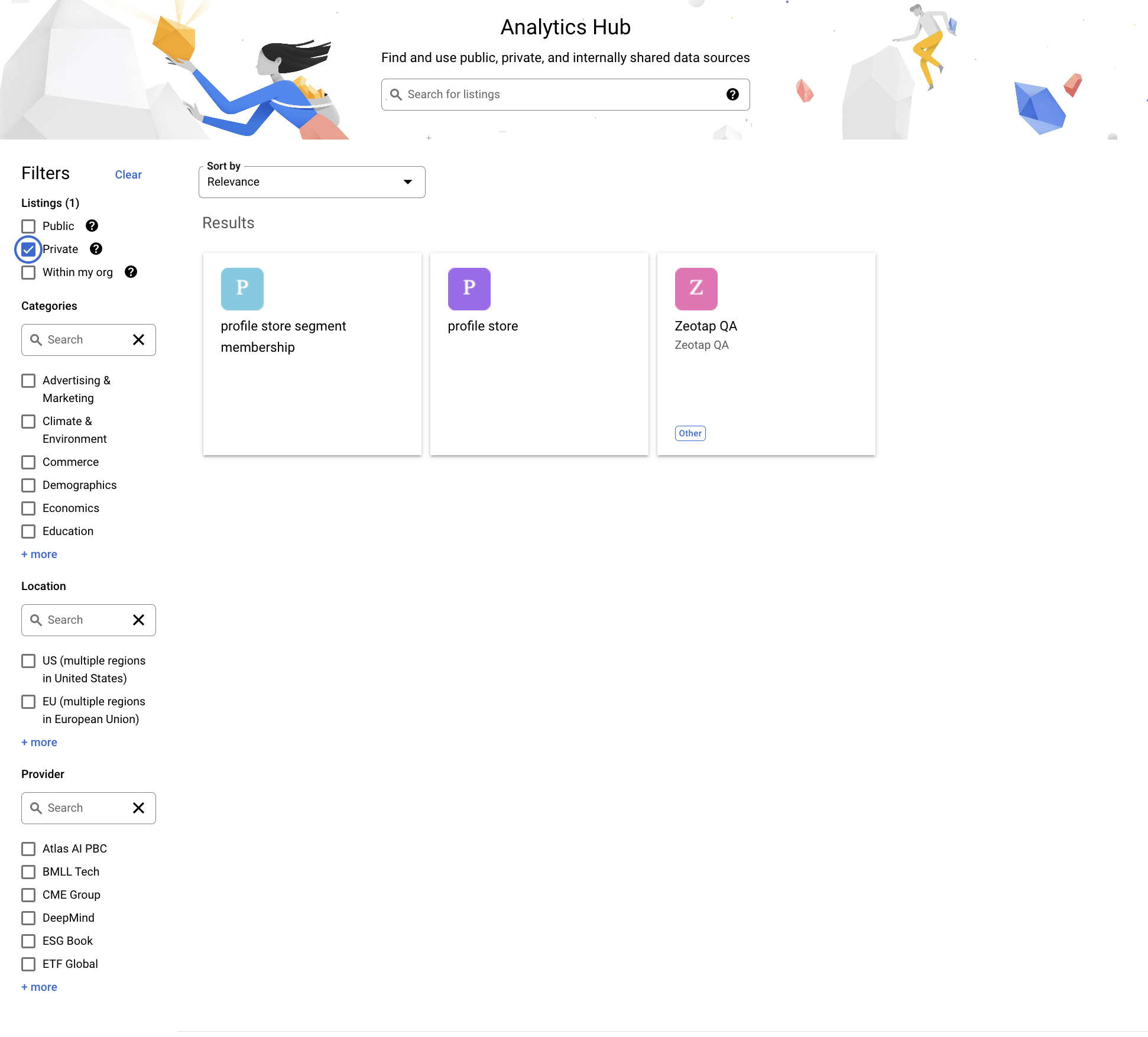
5
To check whether the integration is up and running, they can read the data using the SQL editor. Once confirmed, they can use it for analytics and campaign creation.