Overview
Reddit is a social media platform that offers a range of advertising solutions to help marketers reach their target audience through Reddit Ads Manager. This allows advertisers to show ads to users across multiple use cases based on their interests and activity on the platform.Supported Identifiers
This integration supports SHA 256 Email and SHA 256 Phone Numbers.Pre requisites
Please ensure the following steps are completed in Reddit before configuring the destination in Zeotap.1
Reddit Ads Account
2
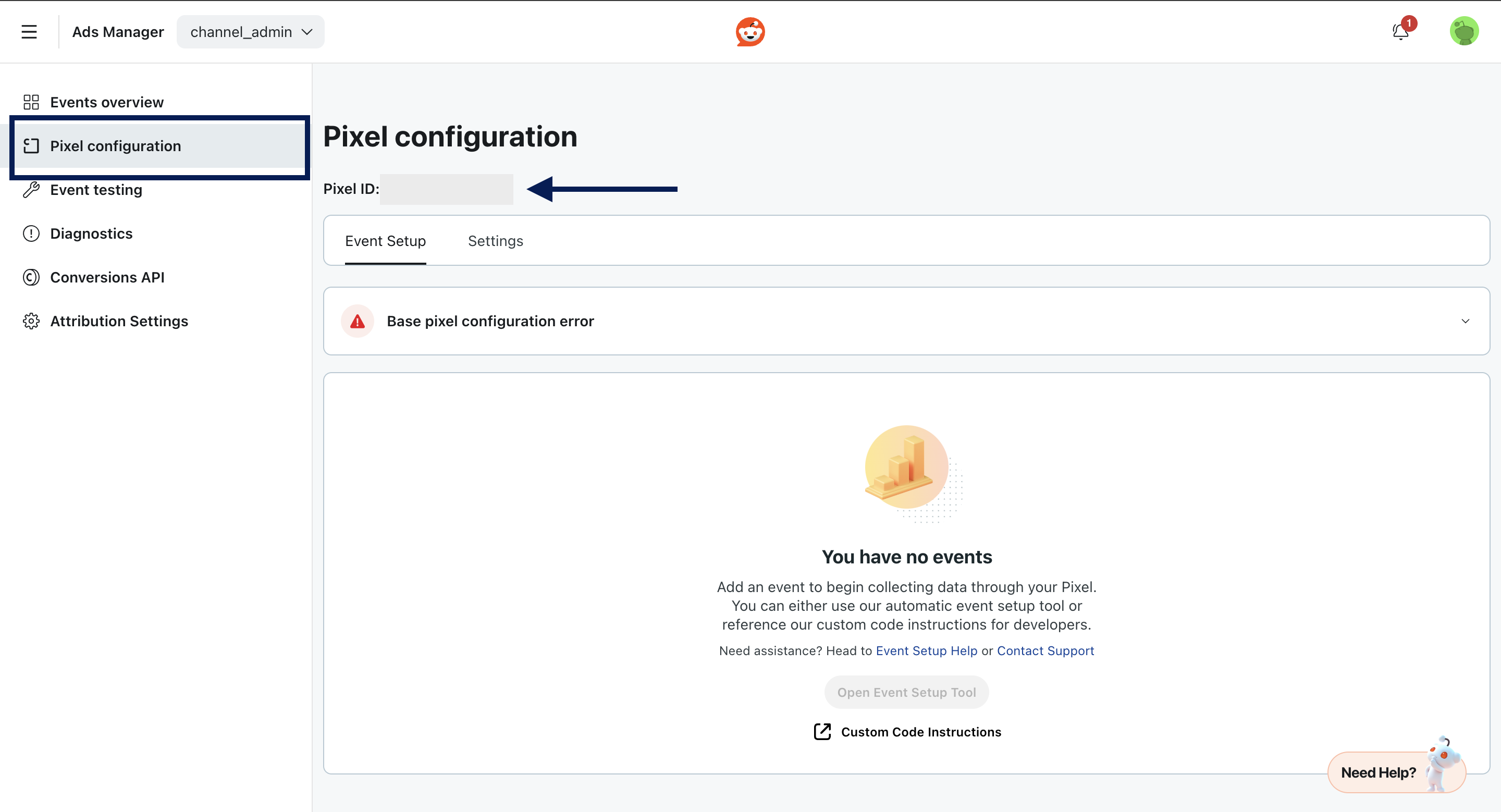
Pixel ID : Go to Ads Account > Events Manager > Pixel Configurations > Pixel ID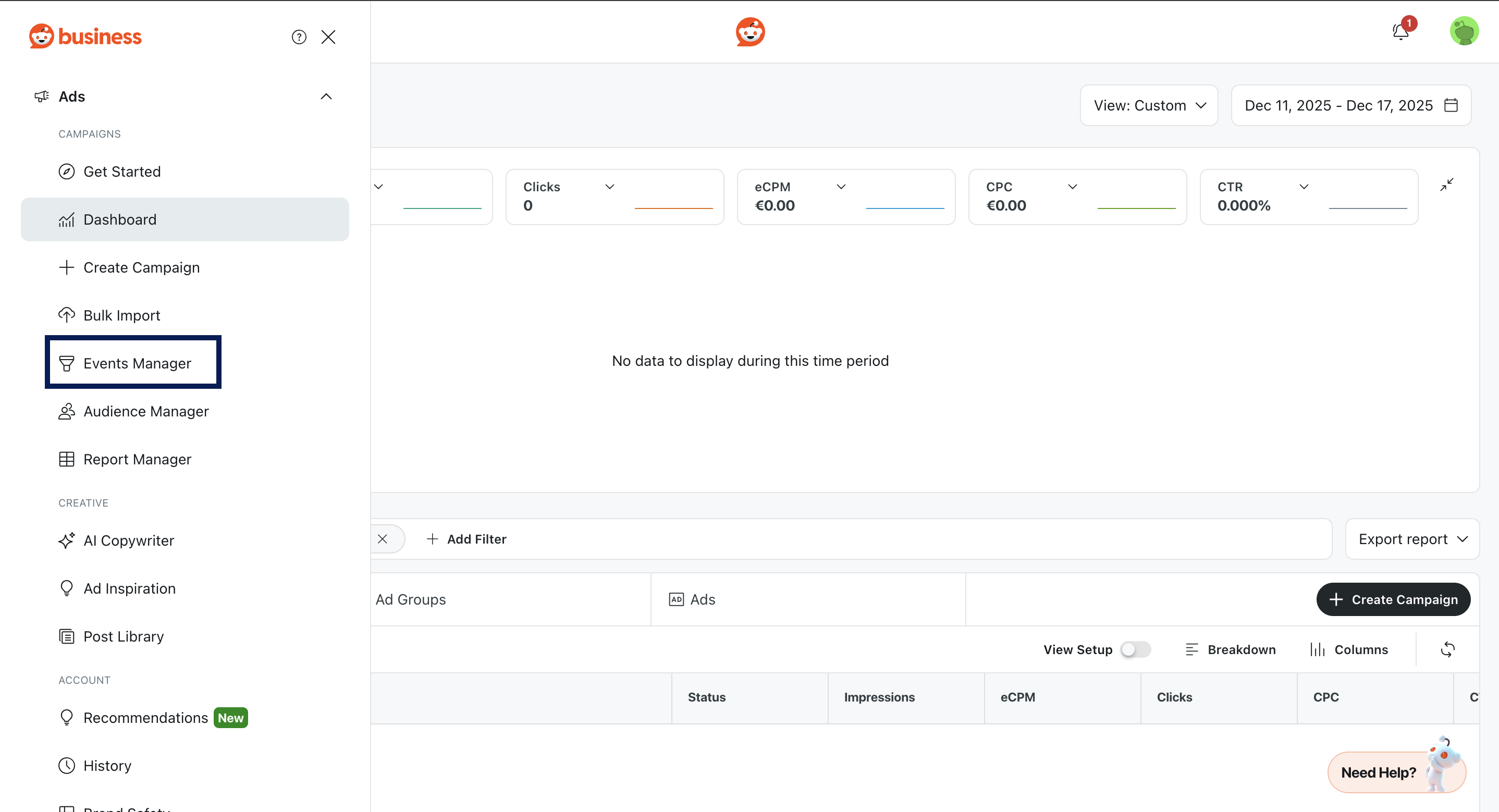
3
Conversions API Token : Go to Ads Account > Events Manager > Conversion API > Generate API Token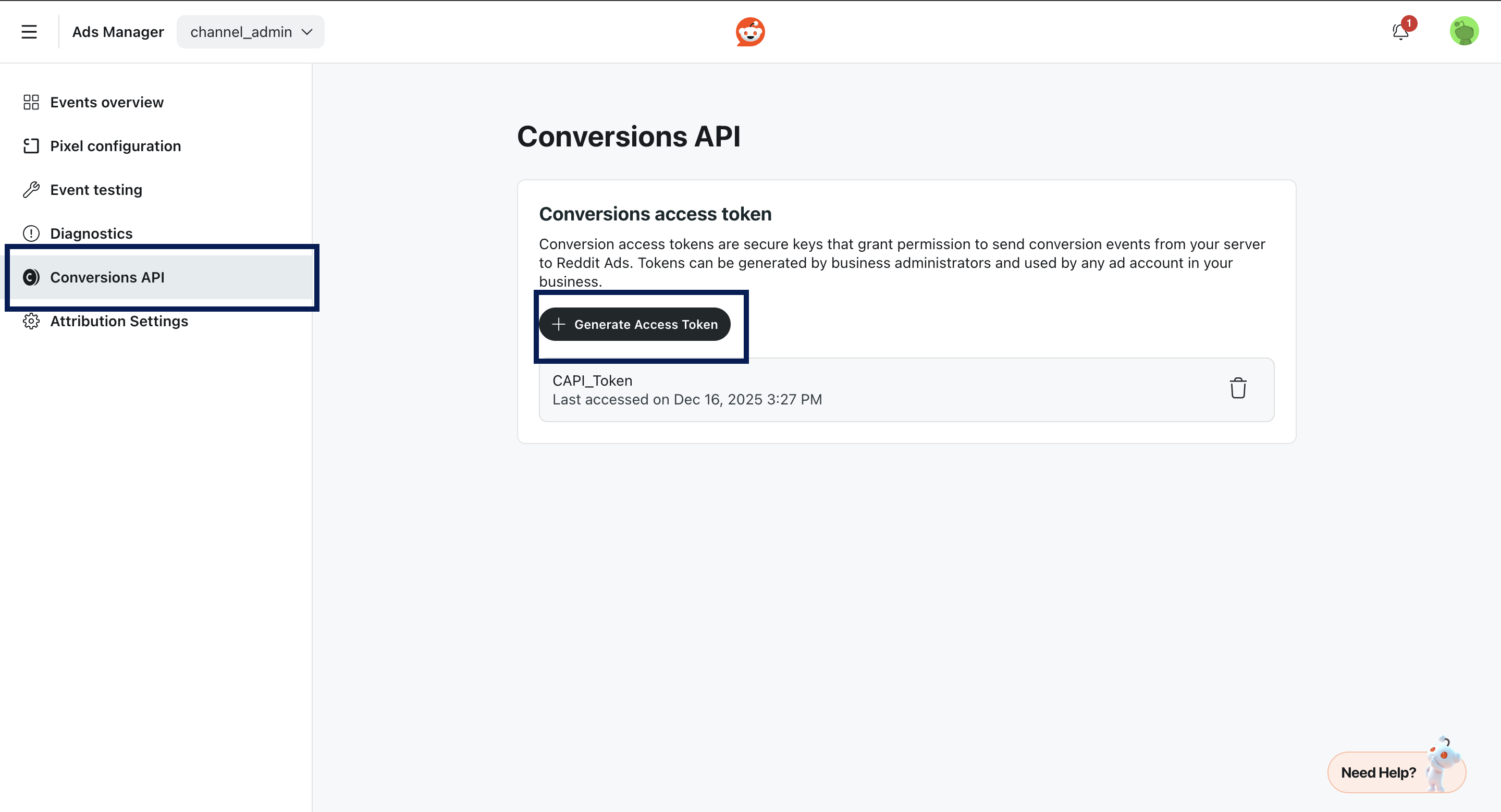
Creating a Destination
1
Log into the Zeotap CDP App and go to the DESTINATIONS application.
2
Click + Create Destination.
3
Under All Destinations, search for Reddit CAPI
4
Click on Reddit CAPI. A screen appears displaying details about the particular destination towards the left. On the right-hand side of the screen find a list of fields that are required for the integration to be established. Enter the required details as mentioned in the following steps:a. Enter a Name for the Destination.
b. Enter the Access Token.
c. Enter the Destination Instance Name.
d. Enter the Pixel ID.
e. Click Next to proceed to mapping.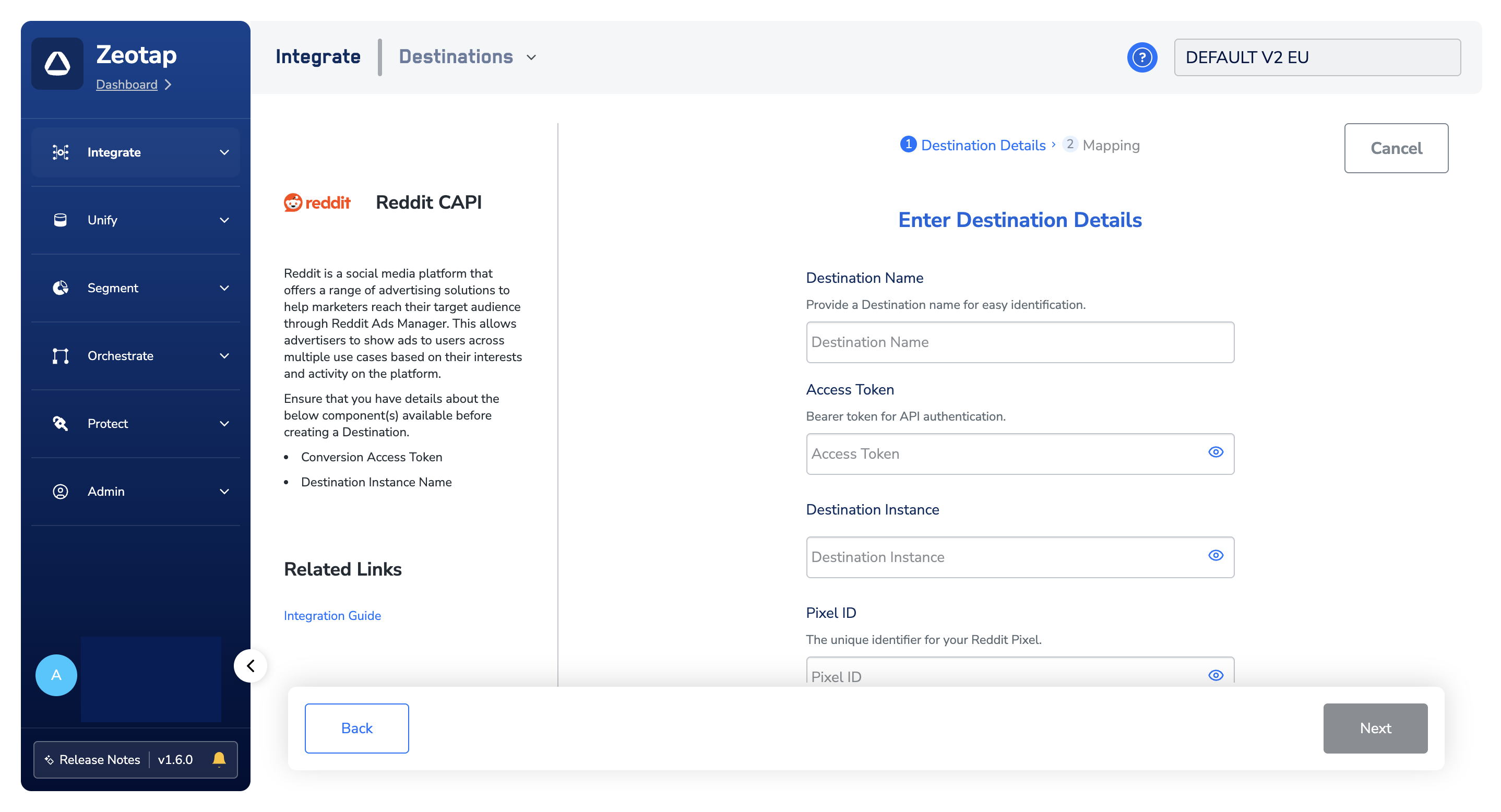
b. Enter the Access Token.
c. Enter the Destination Instance Name.
d. Enter the Pixel ID.
e. Click Next to proceed to mapping.
5
In the new screen that appears, choose the appropriate Action and mapping as explained below.a. Choose the desired action under Choose your Action and then choose the corresponding identifiers under Map the Fields. By default, the output Identifiers that are accepted by the platform, such as hashed email IDs list and hashed phone numbers are displayed.
b. The following are the mandatory fields that need to be mapped:i. Event Timestamp (Unix timestamp in milliseconds).
c. Click Save Mapping.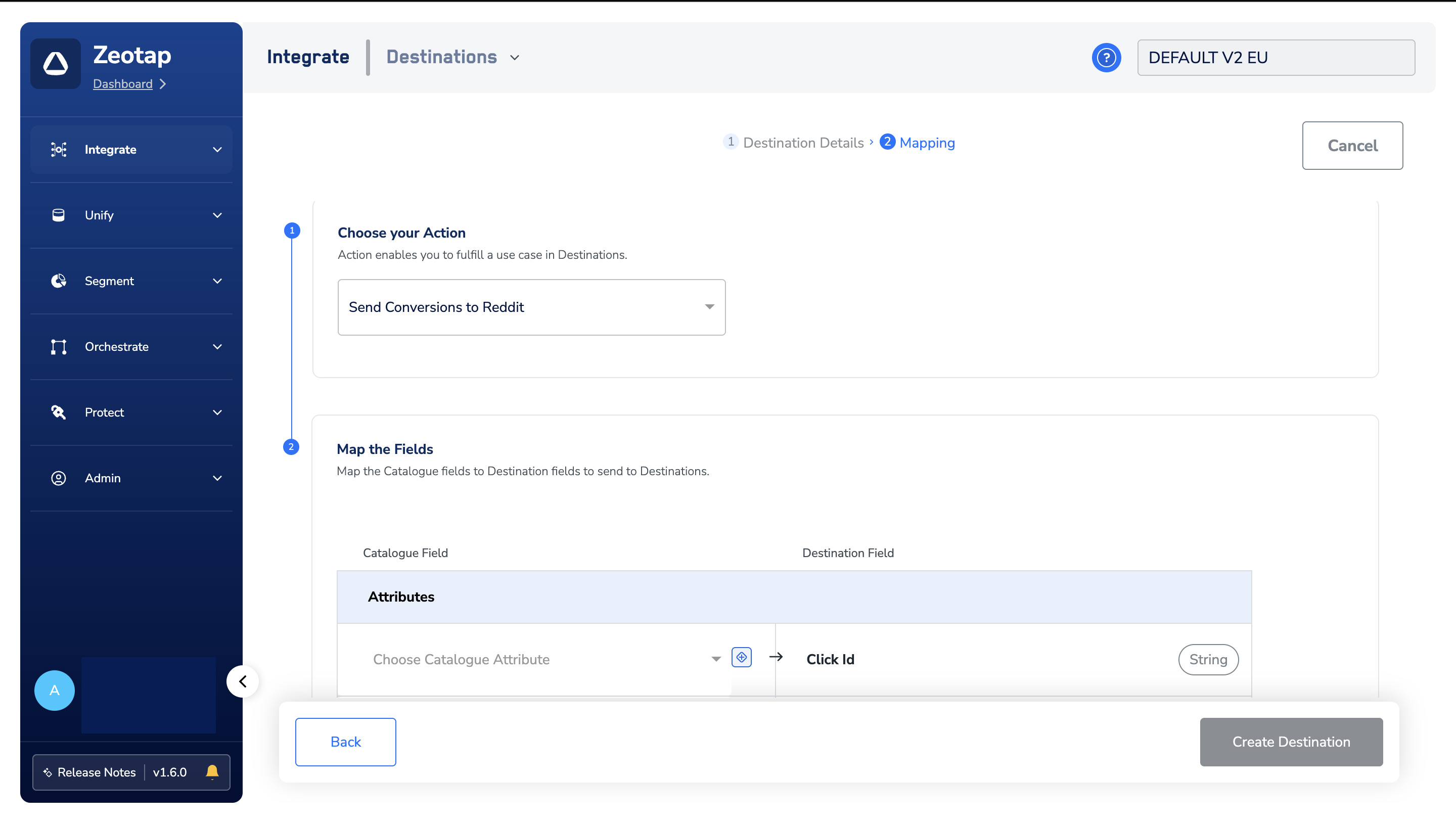
b. The following are the mandatory fields that need to be mapped:i. Event Timestamp (Unix timestamp in milliseconds).
Note
Please note that events timestamp must not be older than a week.
Activate the Destination on Journeys
After creating a destination, next, you need to link it in the Send to Destination node within the workflow, as explained below.1
In the workflow, click + and choose Send to Destinations.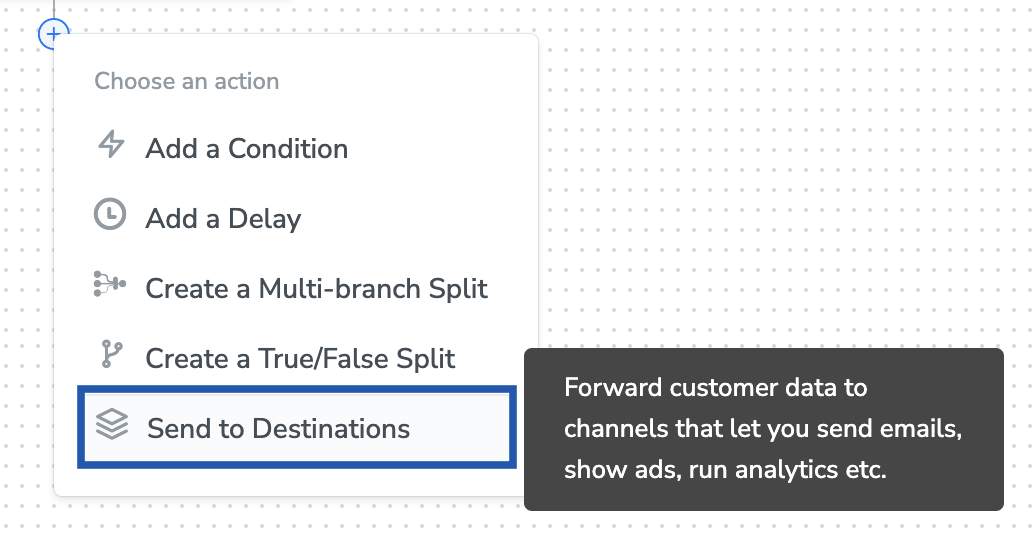
2
Choose the destination from the list of available destinations by using the search feature.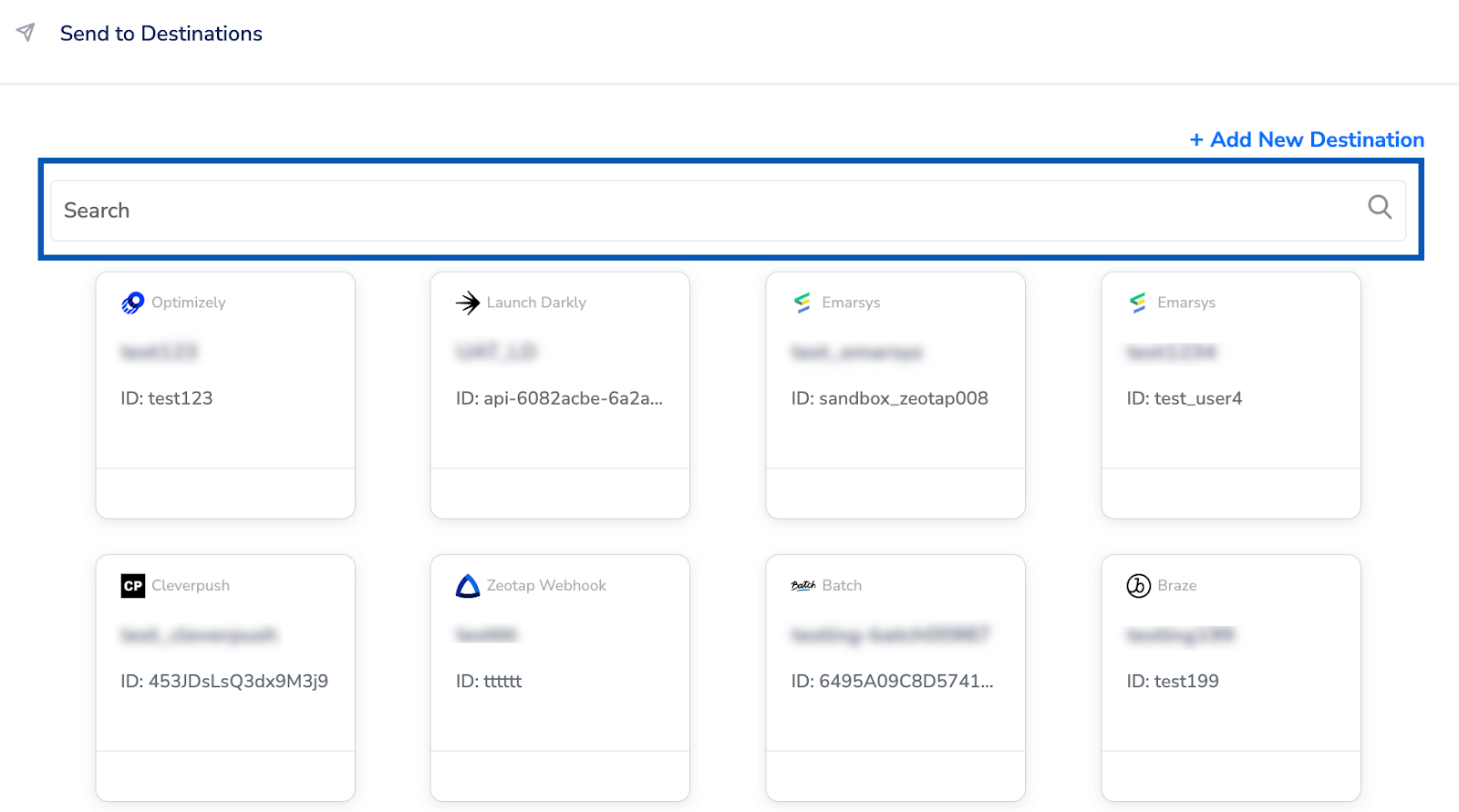
3
Under the Destination Details tab, the Access Token and Ad Account ID fields are automatically populated based on the value that you have entered while creating the destination.
4
Under the Event Source, choose the appropriate option based on your requirement.
- App
- Website
- Other
5
Under Event Type, choose the source using the drop-down menu.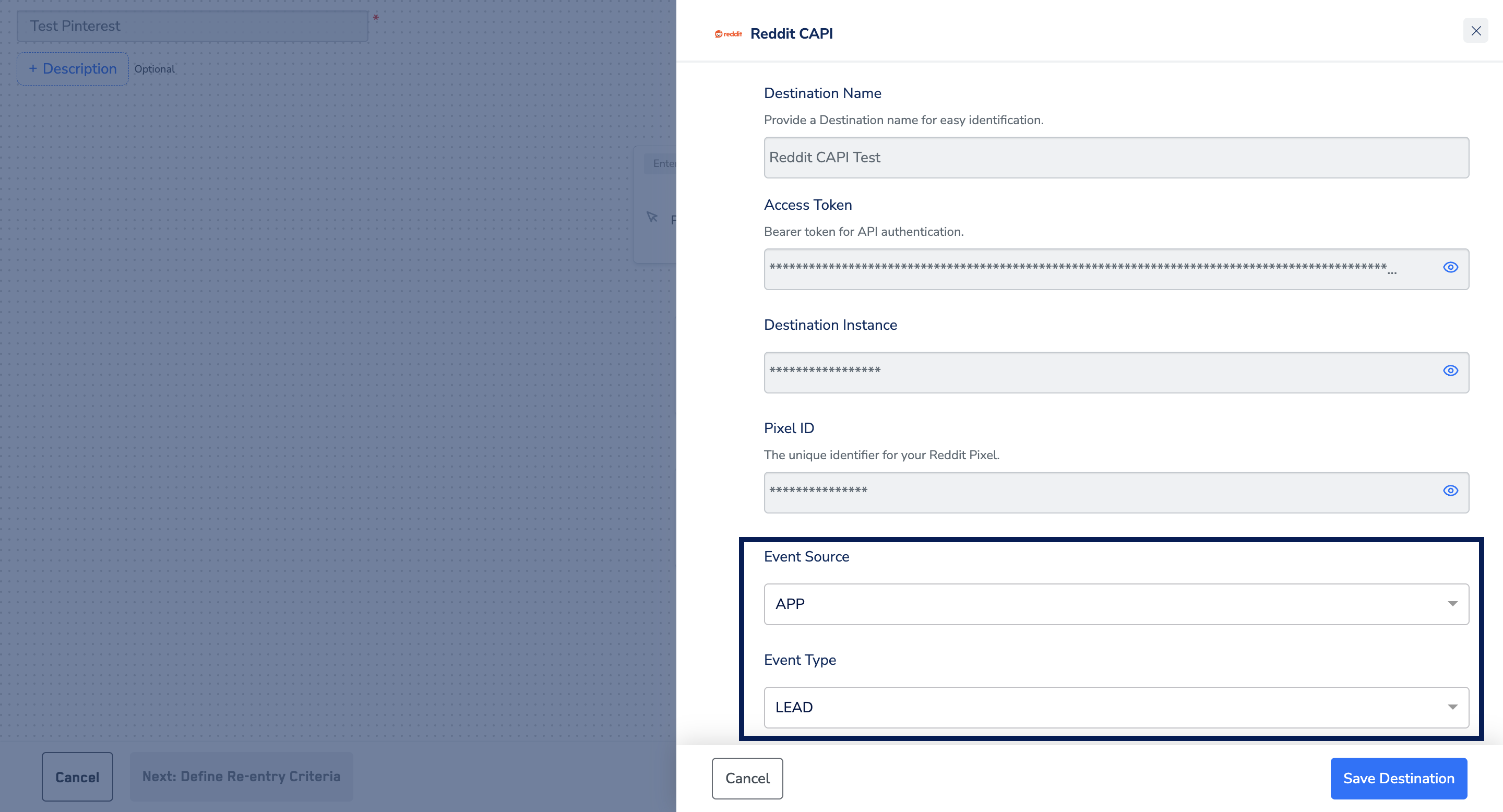
- Page Visit
- View Content
- Search
- Add to Cart
- Add to Wishlist
- Purchase
- Lead
- Sign Up
- Custom
6
Under the Destination Settings tab, choose the Action and mapping as per your requirement.
7
Upon clicking Save Destination, the destination is attached as shown in the image below.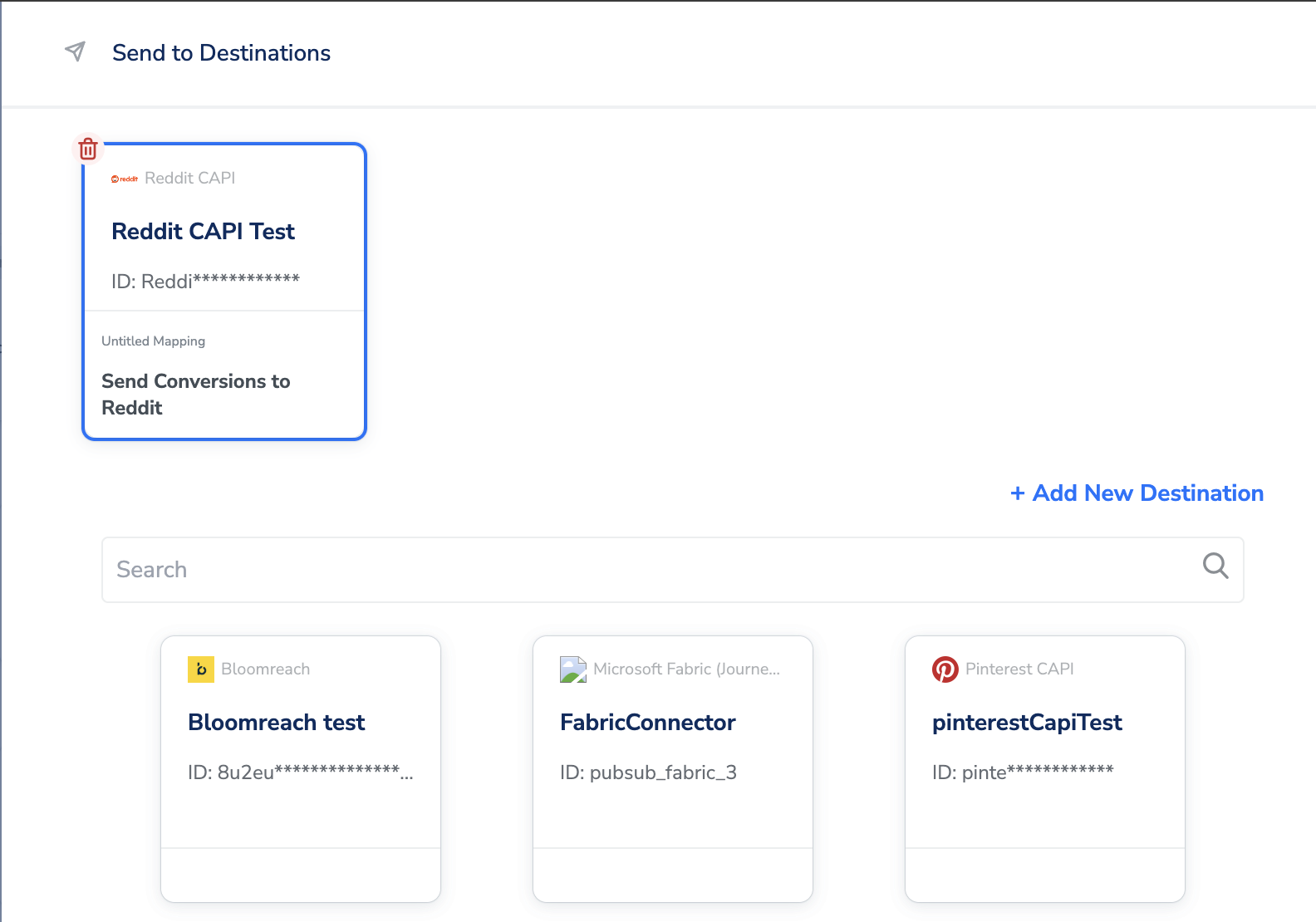
Viewing Your Conversion Data in Reddit Ads Manager
1
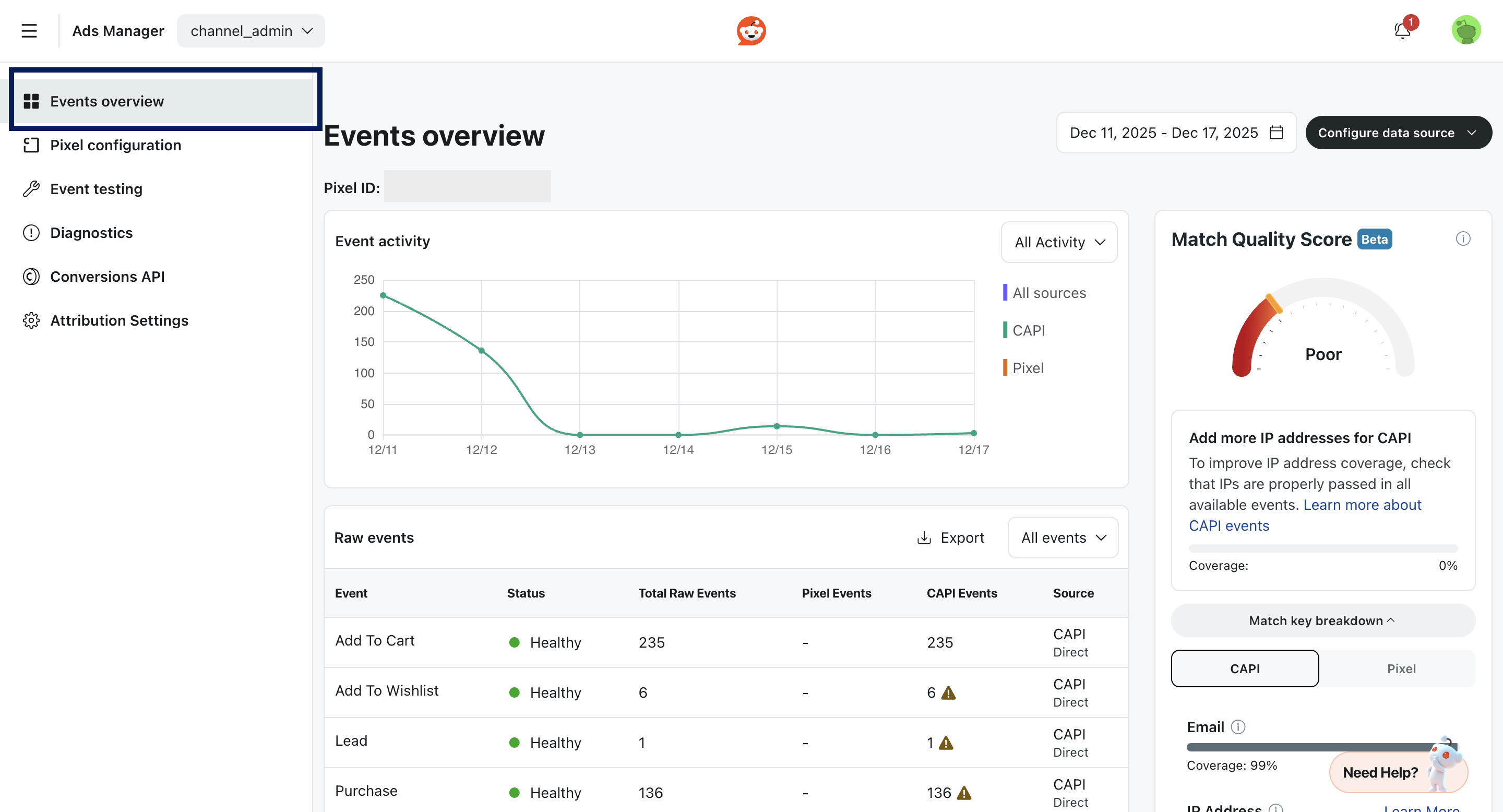
Go to Ads Manager, and select Events Manager > Events Overview.