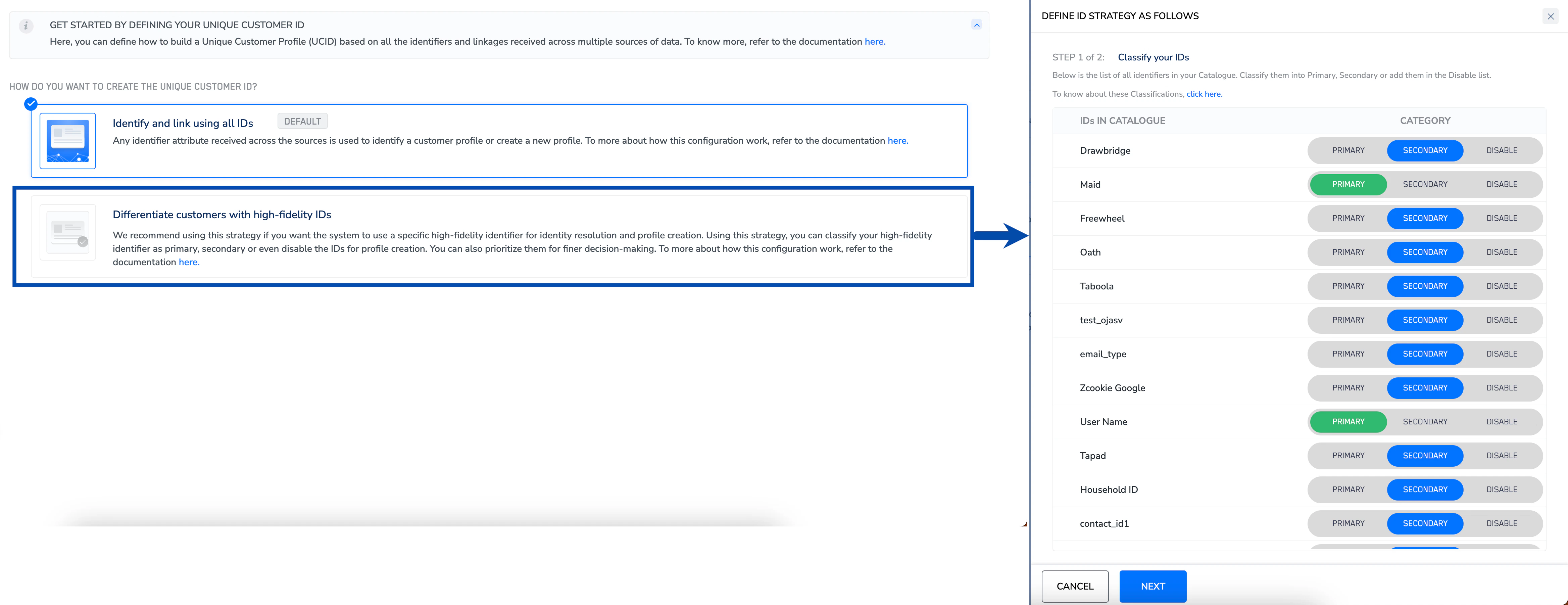
We recommend you to develop an ID Catalogue document to define relationships between identifiers for the ID strategy configuration, including all relevant identifiers within your account’s catalogue. Once the ID strategy configuration is finalised, document the corresponding data scenarios and replicate them in the Zeotap CDP interface. Following that, you can set up your ID configuration. For more information about how to configure the ID strategy for your account, refer here.
By default, we enable the Identify and link using all IDsoption, which takes into account all the ID attributes across sources for resolving or creating user profiles. Note that this is an irreversible process. Any changes done after source creation are only applicable to the new data that is ingested.Once the data mapping is complete, the customer profiles are created and unified as per the ID strategy active in the account.