- Choose the data type that matches the source data
- Add an enricher while mapping the source to align incoming data with catalogue fields
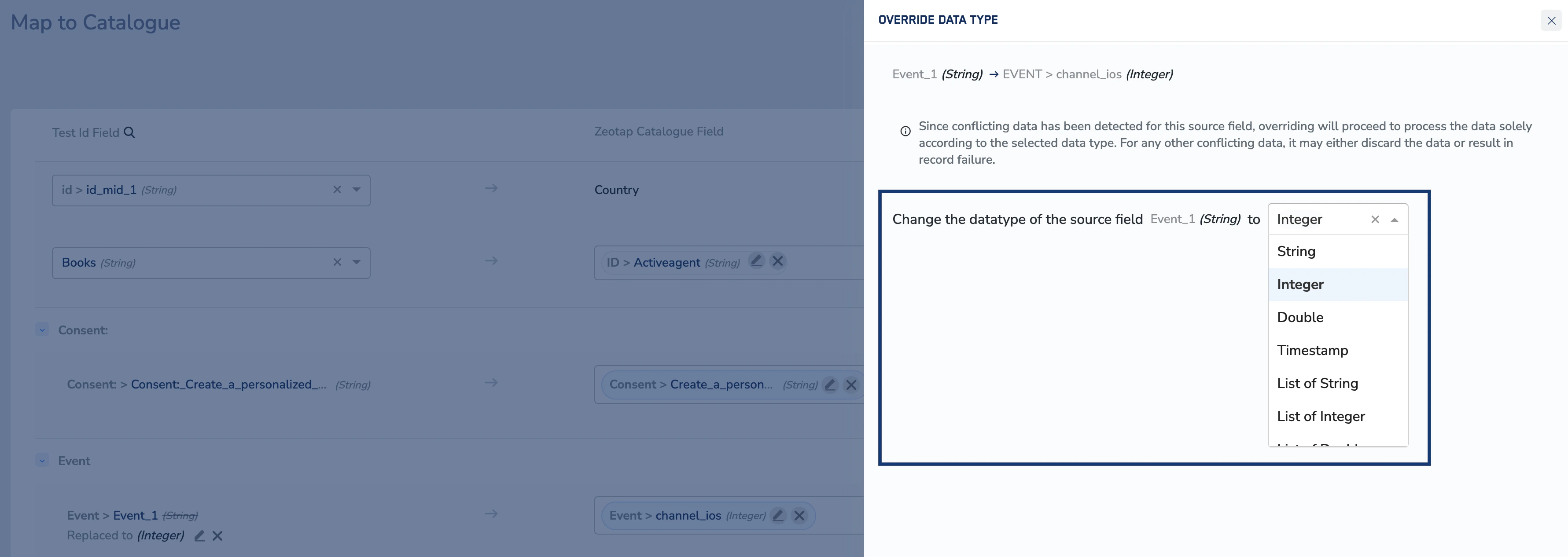
- Override the source data type to your desired data type

Edit Data Type Override
Perform the following steps to edit a data type override:1
You can edit an override by clicking the Edit option shown in the image below.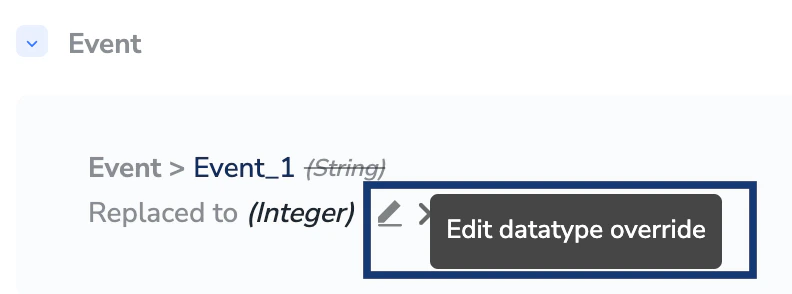
2
In the new window that appears, choose your desired data type for the source field from the drop-down menu. Note that overriding the data type will process the records based on the chosen data type. If there are any conflicting records in the incoming fields, then it may either be discarded or result in record failure.