

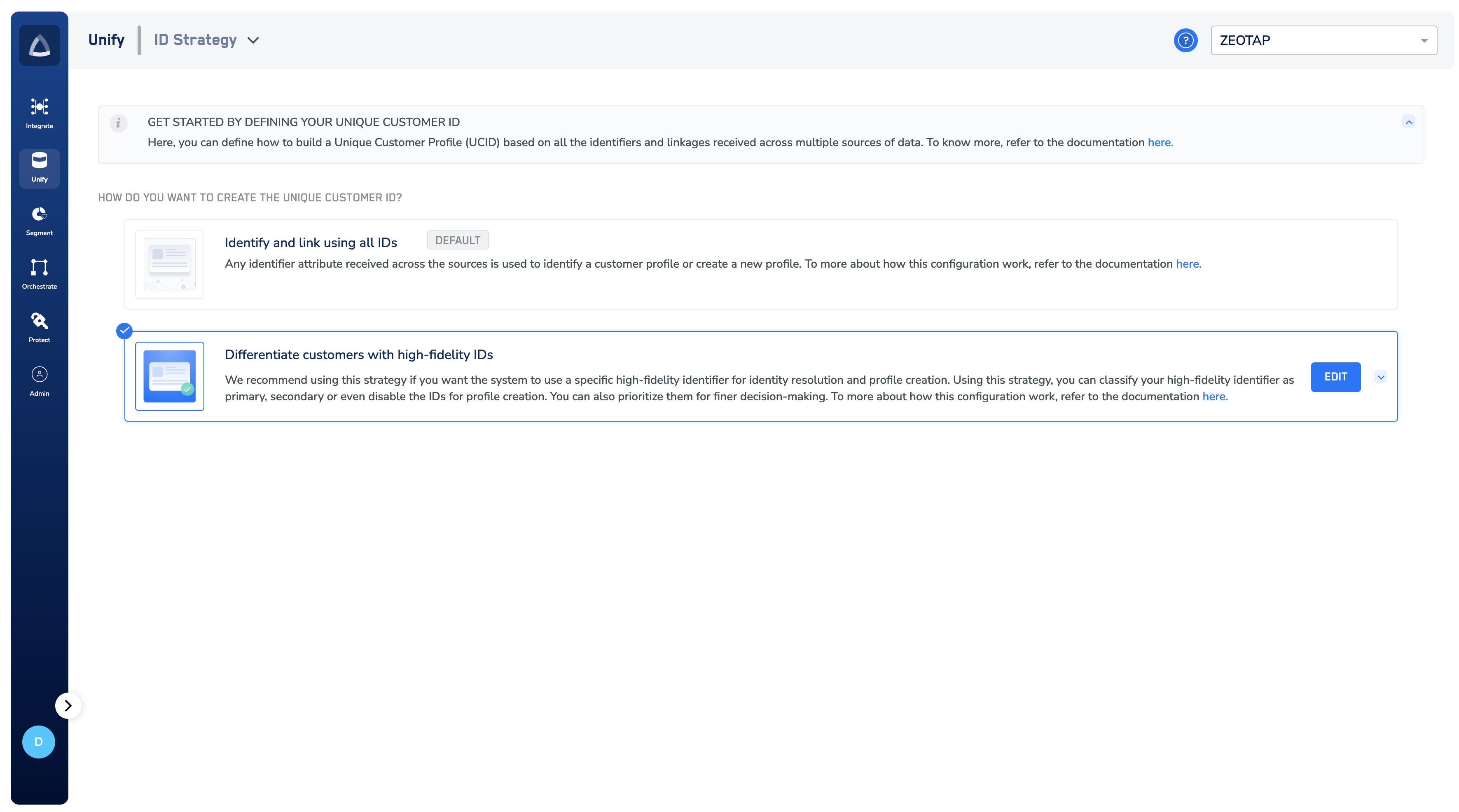
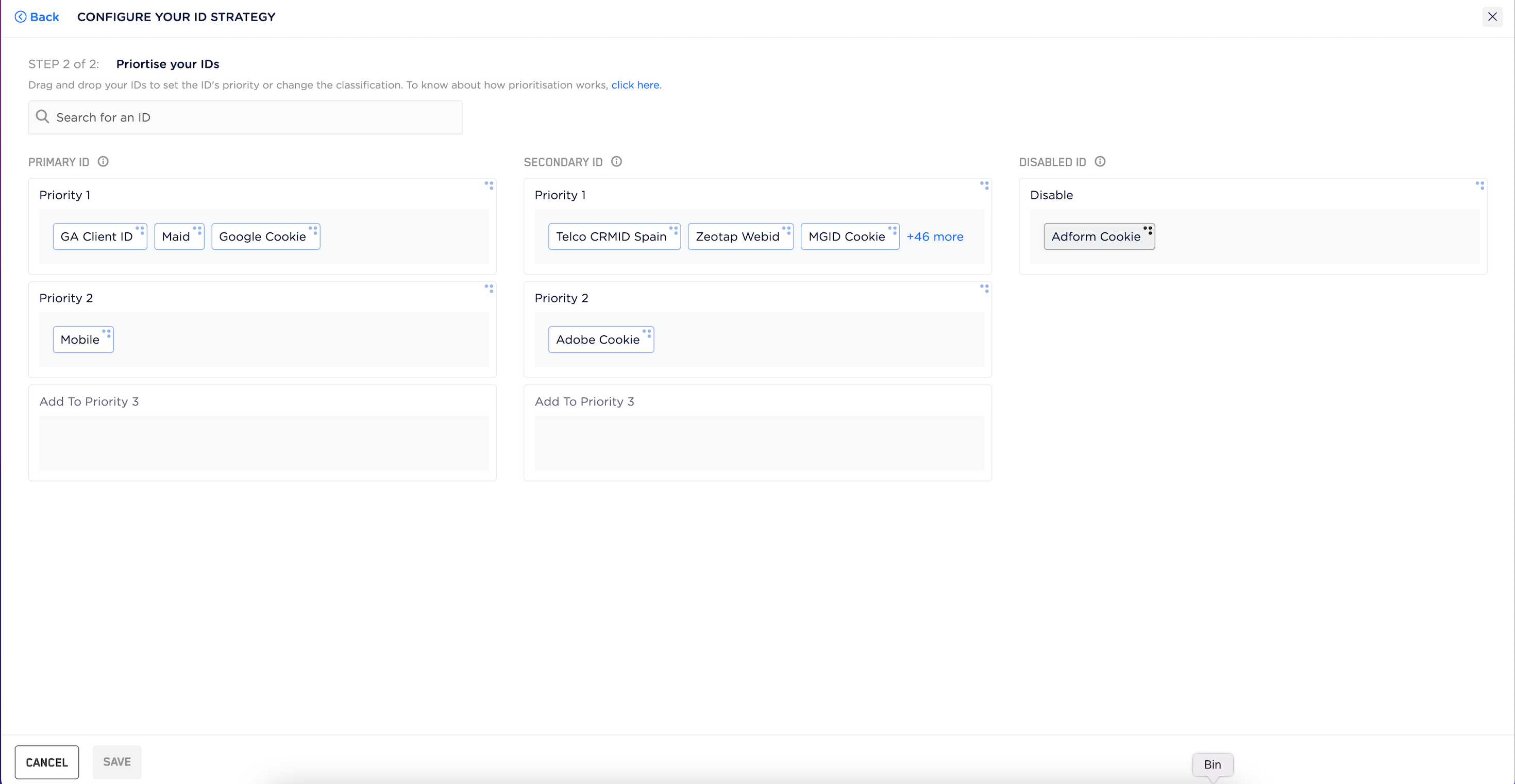
Important Considerations When Editing ID Strategy
Changing the ID strategy triggers system-wide updates that may temporarily impact data operations. Please review the following before making changes:- Scope of Change: The new ID strategy will apply only to data ingested after the change. Historical data will remain unchanged.
- Reindexing Process: Once the change is submitted, the platform initiates a reindexing process to realign the new ID logic with system operations. This may take a few hours, depending on data volume and system load.
- Temporary Impact During Reindexing: While reindexing is in progress-
- All data ingestion is paused across sources.
- Event streaming to Journeys is temporarily halted.
- Audience, Campaign Activation (CA), and Real-Time Campaign Activation (RTCA) processes will continue to operate, but will rely on existing pre-change data until reindexing is complete.
- Resumption & Monitoring: Ingestion and streaming will automatically resume once the reindexing process finishes. You can monitor reindexing progress using the status ticker at the top of the platform interface.
- Best Practice: To minimize operational disruption, we strongly recommend making this change during off-peak hours or maintenance windows.
Note:Here are some quicks links for your reference: