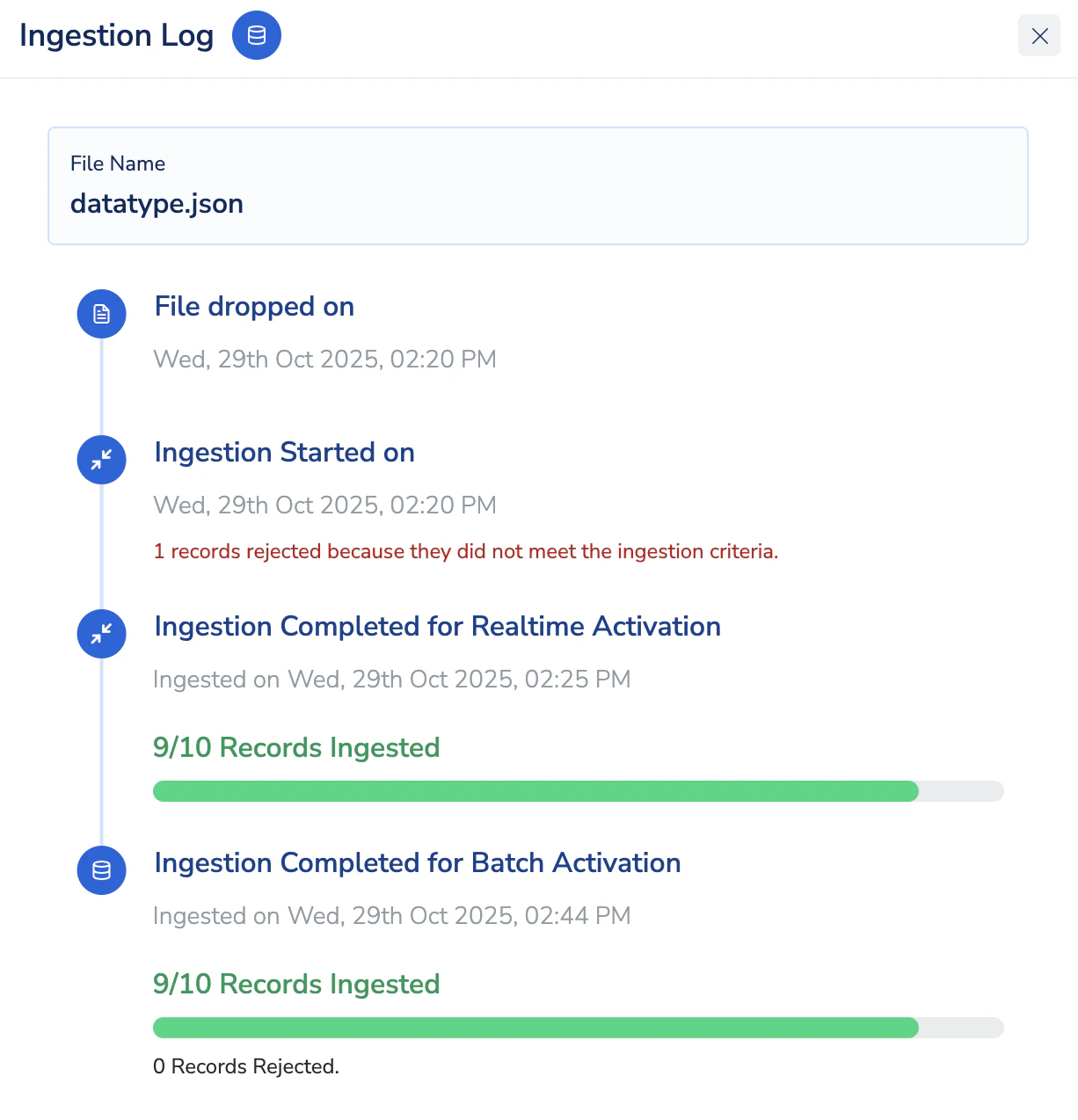
The Ingestion Filter feature allows you to control which records from a source file or stream are to be ingested into the Zeotap platform. During source mapping review, you can define filter conditions on the mapped source fields, ensuring that only records meeting the defined criteria are processed further. If a record does not satisfy the defined filter condition for any mapped source field, the entire record row will be rejected from ingestion.
This feature provides precise control over incoming data, helping reduce unnecessary ingestion, optimize event consumption, and improve overall data quality.
Defining Ingestion Criteria
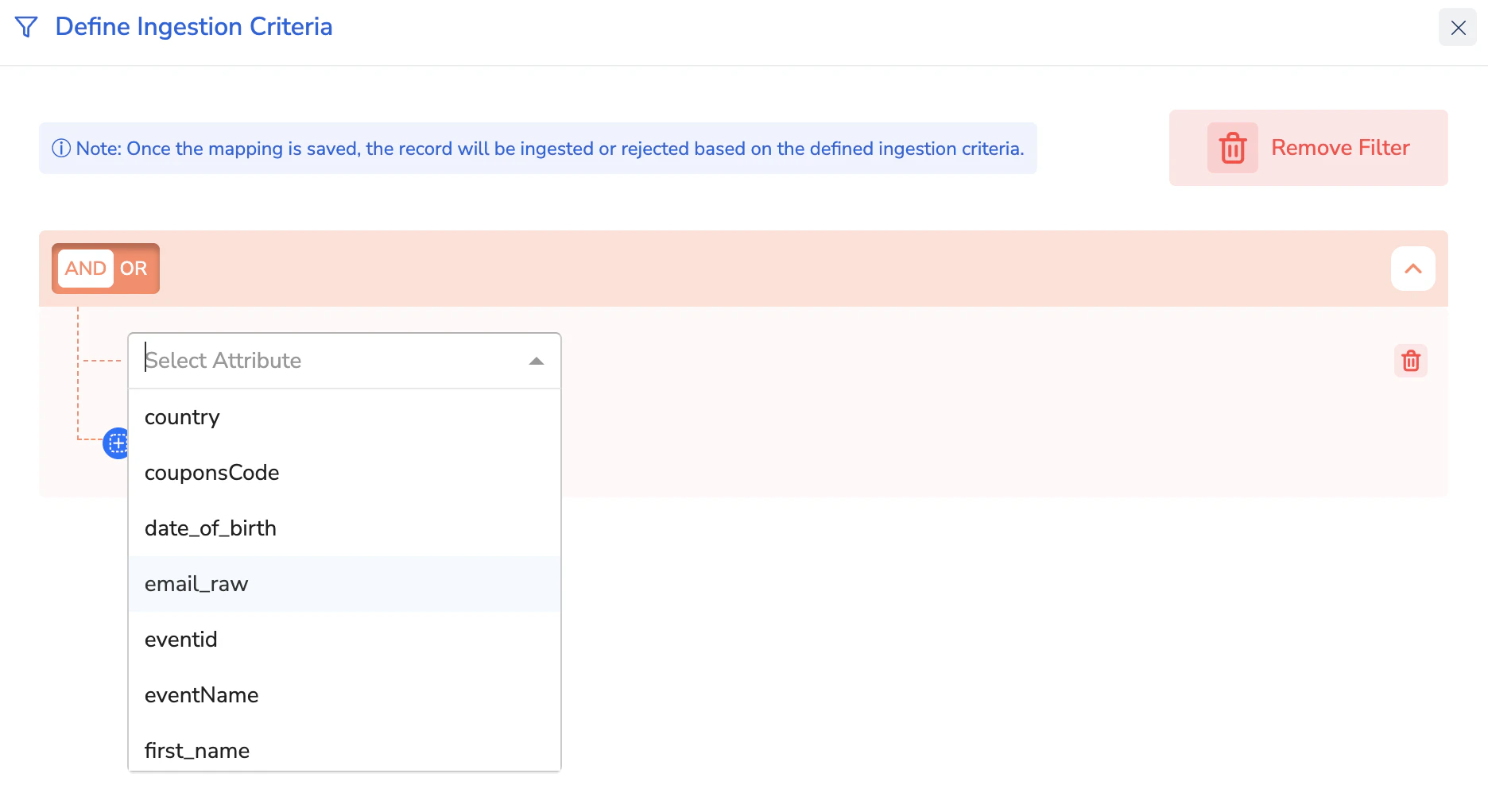
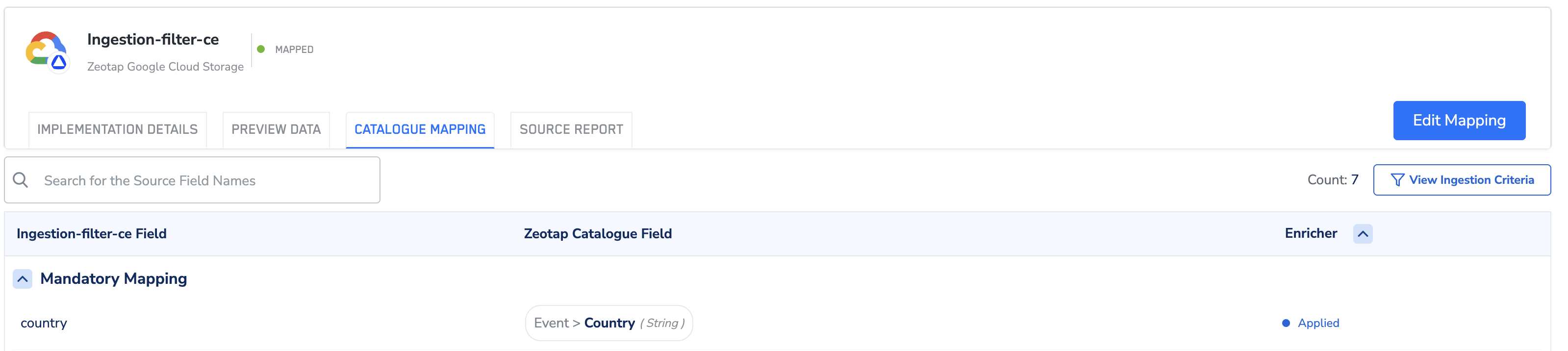
To define a filter, click Define Ingestion Criteria in the review screen while mapping your source. Then, click Add Filter to view all available source fields of primitive data types (string, double, integer) in the dropdown.
Select the desired field, choose the appropriate operator, enter the value, and save the filter. This will define the condition for ingestion, allowing only those records that match the applied filter to be ingested. The filter operates on source fields, not on catalogue fields.
You can define up to five conditions per source. The system allows filters to be created only on source fields mapped to a catalogue.
When editing an existing ingestion filter, note that any changes will take up to 10 minutes to start affecting incoming records after the mapping is saved.
Note:The available operators depend on the catalogue category selection:
- ID fields - exists / not exists
- All other fields - equals / not equals / in / not in / exists / not exists / contains / not contains
Last modified on February 26, 2026