

Implementing the Web JS SDK?
This page covers creating the Source in the Zeotap CDP. For SDK installation, init options, tracking methods, and consent, head to the Web JavaScript SDK docs.
Note:Refer to Web JavaScript to know more about this source.
1
Navigate to the Sources application under Integrate, in the Zeotap CDP App.
2
Click CREATE SOURCE.
3
Choose Website Events as the Category.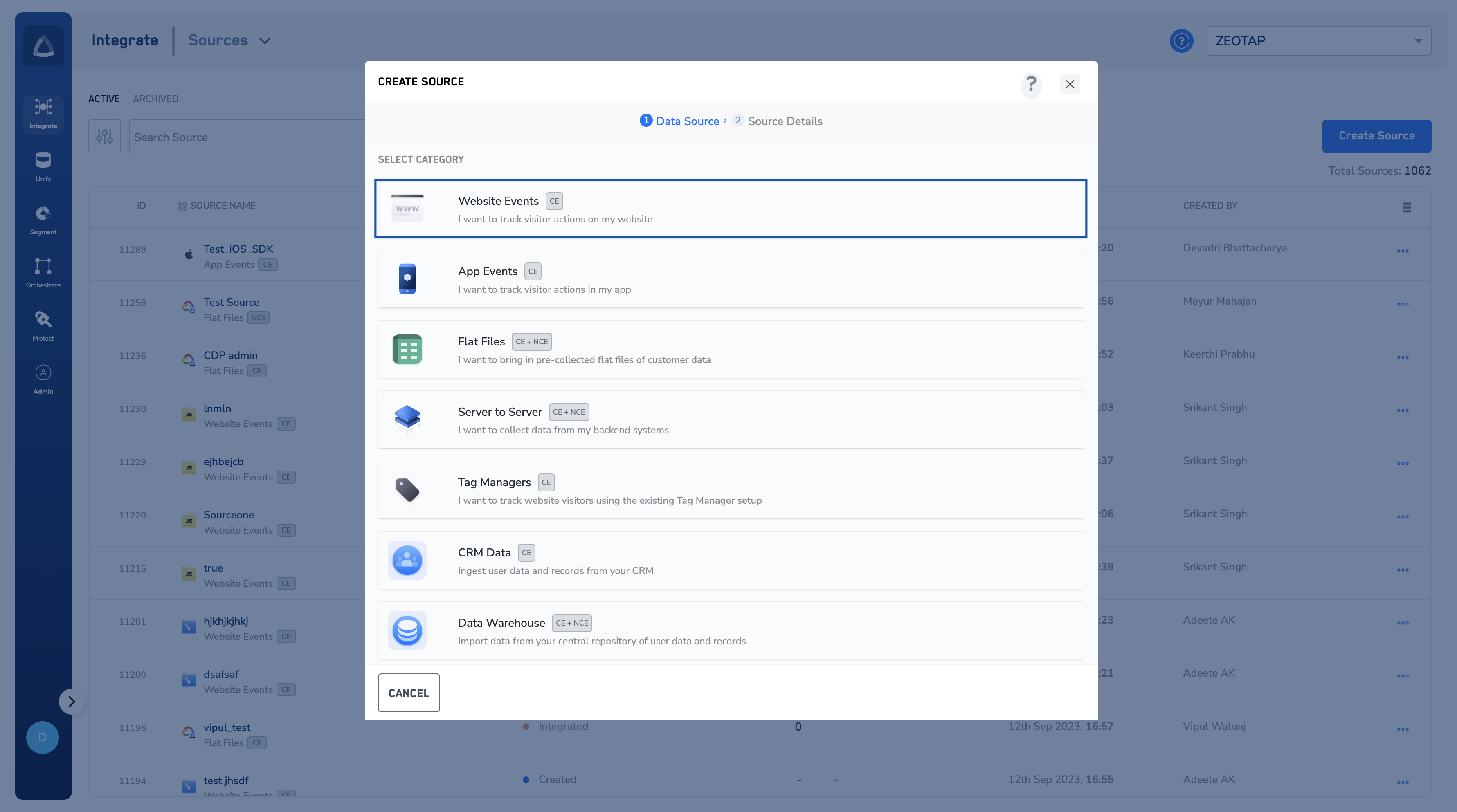
4
Choose Web JavaScript as the Data Source.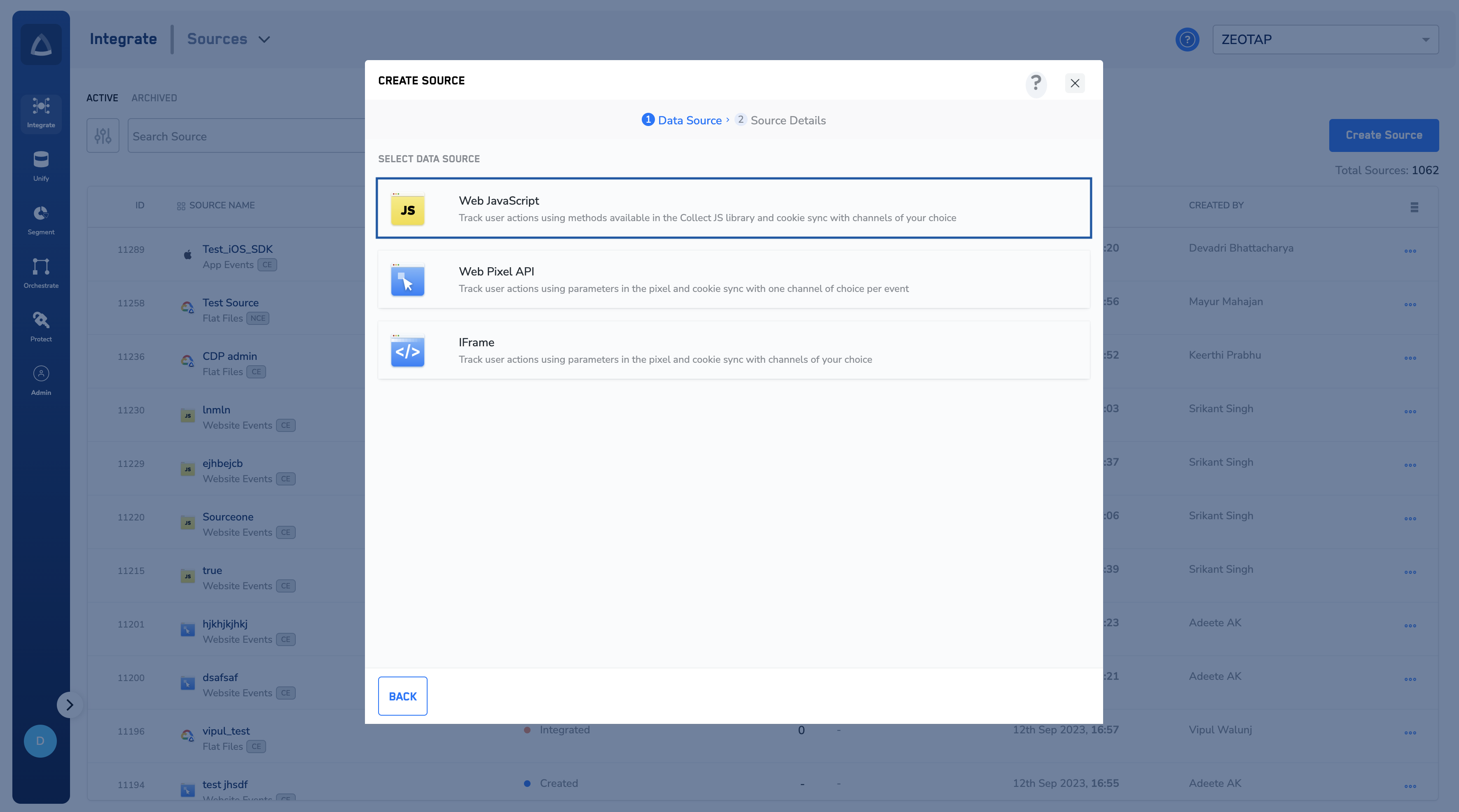
5
Enter a short and descriptive name for the Source.
6
Add the Website URL. The Website URL is optional, but we recommend that you add it in order to track the websites being onboarded.
7
Select the Region of upload and proceed with the Source creation.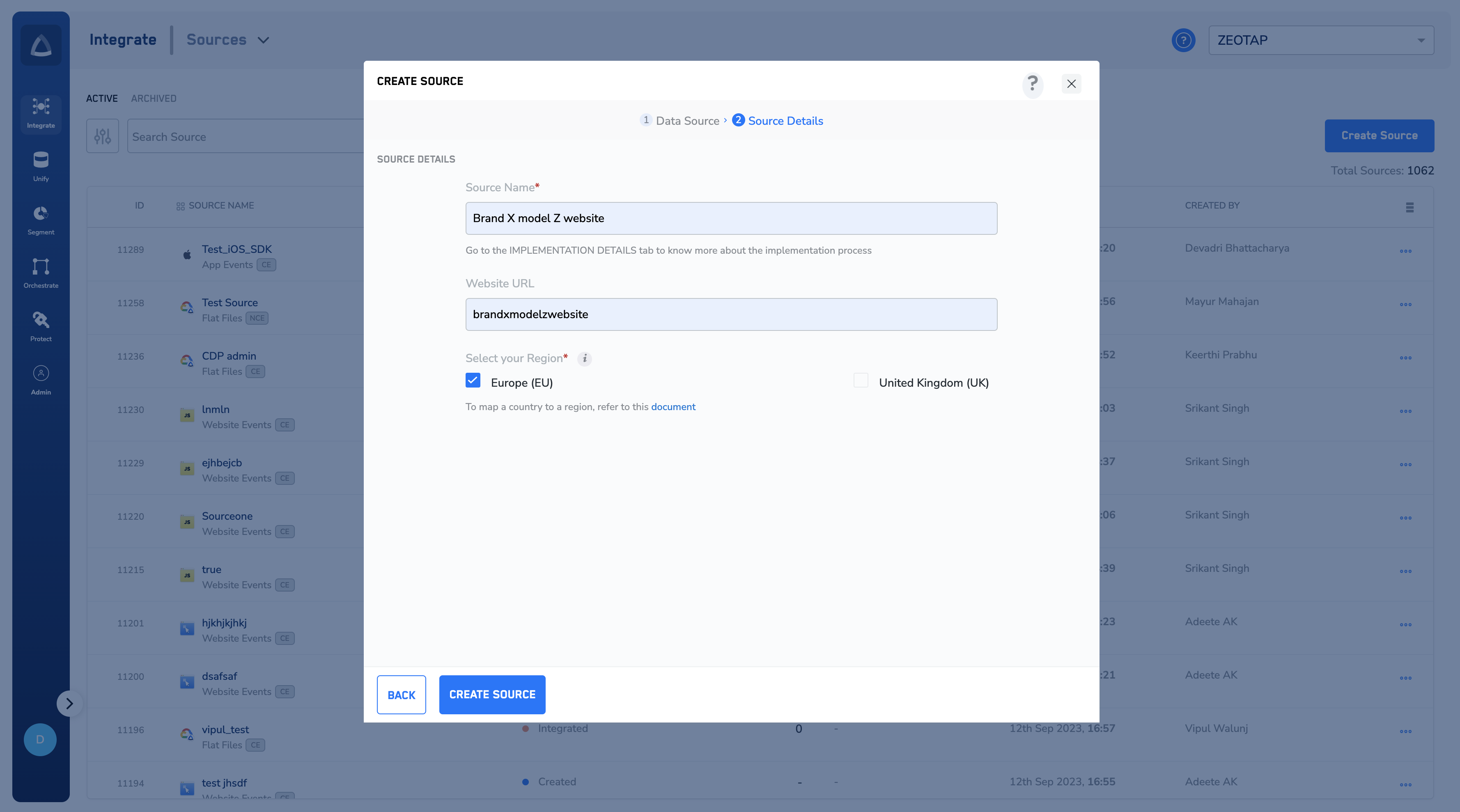
8
Click CREATE SOURCE. The created Source appears on the SOURCES listing page. Click on a particular Source to view the details regarding the snippet code and authorisation key.
Note:Once the Source has been taken live based on the implementation steps available, you can use the PREVIEW tab to see incoming data. To know more about how to implement a Web JS Source, refer to the Web JavaScript SDK docs.