

What this is
The Cleverpush sources bring subscriber data from a Cleverpush channel into Zeotap CDP, and this page covers the Cleverpush-side groundwork they depend on: a channel, and the platforms that channel sends notifications through. Every step here happens in the Cleverpush console. Cleverpush is a web-based platform that enables website owners and developers to send to users who have subscribed to receive them. A channel is the container those notifications are sent from, and it is the channel that carries the Channel ID the source asks for. Zeotap CDP supports three Cleverpush platforms: Web Push, App Push and Email Push. Set up the ones you intend to collect subscriber data for. The Zeotap CDP side of each integration is covered on its own page:- Create a Cleverpush (Batch) Source, for fetching subscriber data in batches.
- Create a Cleverpush Real-Time Source and Implement a Cleverpush Real-Time Source, for streaming events as they happen.
These channel and platform steps are the same for every Cleverpush integration, and each integration keeps its own copy of them. This page is the copy for the Cleverpush sources. If you are setting up a Cleverpush destination, use its own appendix:
- Appendix for Cleverpush, for the Cleverpush destination.
- Appendix: Cleverpush channel and platform setup, for the Cleverpush Real Time Integration destination.
Prerequisites
Confirm the following before you start:- Access to your Cleverpush console. Every step on this page is performed there.
- For Web Push, the domain of the site you want to send browser notifications from. The setup wizard asks for the protocol and the domain separately, without a leading
http://orhttps://and without a trailing path. The Own domain option is available for HTTPS sites only. - For App Push, your own iOS or Android app and the ability to add a Cleverpush SDK to it. The setup screen links Cleverpush’s SDK documentation for Android, iOS, Cordova, React Native, Xamarin and Flutter.
Create a new channel in Cleverpush
1
Open the Channels menu
Log into the Cleverpush console and navigate to Channels on the top navigation bar.
2
Add a channel
Under Channels, click Add Channel.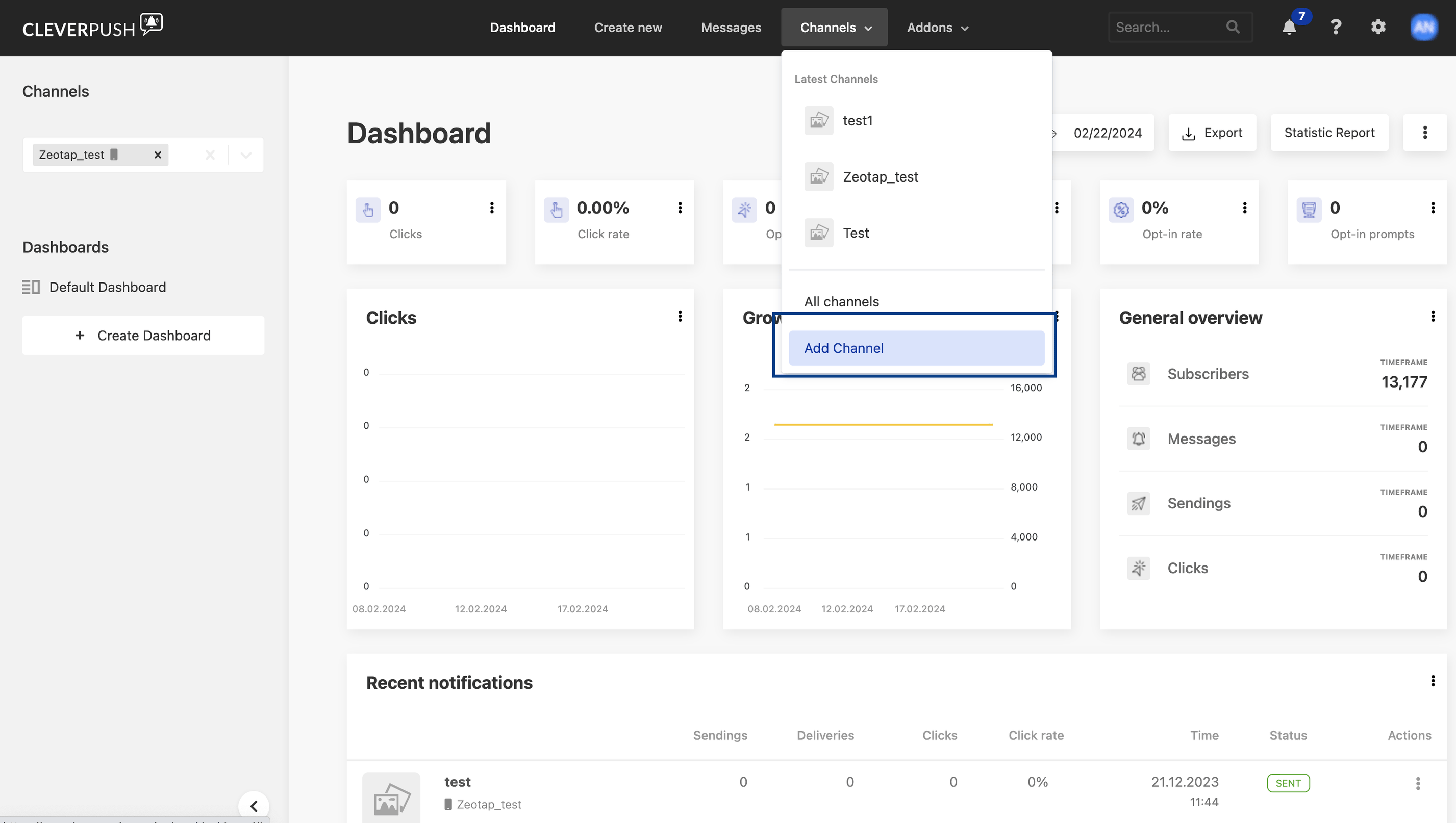
3
Fill in the basic settings and save
Under Basic Settings, provide the following details:a. Enter a descriptive name for the channel.b. Click Select file to upload an icon for the channel.c. Choose the desired Industry from the drop-down menu.d. Click Save Channel.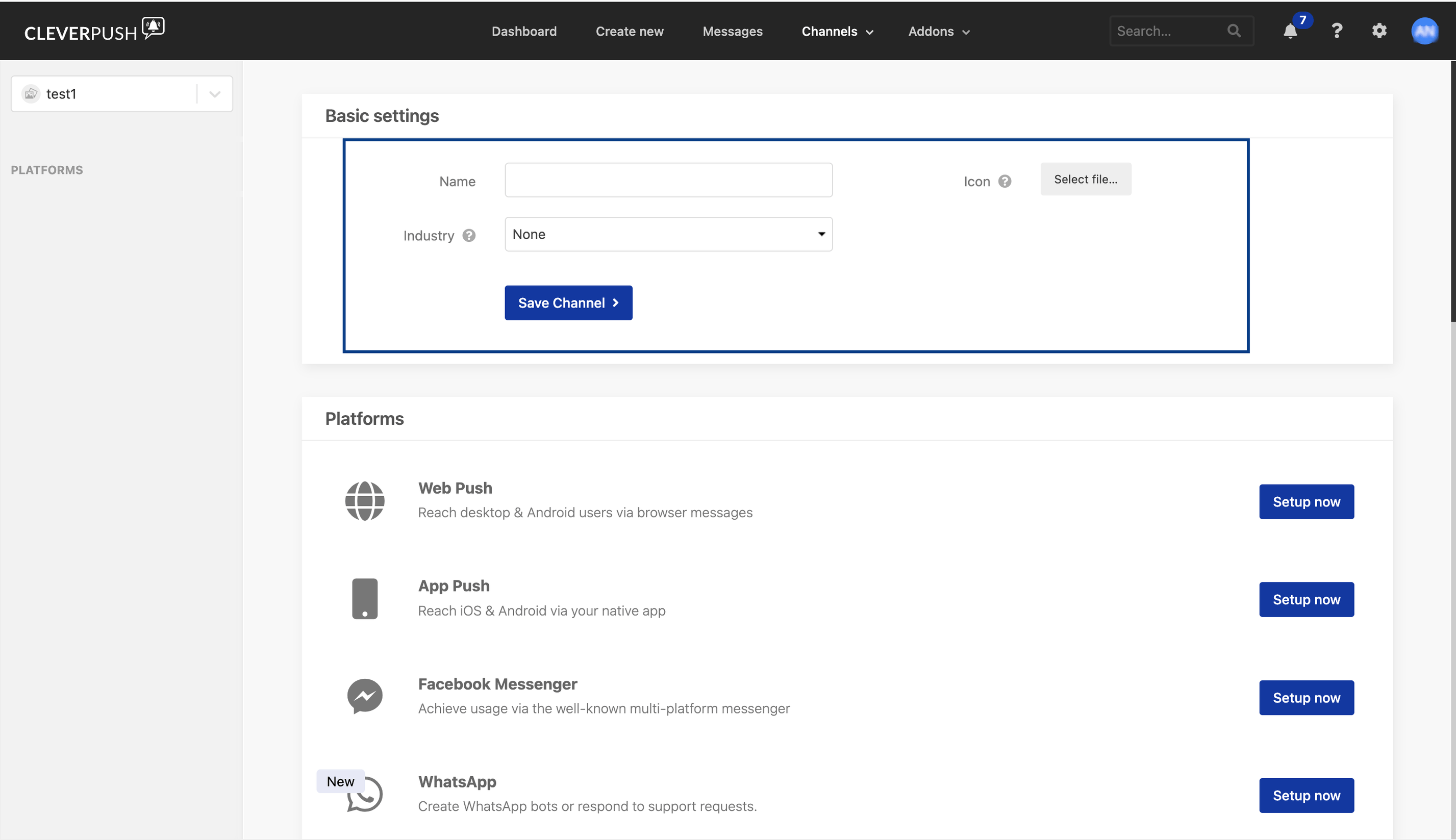
Set up Web Push in Cleverpush
Web Push reaches desktop and Android users through browser messages. Once you have created a channel, perform the following steps to set it up:1
Open the channel's platforms
Log into the Cleverpush console and navigate to Channels in the top navigation bar. Select the channel you created and navigate to Platforms.
2
Start the Web Push setup
Click Setup now next to Web Push.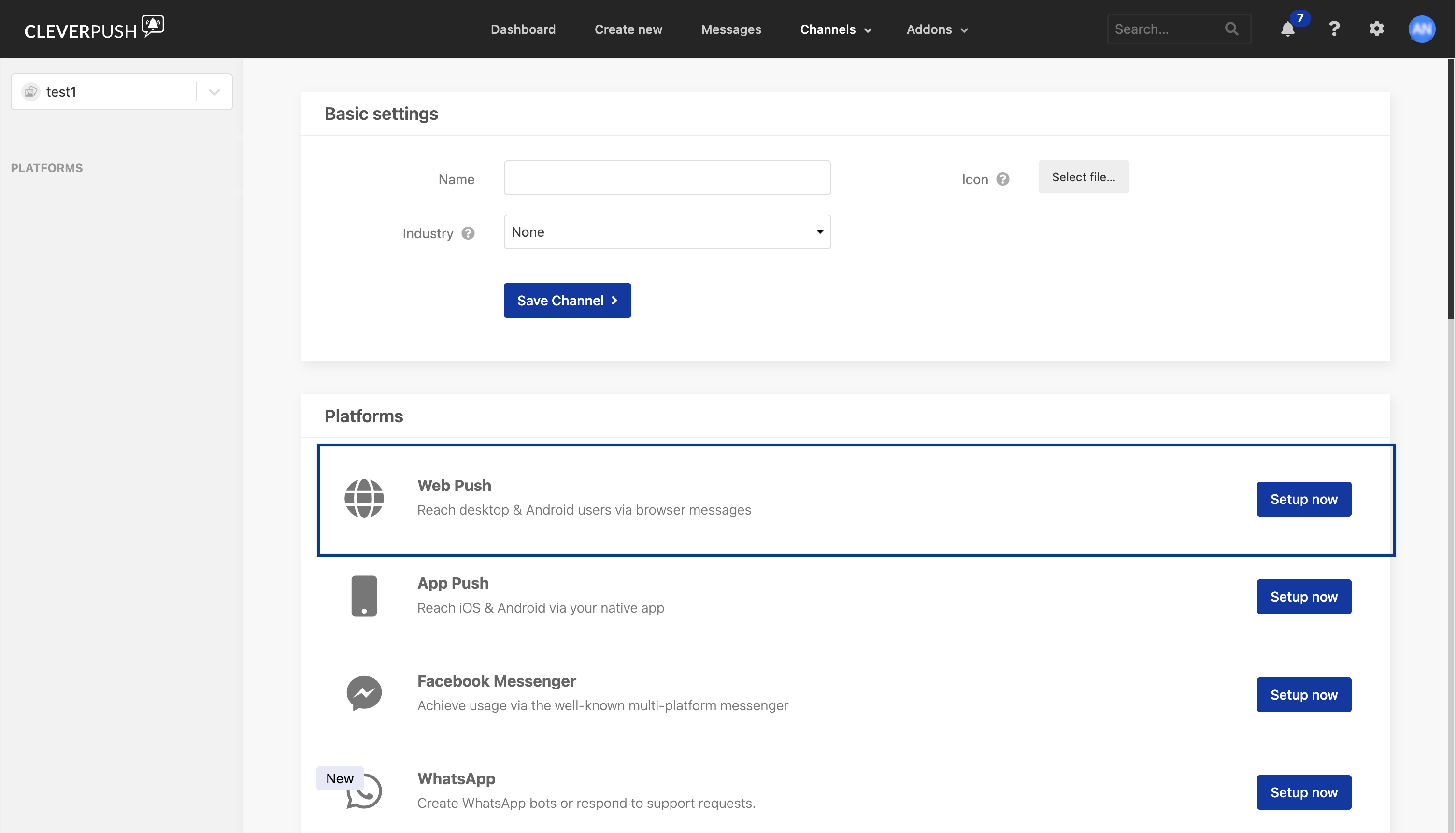
3
Enter the domain
On Step 1: Enter domain, select the protocol and enter the Domain Name of your site. Then choose Own Domain or Cleverpush Subdomain and click Continue.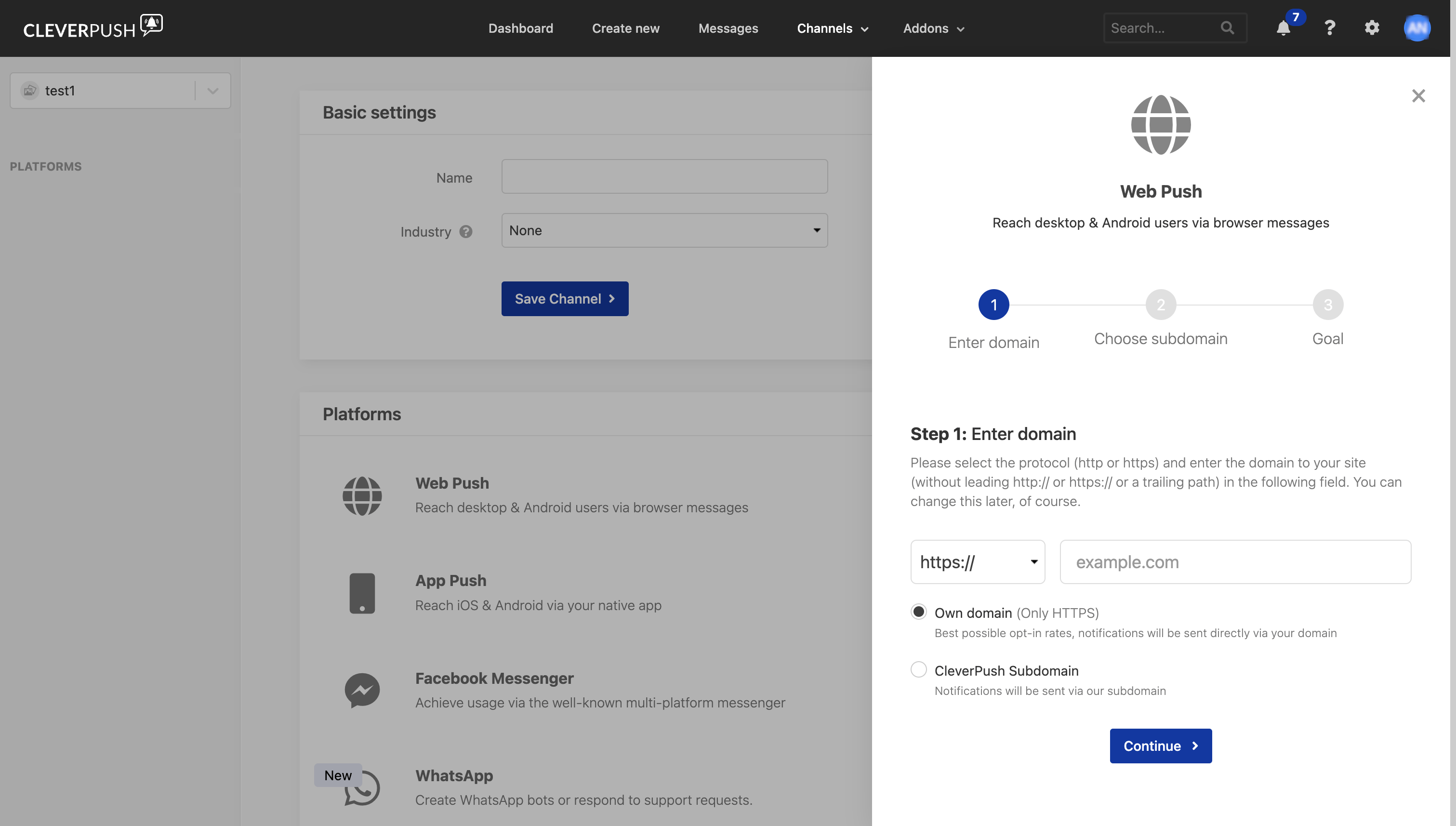
4
Choose the subdomain
On Step 2: Choose subdomain, enter a Subdomain name and click Continue. Cleverpush notes on this screen that the subdomain cannot be changed later, so choose it deliberately.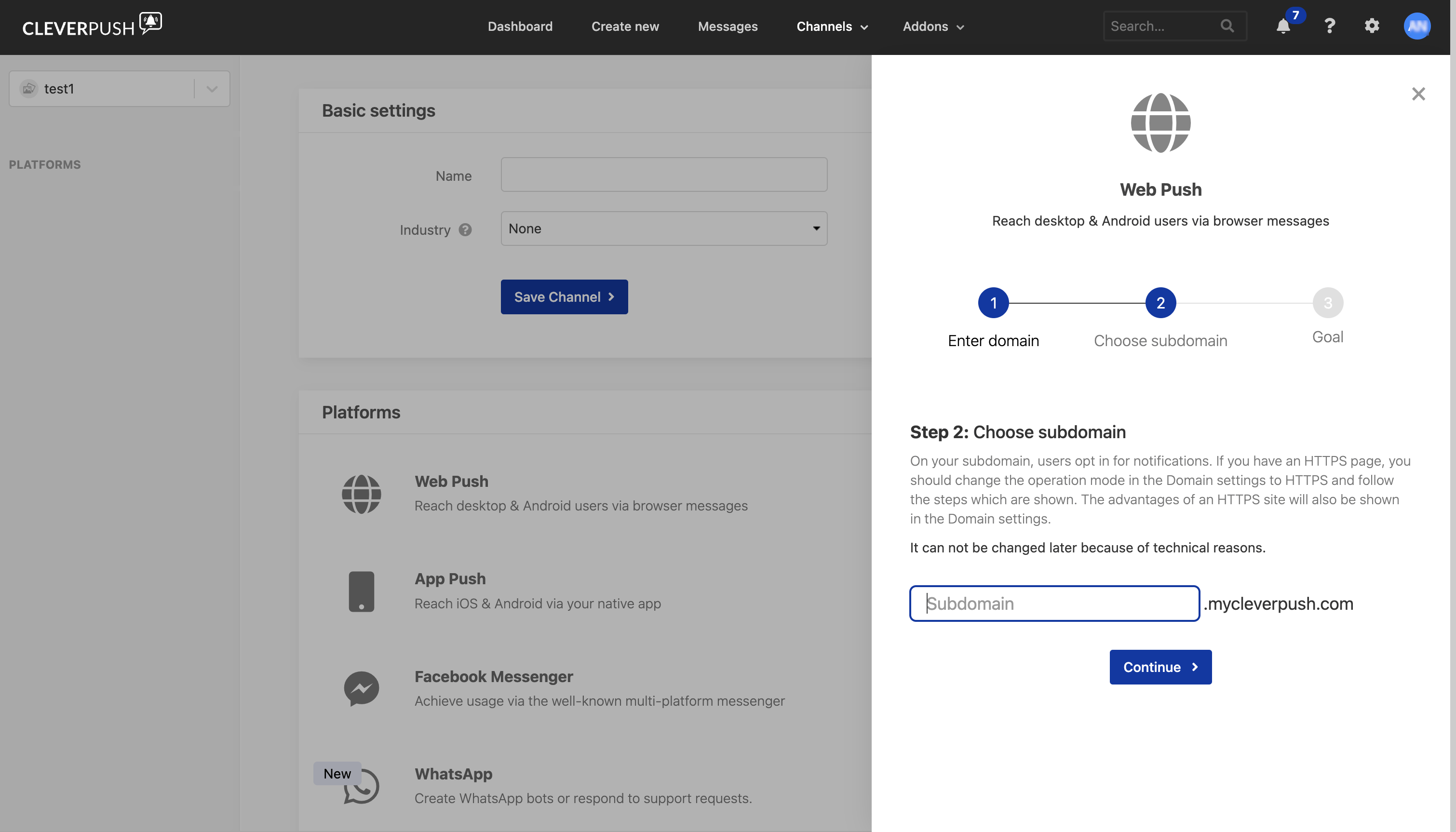
5
Finish the setup
On the final step, click Setup now.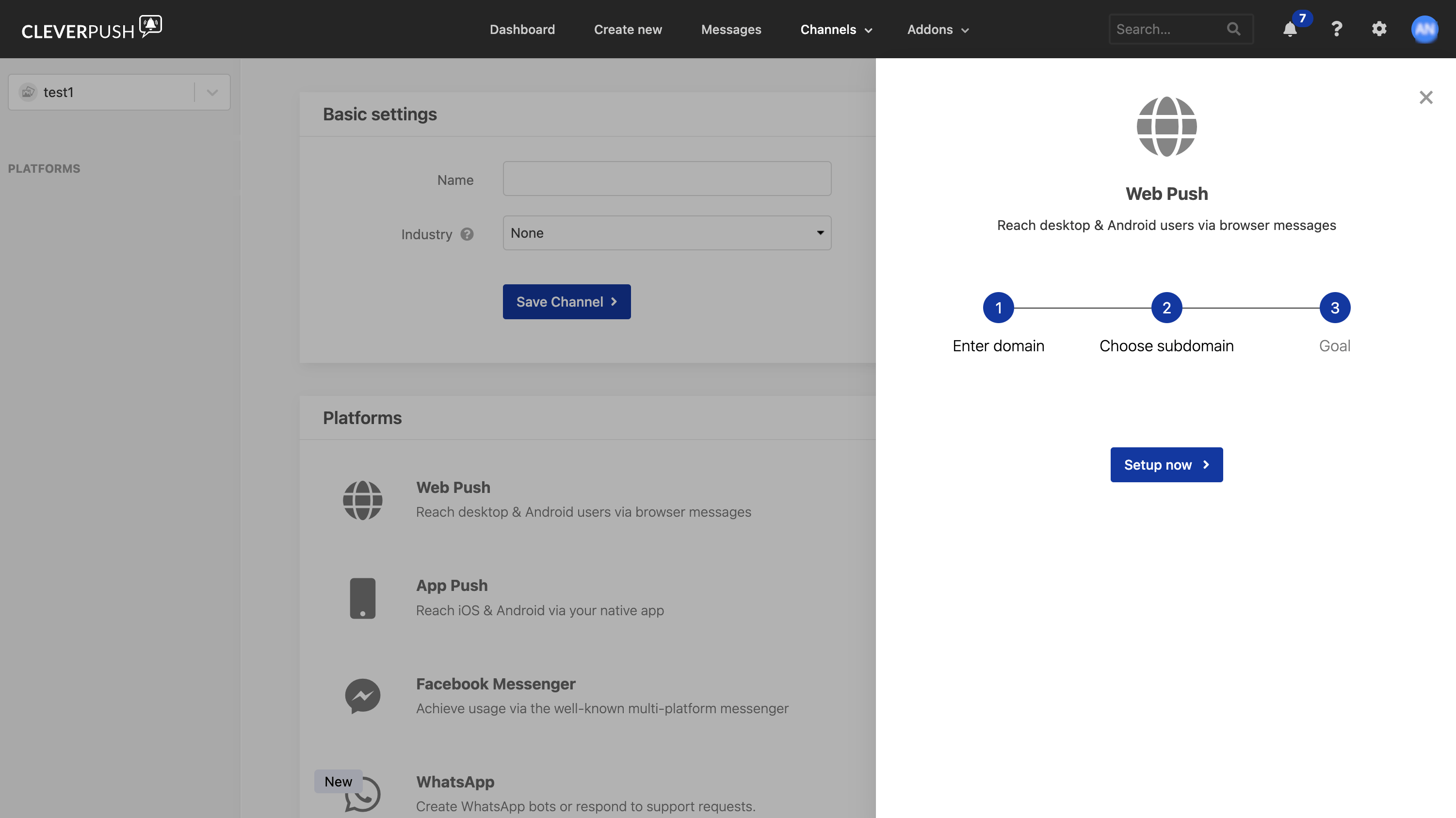
Set up App Push in Cleverpush
App Push reaches iOS and Android users through your own native app. Perform the following steps to set it up:1
Open the channel's platforms
Log into the Cleverpush console and navigate to Channels in the top navigation bar. Select the channel you created and navigate to Platforms.
2
Start the App Push setup
Click Setup now next to App Push.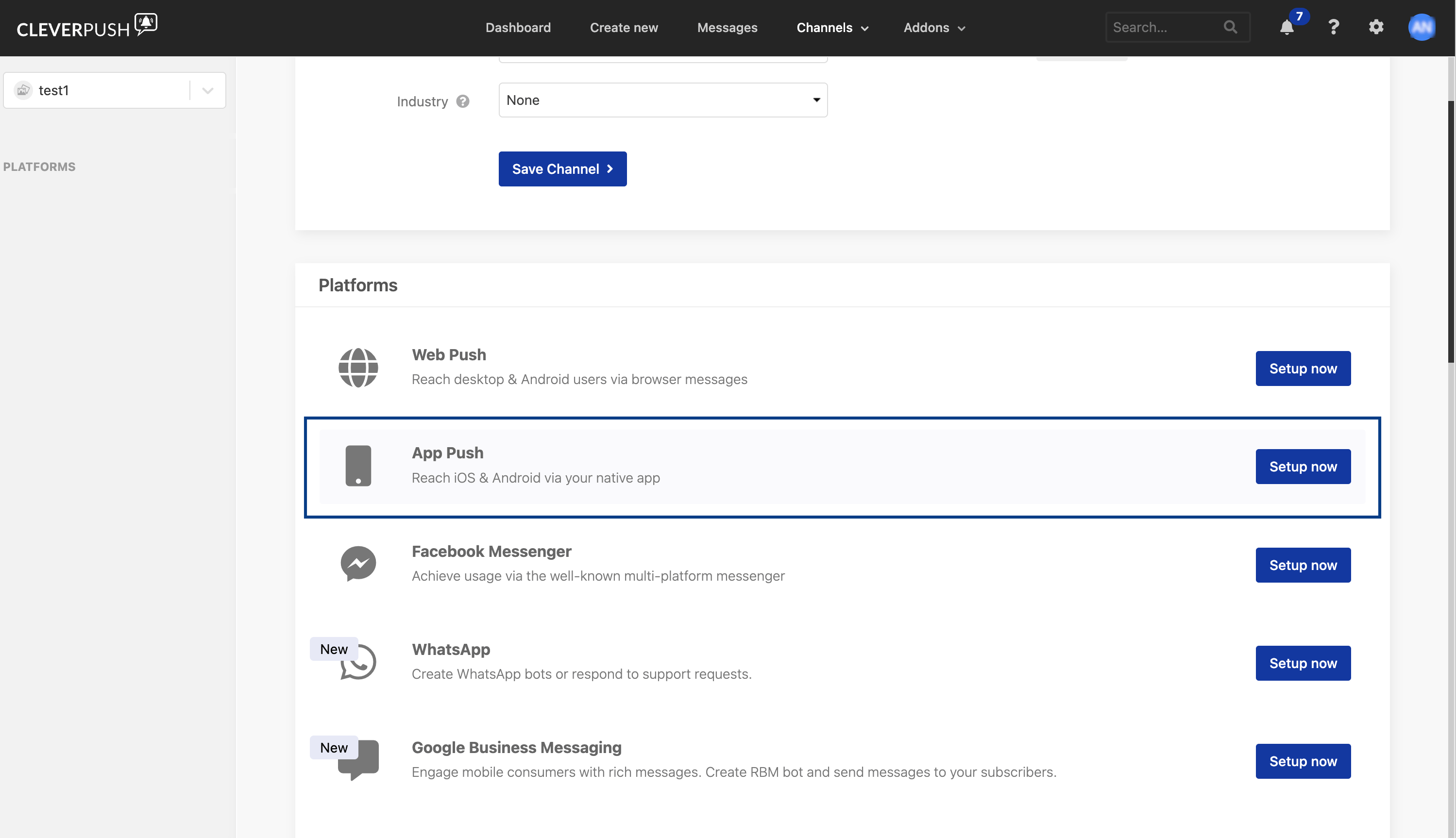
3
Confirm in the App Push panel
Click Setup now in the panel that opens.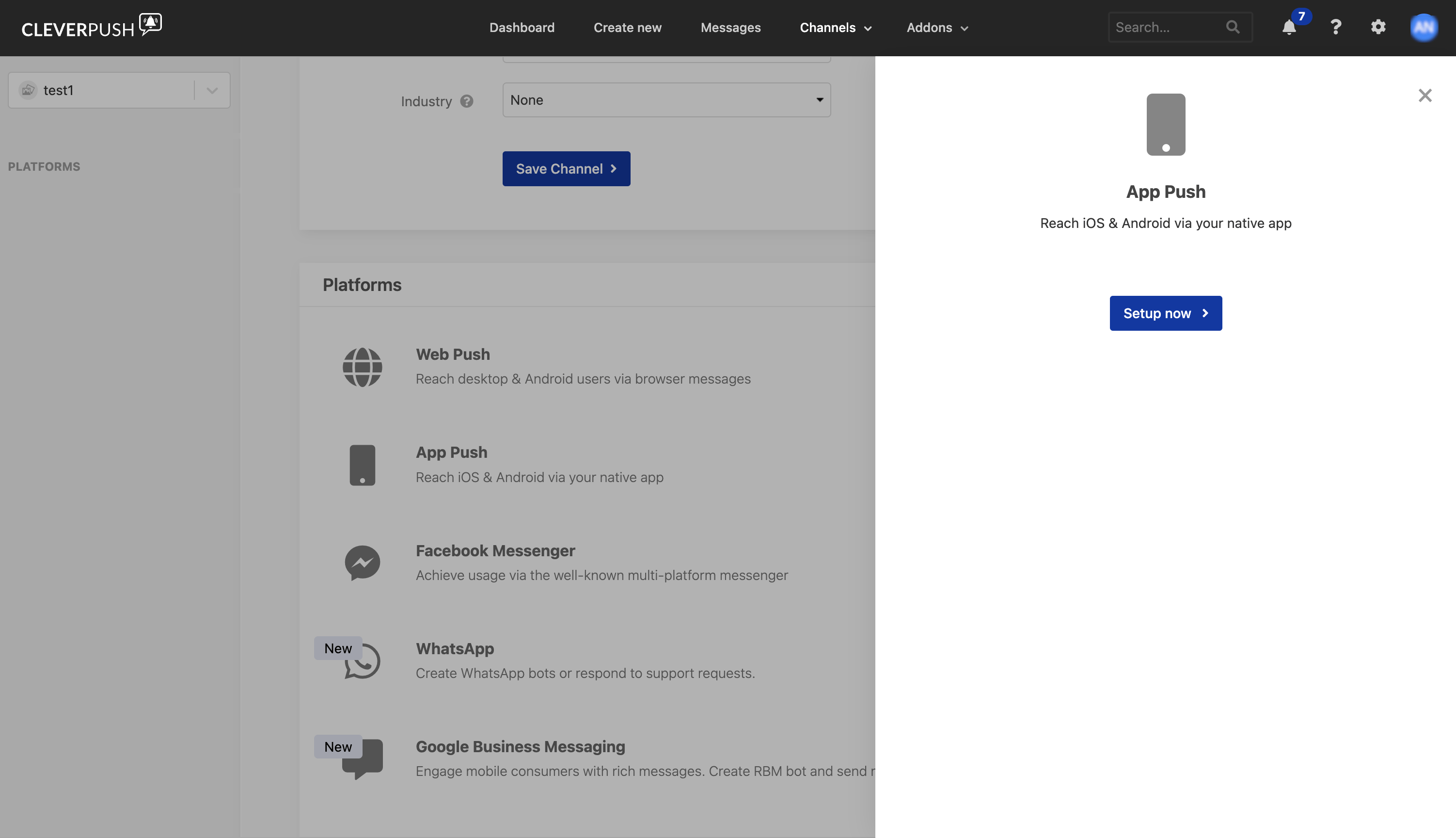
4
Add the SDK to your app
Choose the relevant SDK documents to set up App Push in your app.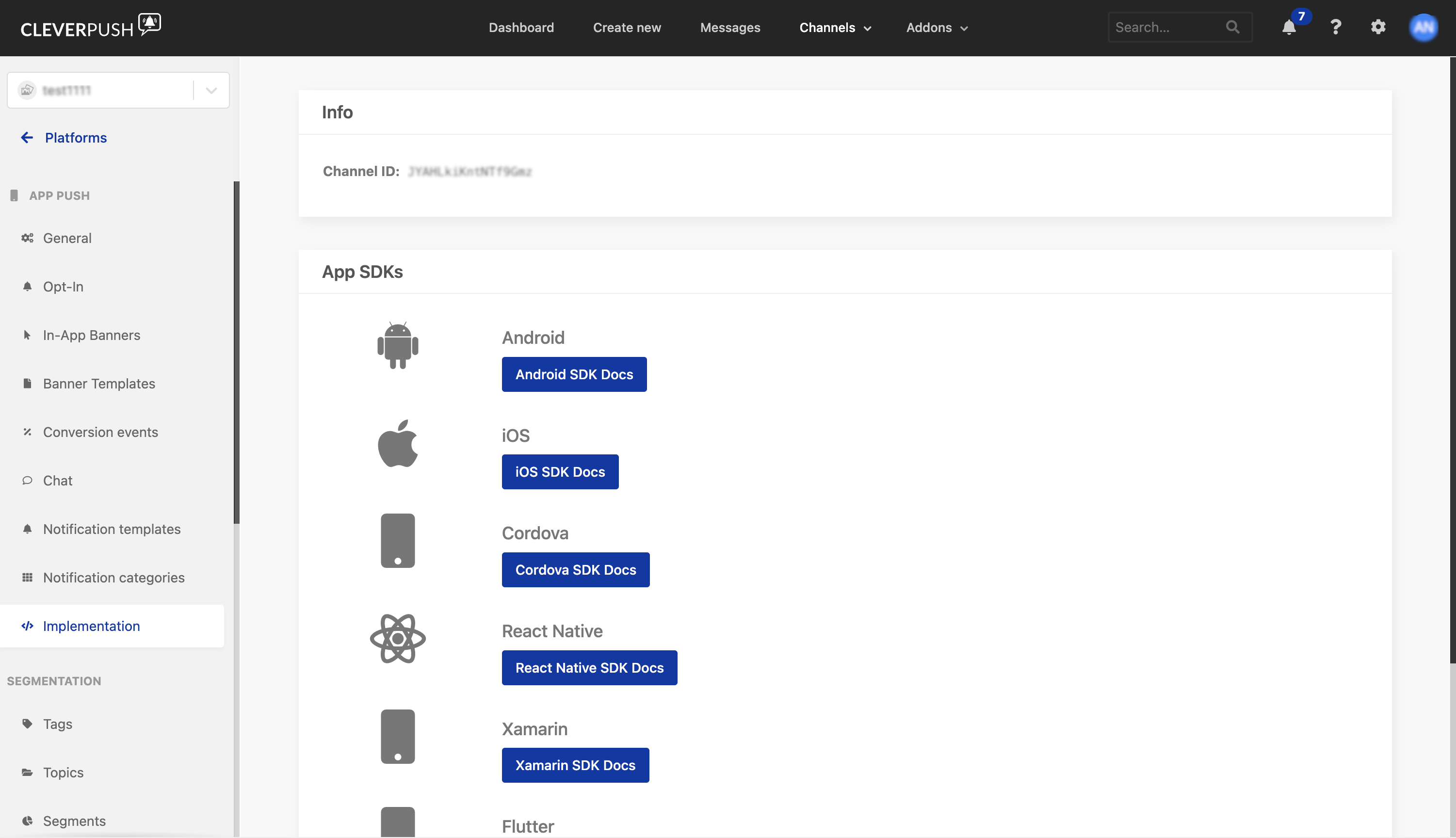
Set up Email Push in Cleverpush
Email Push covers registration forms, double opt-in routines and newsletters. In the Cleverpush console this platform is listed as Email, further down the Platforms list than Web Push and App Push. Perform the following steps to set it up:1
Open the channel's platforms
Log into the Cleverpush console and navigate to Channels in the top navigation bar. Select the channel you created and navigate to Platforms.
2
Start the Email setup
Scroll down the Platforms list and click Setup now next to Email.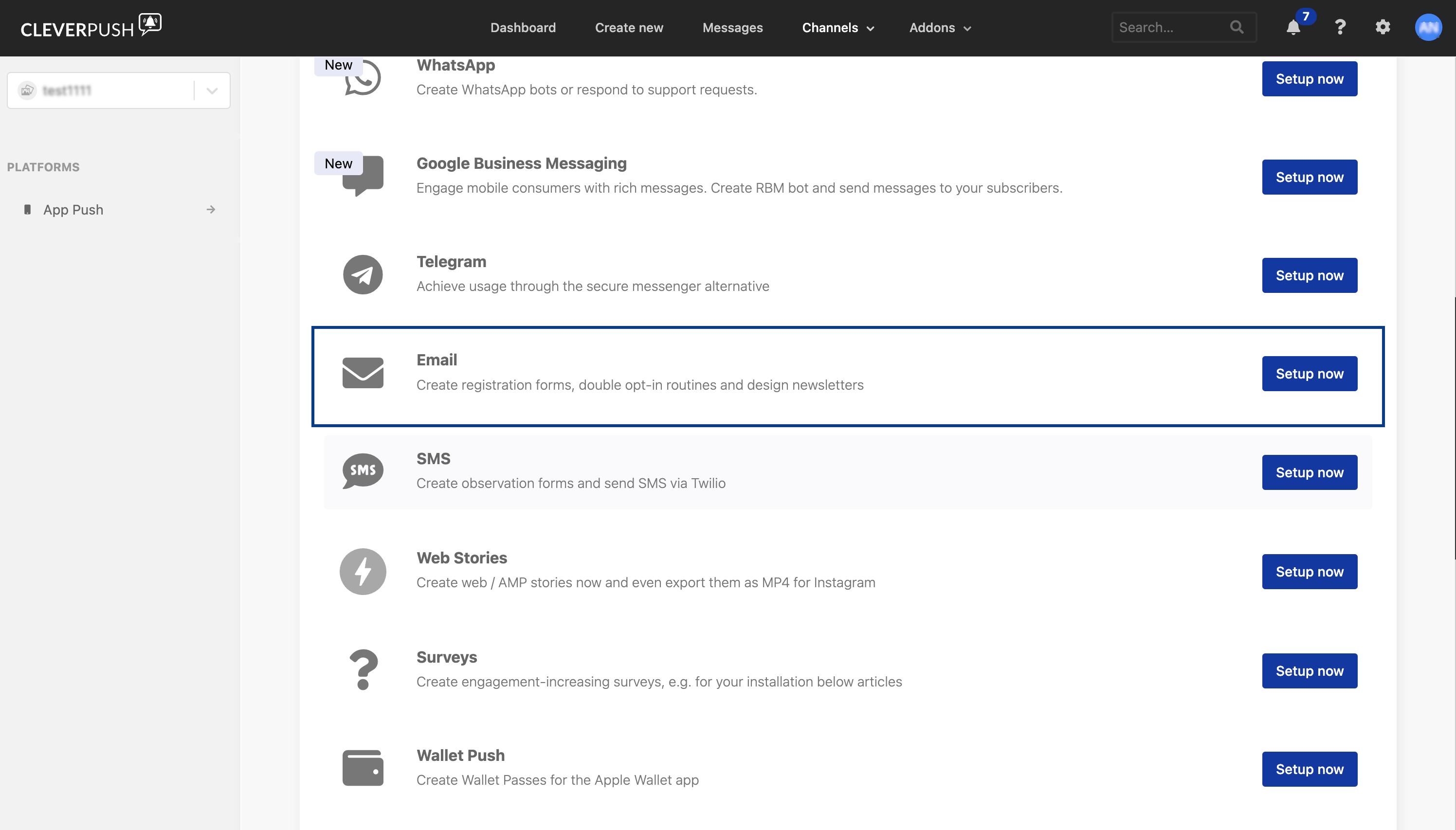
3
Confirm in the Email panel
Click Setup now in the panel that opens.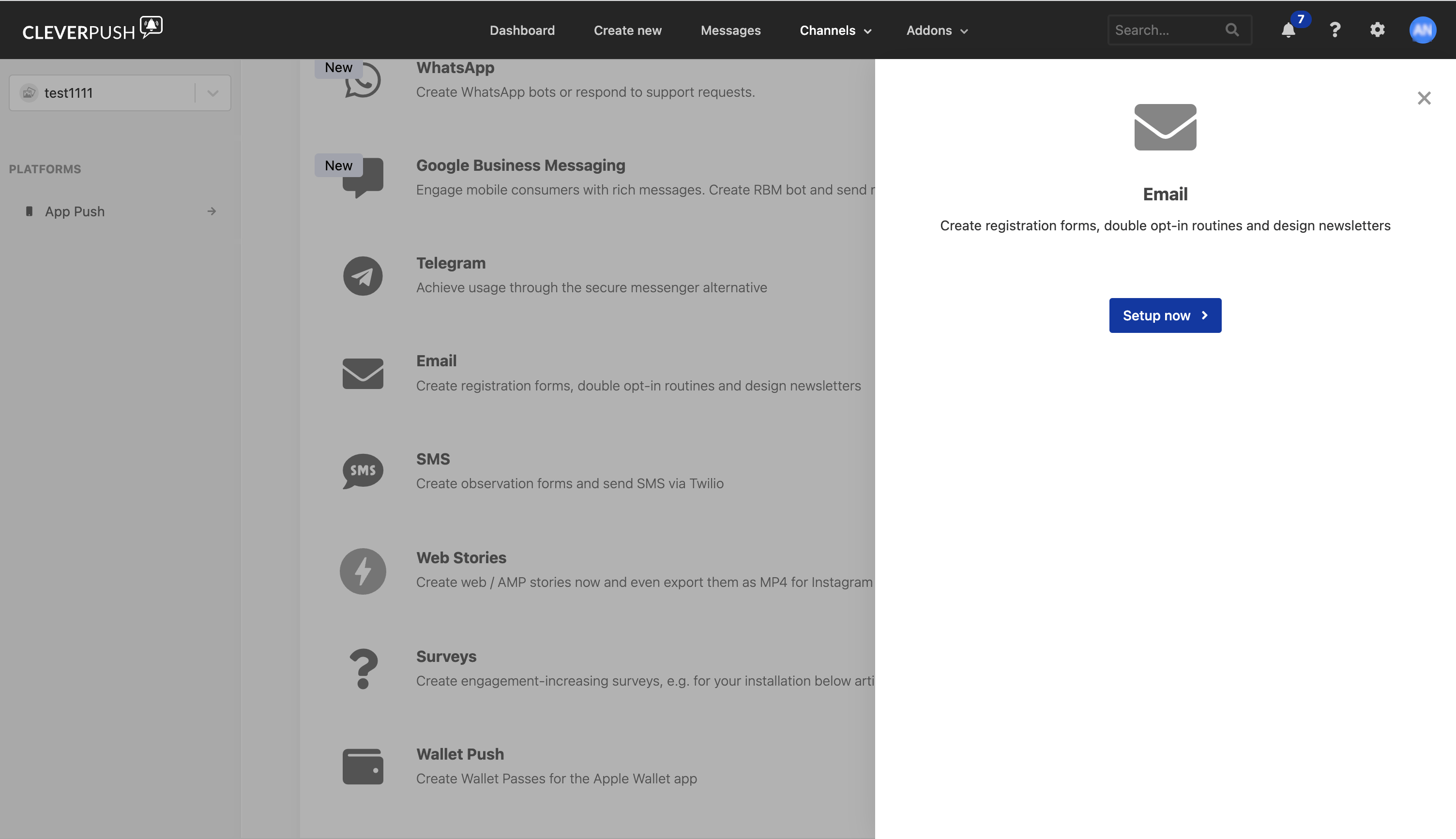
Verify the platforms are set up
Open the channel again and check the left panel: the platforms you have configured are listed there under PLATFORMS. A platform that is still listed only in the main Platforms list, with a Setup now button beside it, has not been set up yet. This matters for the source you are about to create. The Channel ID that the Cleverpush (Batch) source asks for is read from a platform’s settings, so the channel needs at least one platform set up before there is a Channel ID to copy. For where to find it, see Create a Cleverpush (Batch) Source.Next steps
Create a Cleverpush (Batch) Source
Gather the Private API Key and Channel ID, then create the batch source in Zeotap CDP.
Create a Cleverpush Real-Time Source
Create the real-time source, then add its webhook to the platform you set up here.
Cleverpush (Batch) Source
What the batch integration fetches and where it sits in the source catalogue.
Cleverpush destination
The opposite direction: send audiences out of Zeotap CDP to Cleverpush.