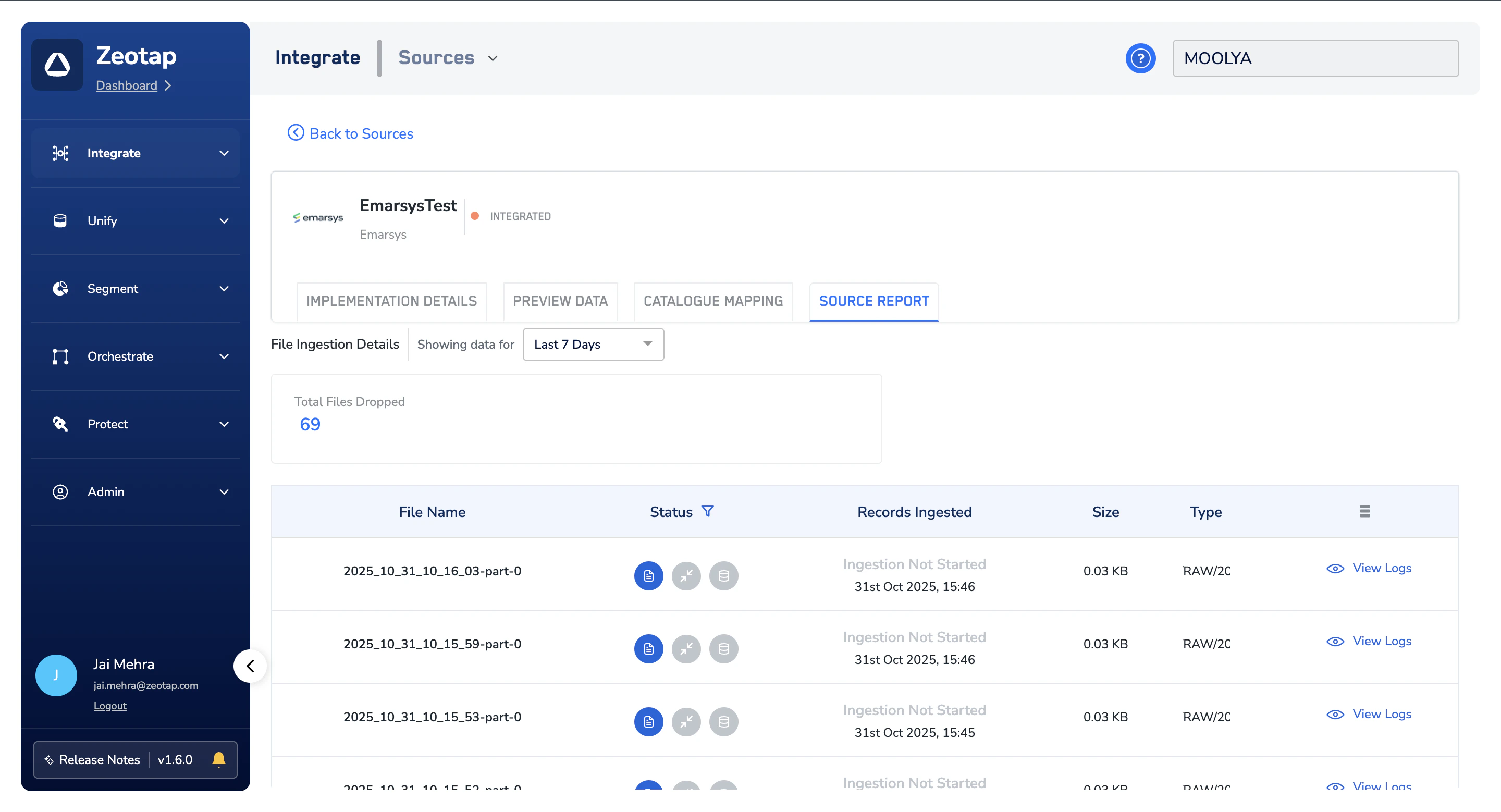
1
Log into the Zeotap CDP App and navigate to the Sources application under Integrate.
2
Click CREATE SOURCE.
3
Choose Customer Engagement Channels as the Category.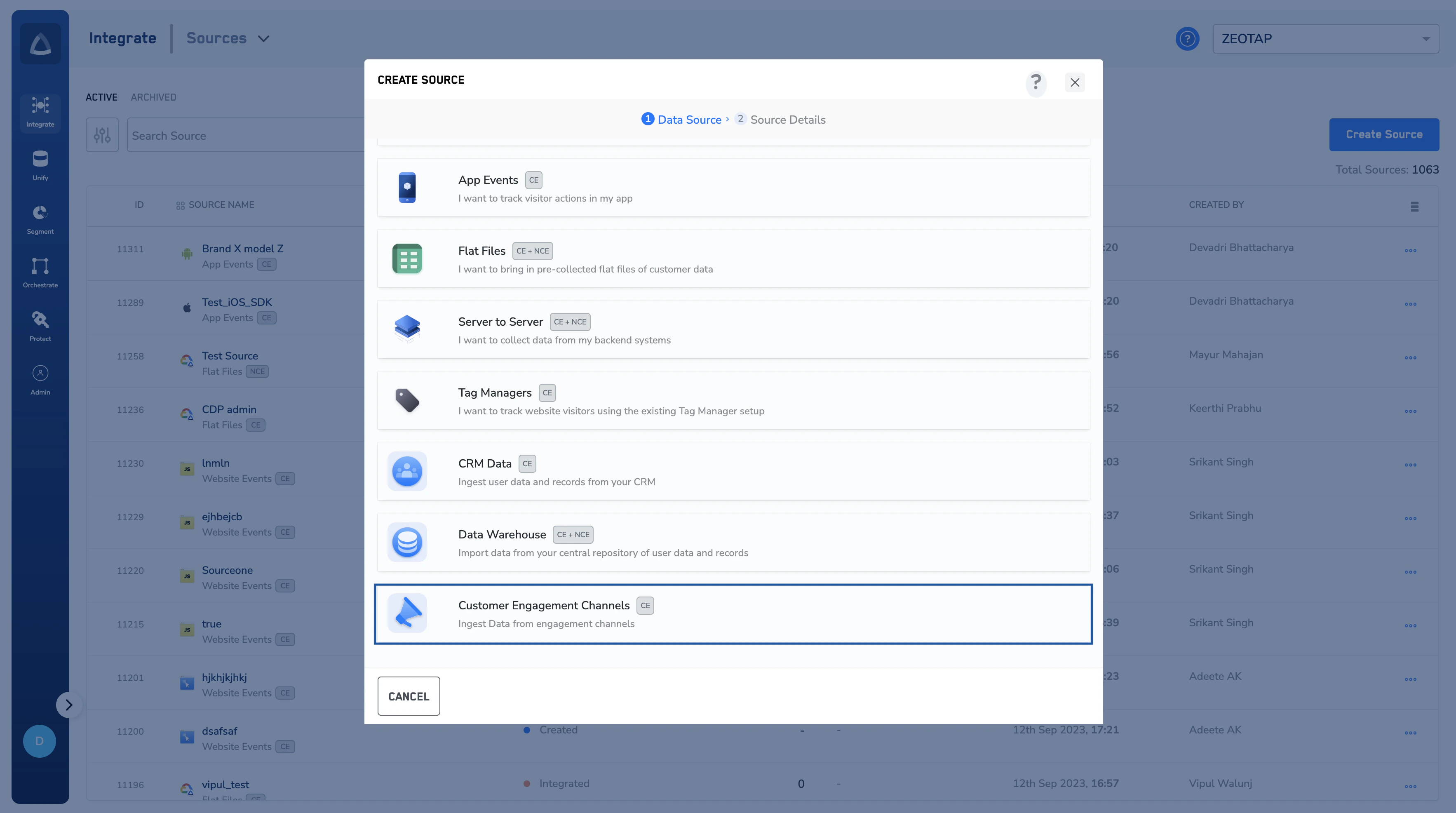
4
Click Emarsysas the Data Source.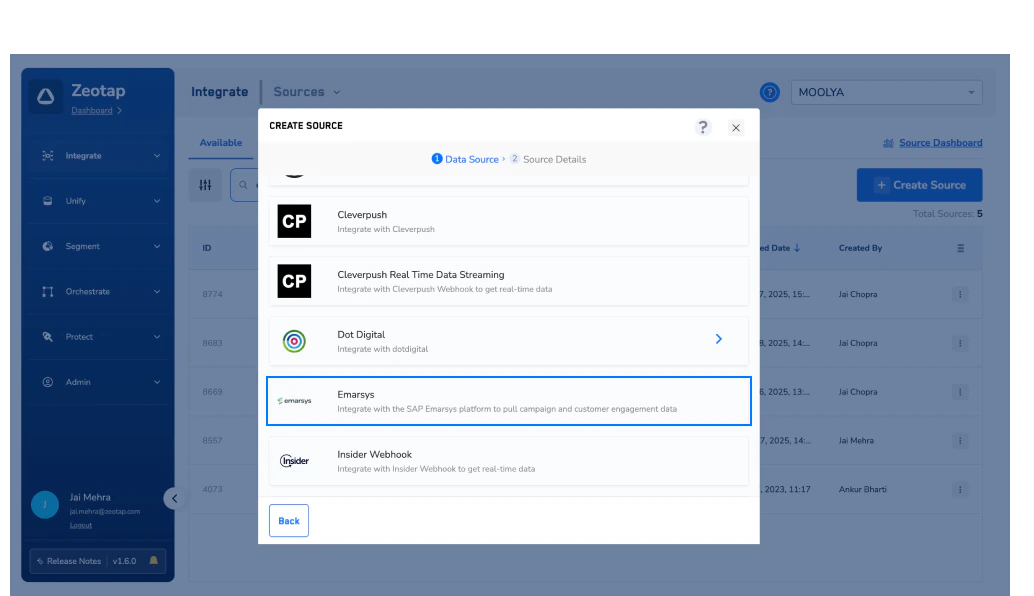
5
Enter a name for the source.
6
Add the following details using the Source form provided: Client ID, Client Secret, Email Campaign ID. Choose the Source Accordingly. Currently we only support one source at a time.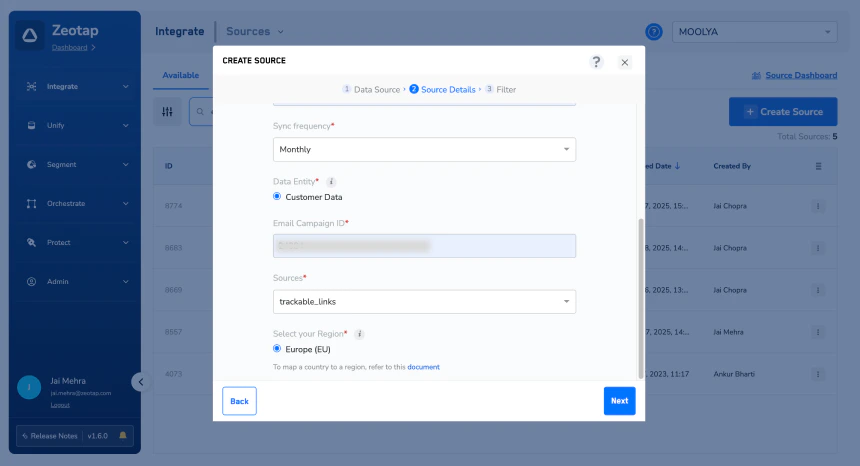
7
Click Next. You will be able to choose from a variety of fields to ingest data. Select all that are needed and click on CREATE SOURCE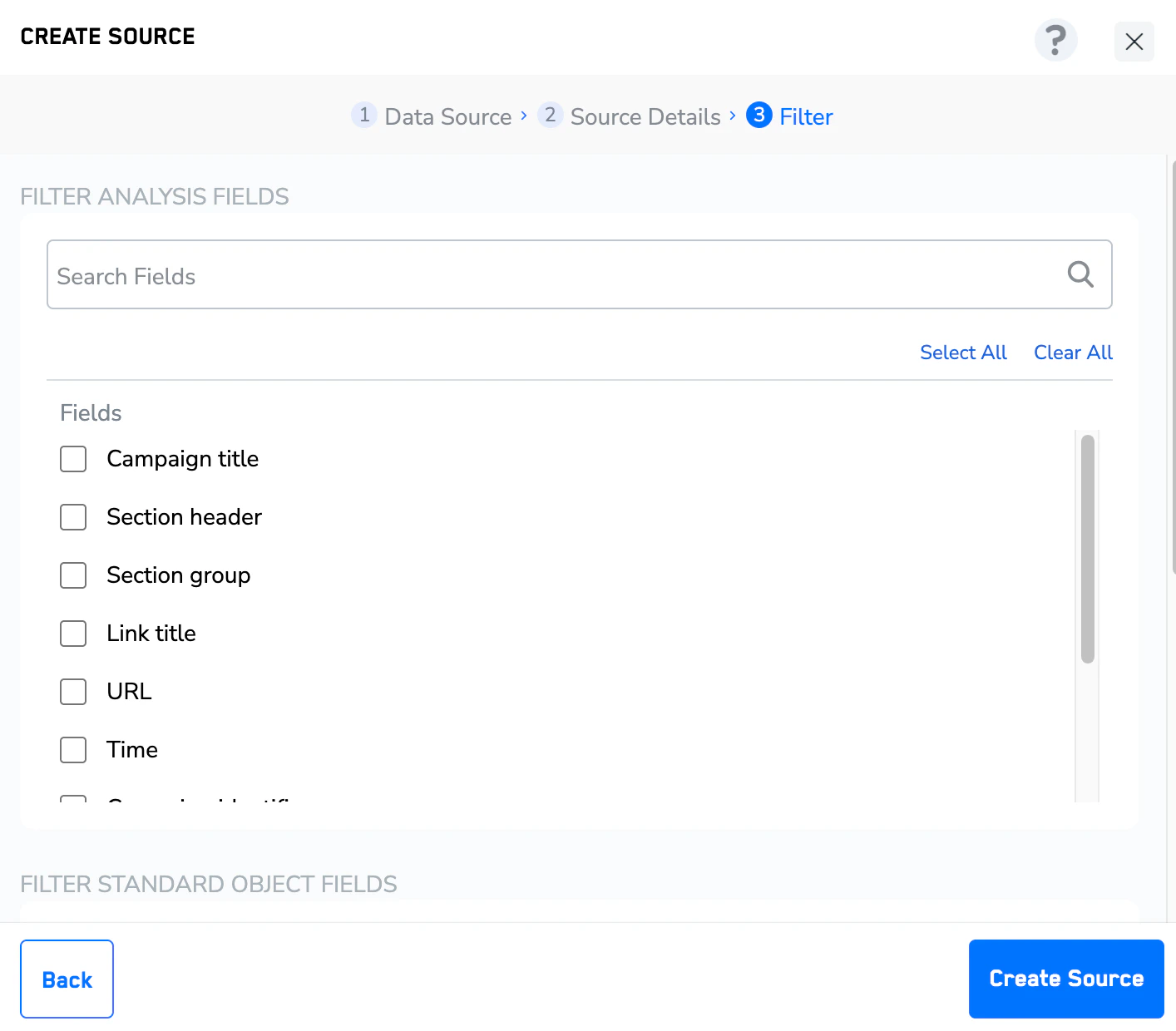
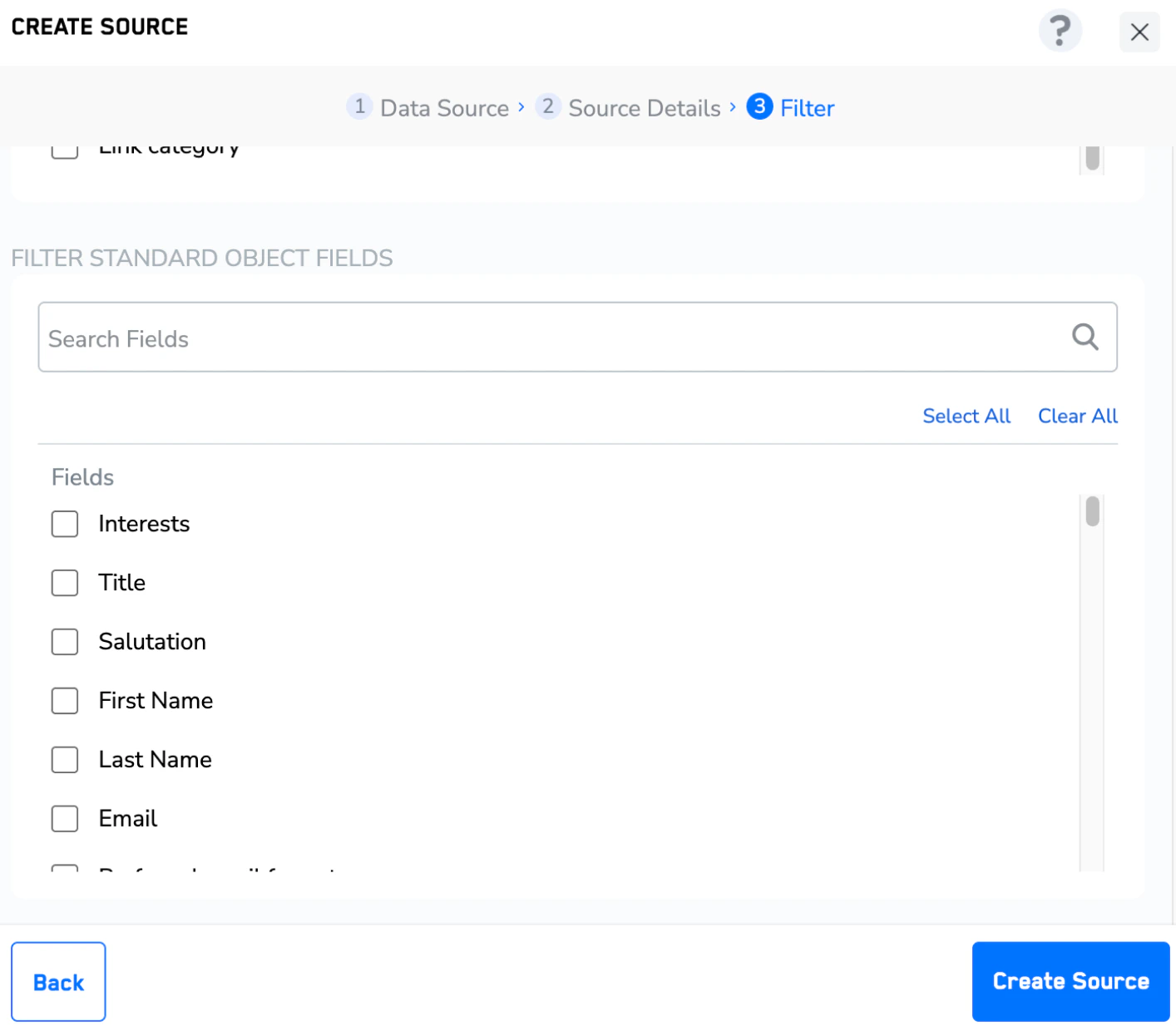
8
Upon successful creation, file will start getting ingested and refreshed according to the Refresh Frequency. You can Map the data to the catalogue then.