1
Log into the Zeotap CDP App and go to the Admin application.
2
Go to the My Users and click Invite User.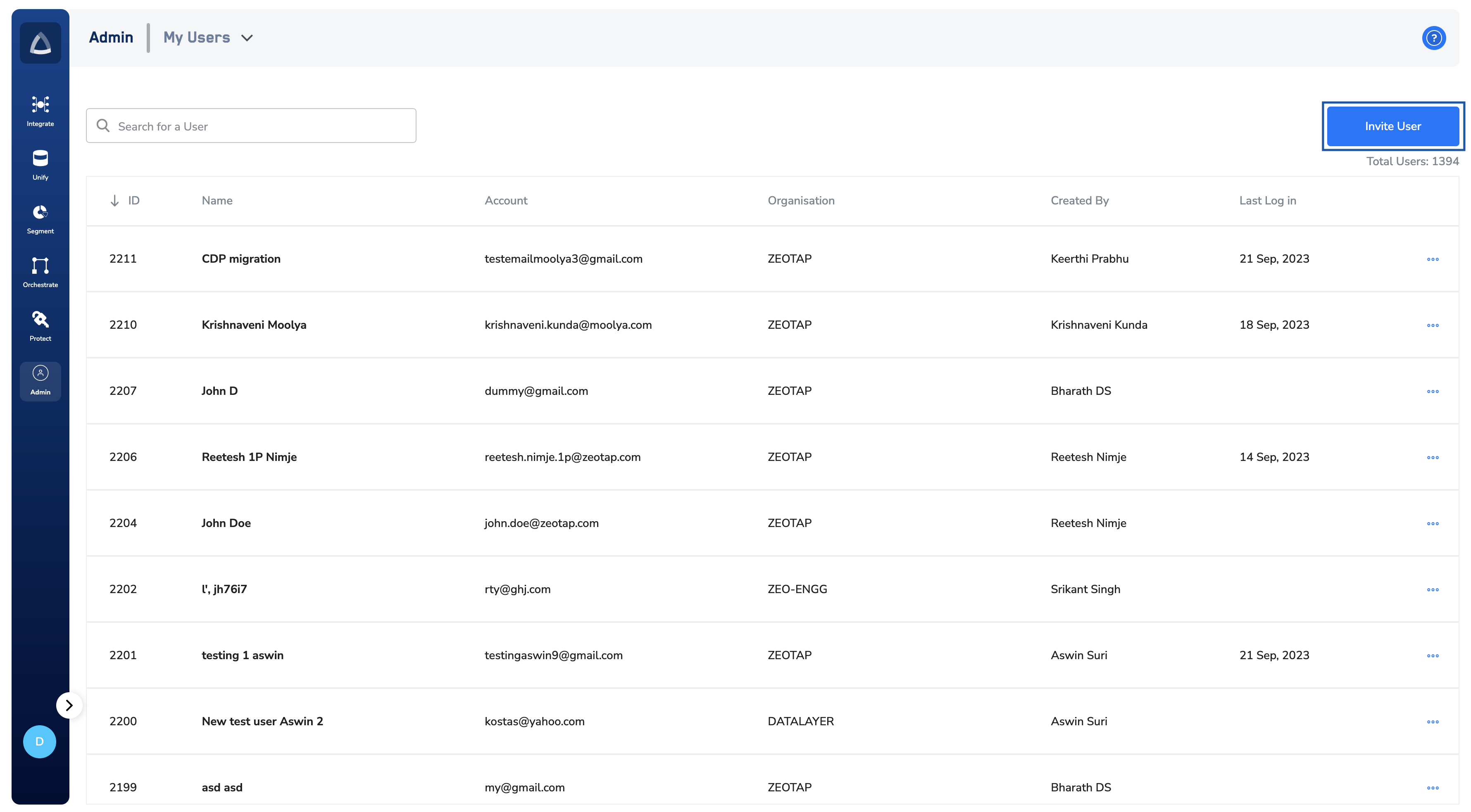
3
Select the Organisation to which this user belongs.
4
Enter the Email ID, First Name and Last Name of the user and click Next.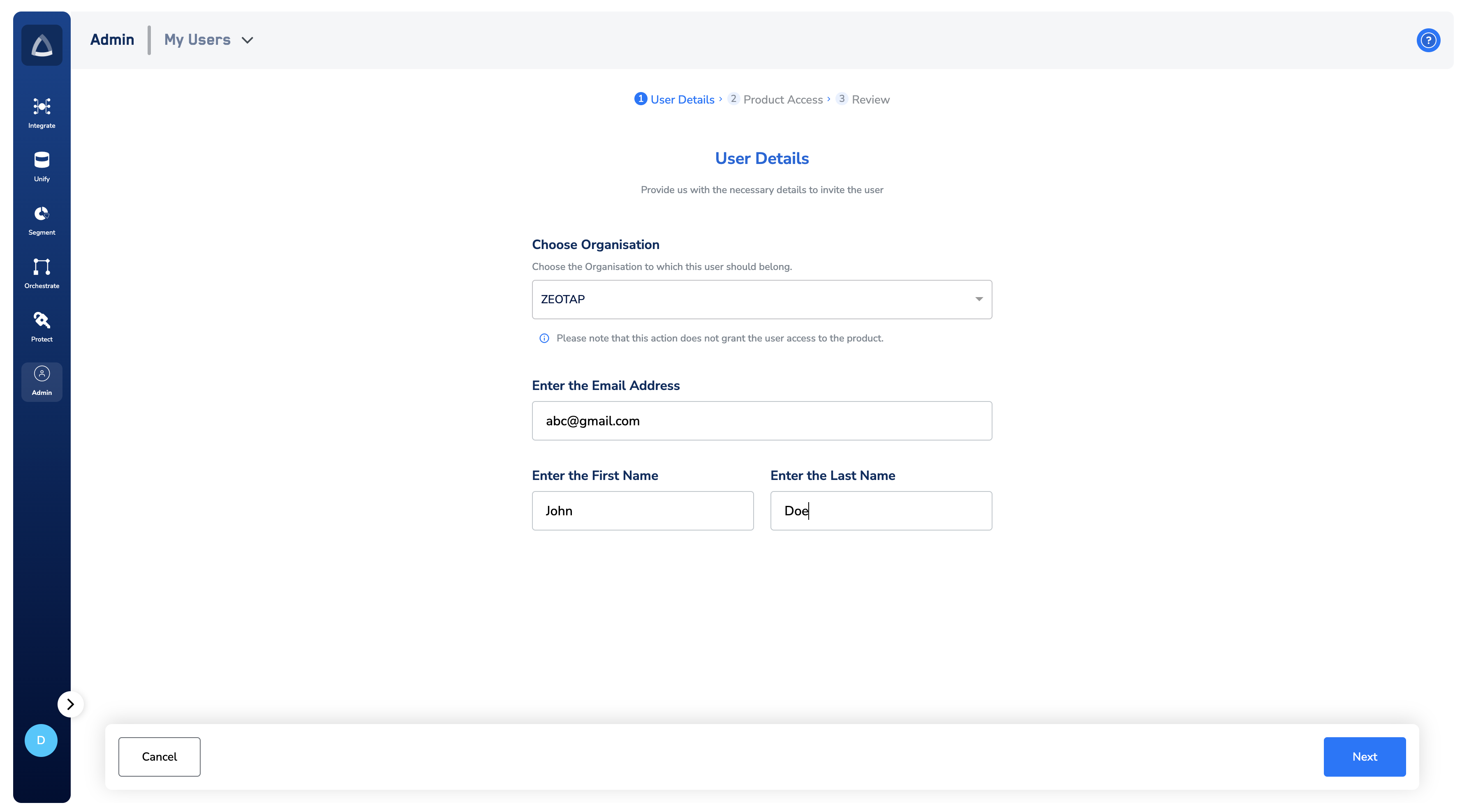
5
Under the Product Access section, provide the following details for the various products: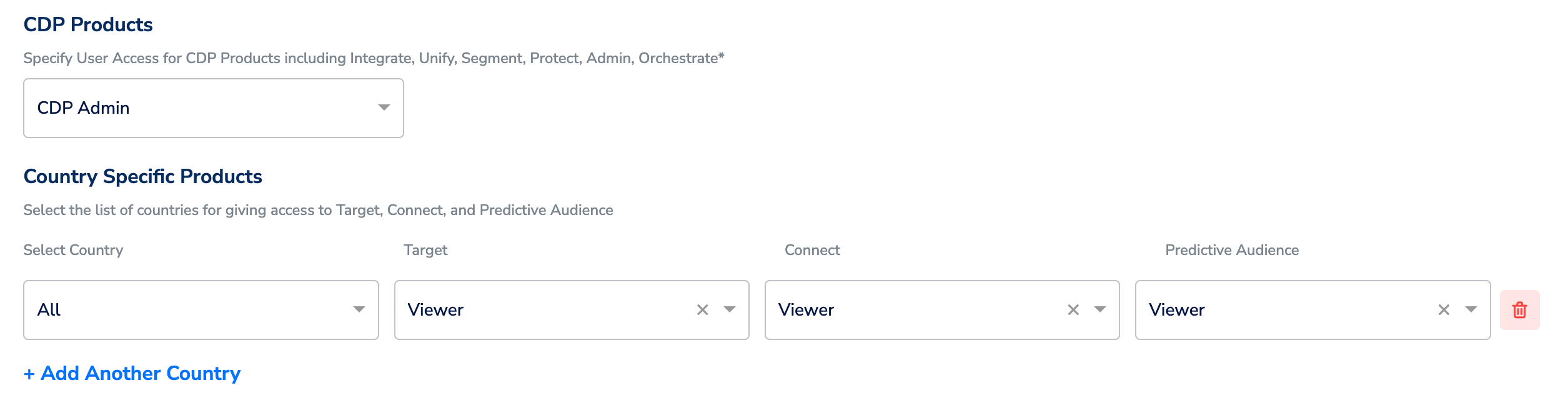
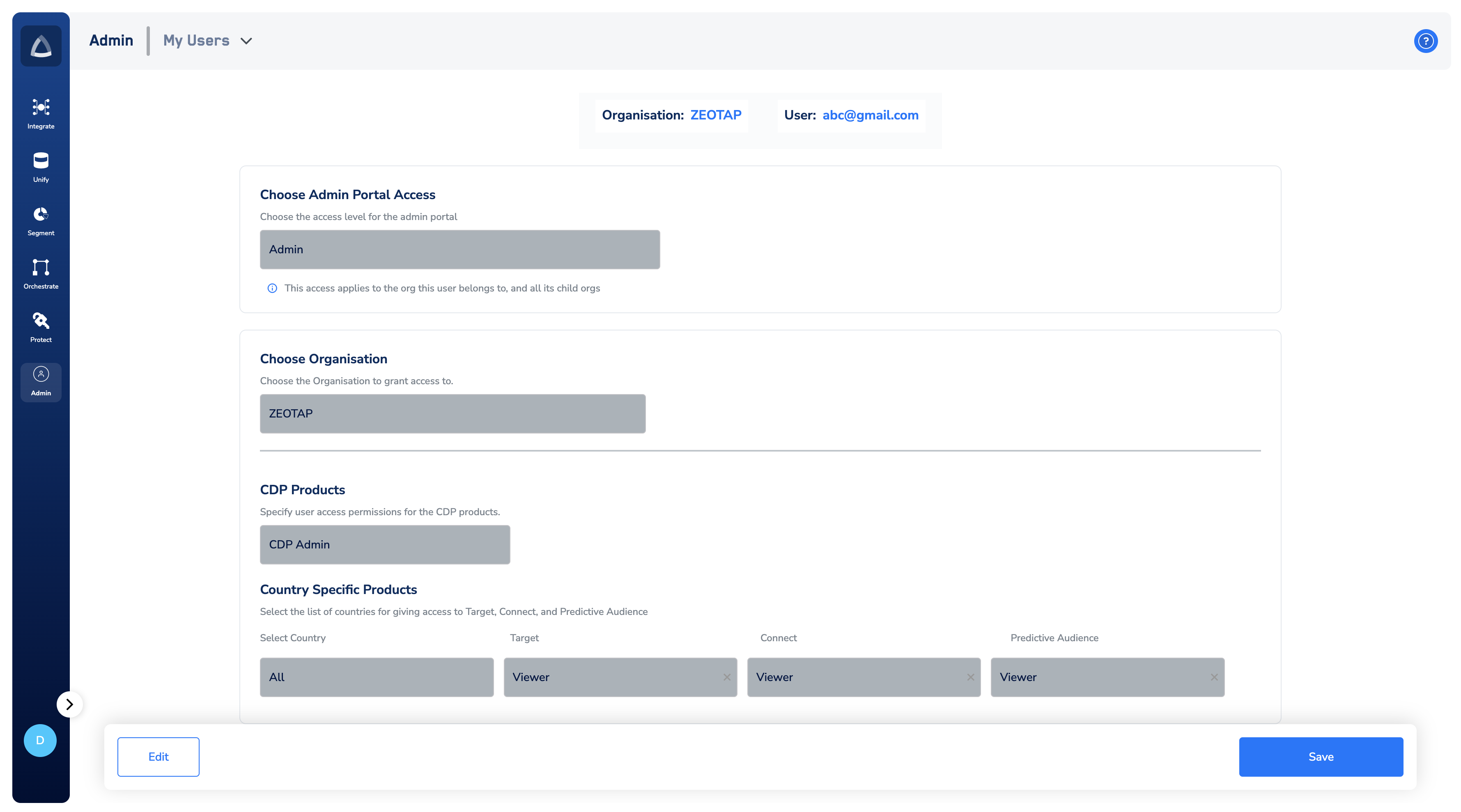
- Select Admin Portal Access – Choose the access level for the admin portal of the organisations to which the user belongs.
- Select Organisation – Choose the Organisation to which the user belongs.
- CDP Products – Choose the appropriate role for the user for the CDP products.
- Country Specific Product – Select the list of countries for giving access to Target, Connect and Predictive Audience.
6
Once you have provided all the necessary details, click Review. In this stage, you can verify your selections.
7
If you want to edit the selections, click Edit. Otherwise, click Save to add the user.