

1
Log into the Zeotap CDP App and go to the Admin application.
2
Under My Organisations, click + Create Organisation.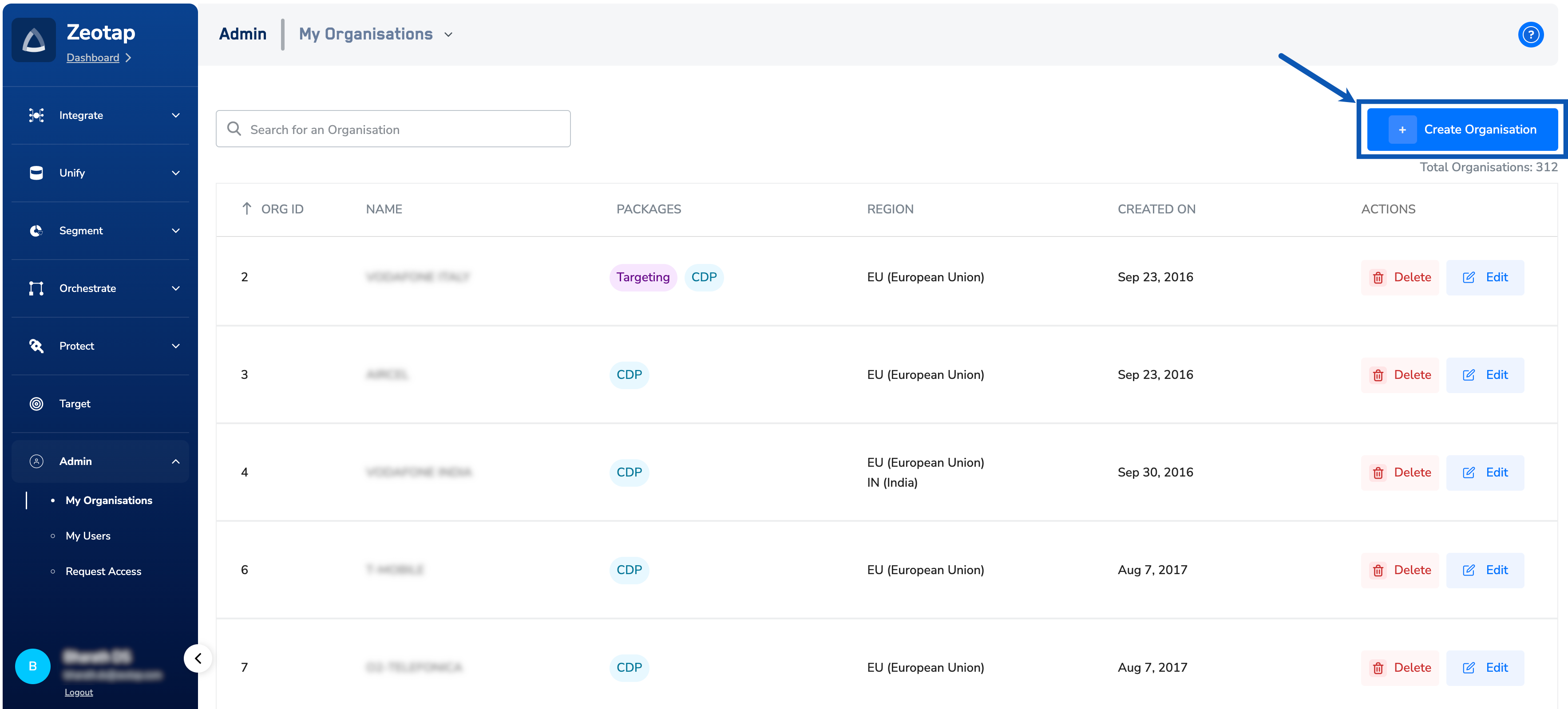
3
Enter the Organisation Name.
4
Select the Parent Organisation. Every organisation must have a parent organisation. With the parent-child relationship not defined, Zeotap is chosen as the parent organisation.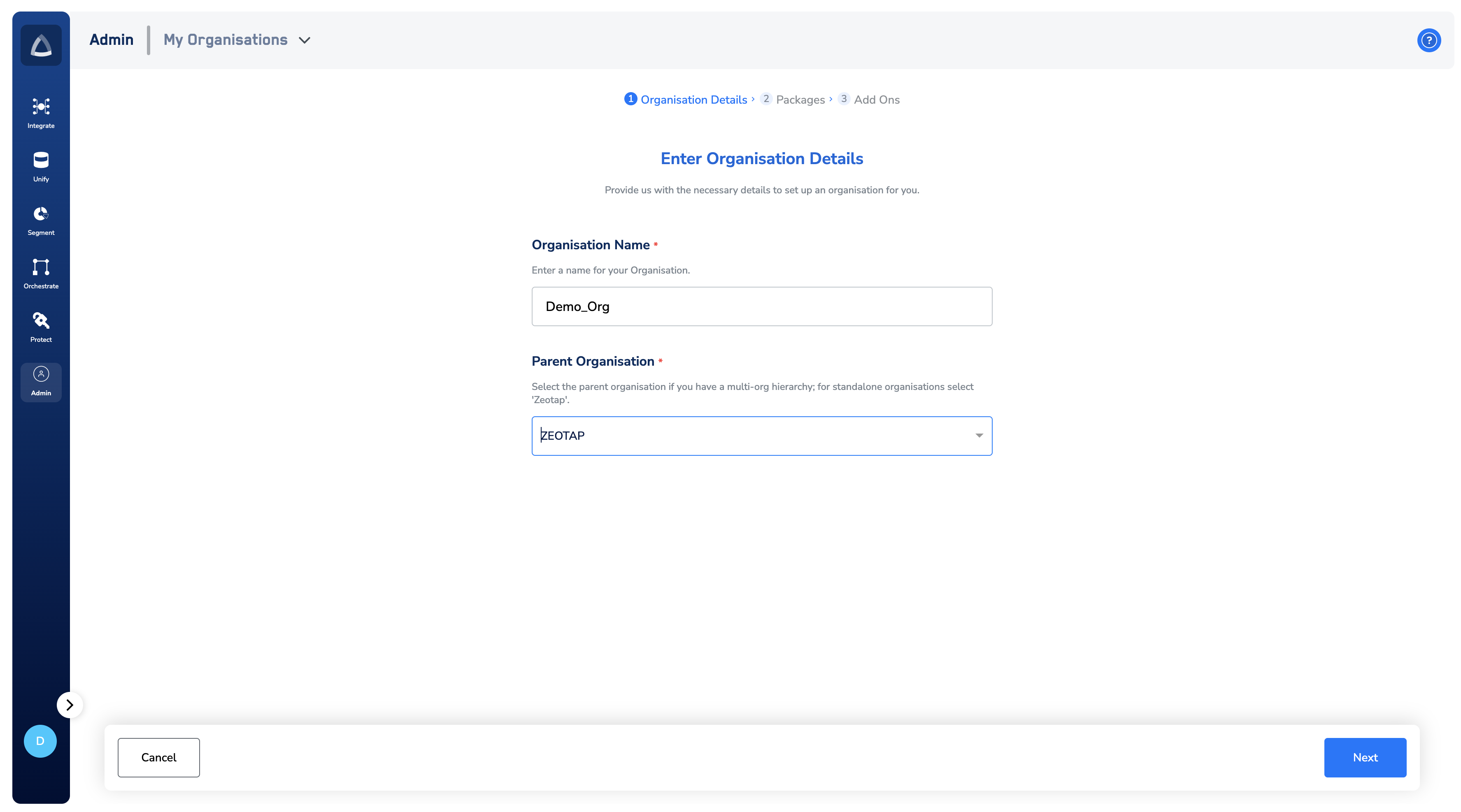
5
In the new screen that appears, select the packages that is appropriate for your organisation.
6
If you choose the CDP package, then ensure to set the region where you want your data to be stored.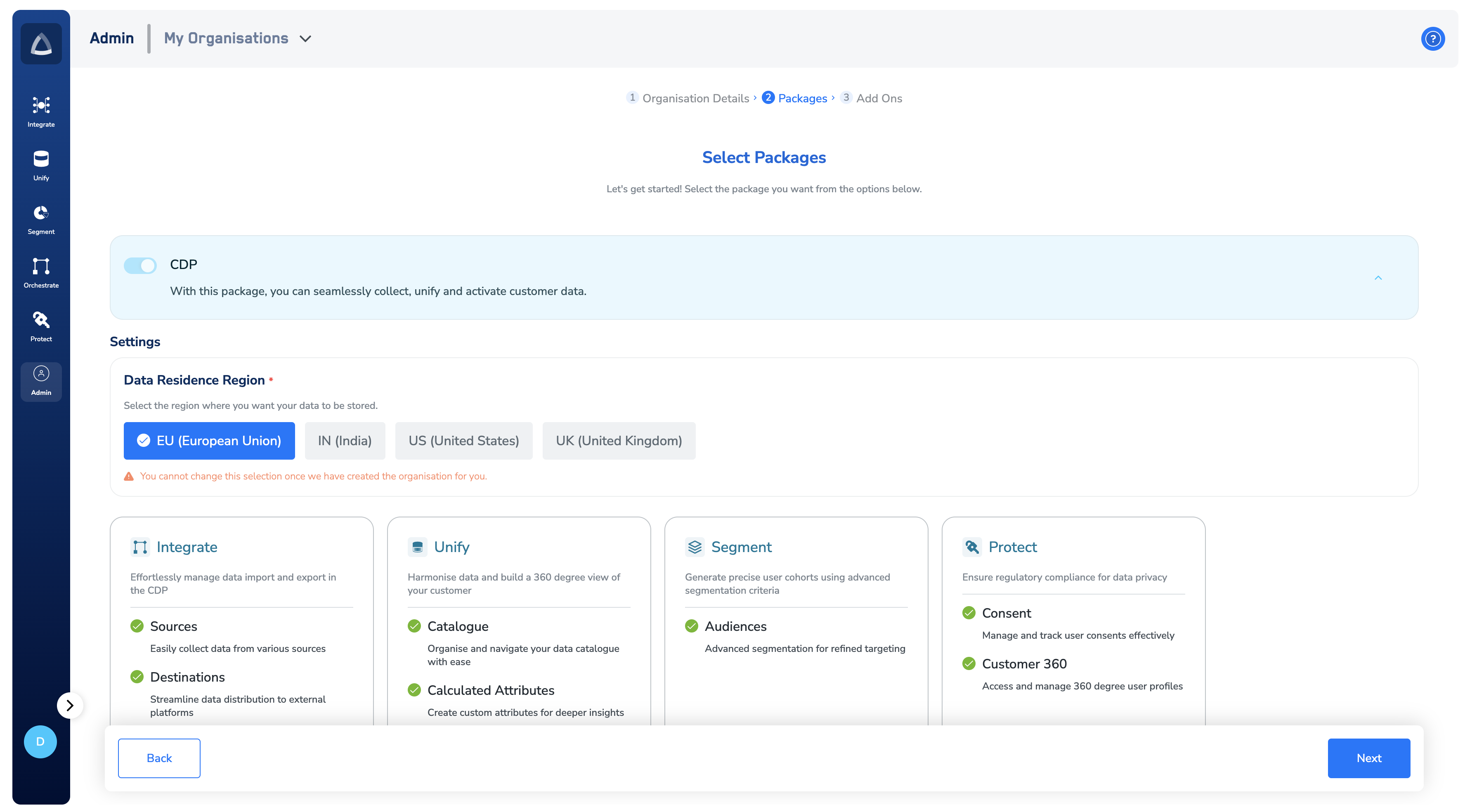
7
Choose the Add-Ons that you wish to have and click Save.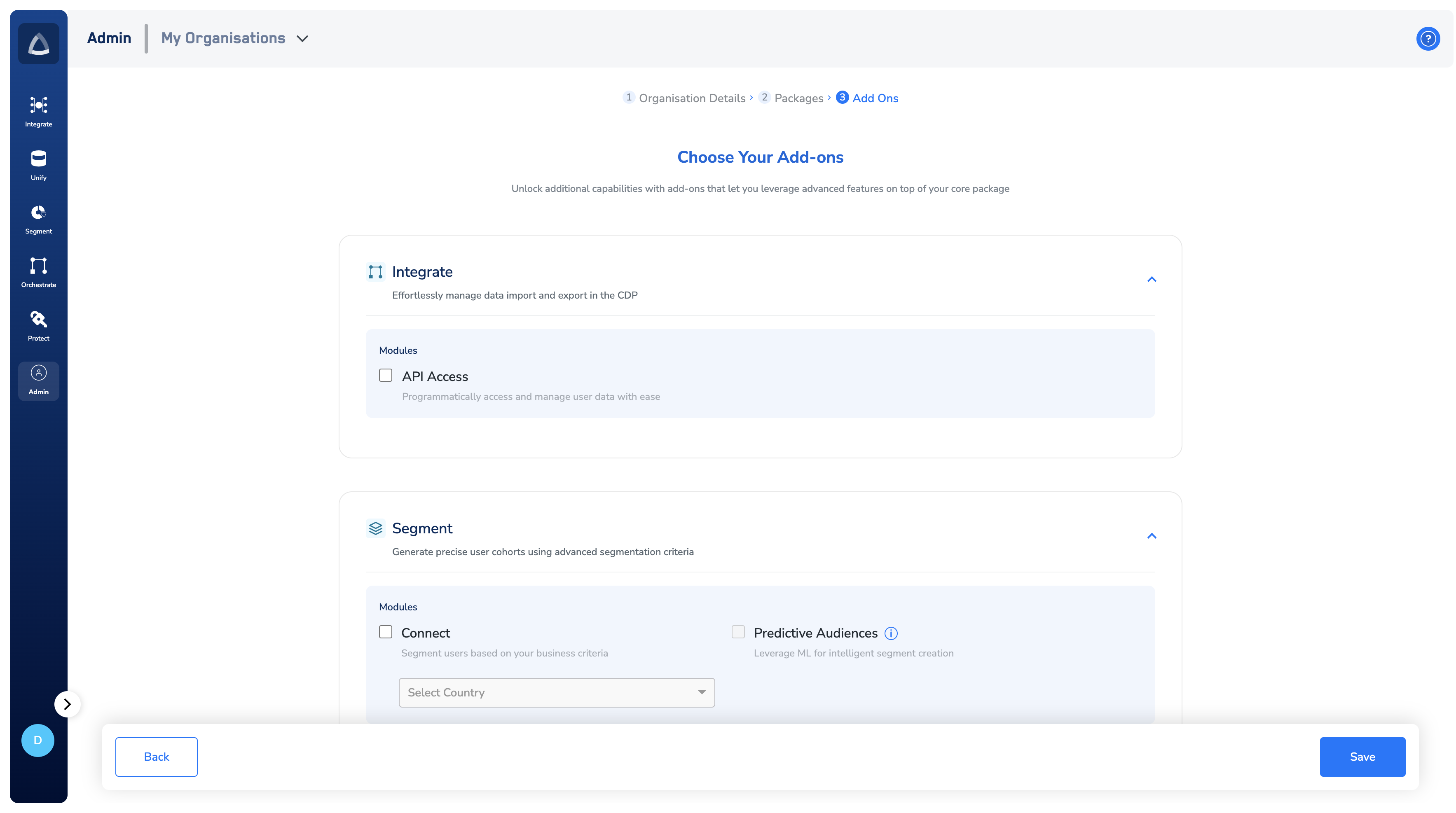
NoteTo make changes to the selected packages, use the Edit button shown below. If an organization created within the Admin module is no longer needed or was created by mistake, you can remove it using the Delete button shown below.