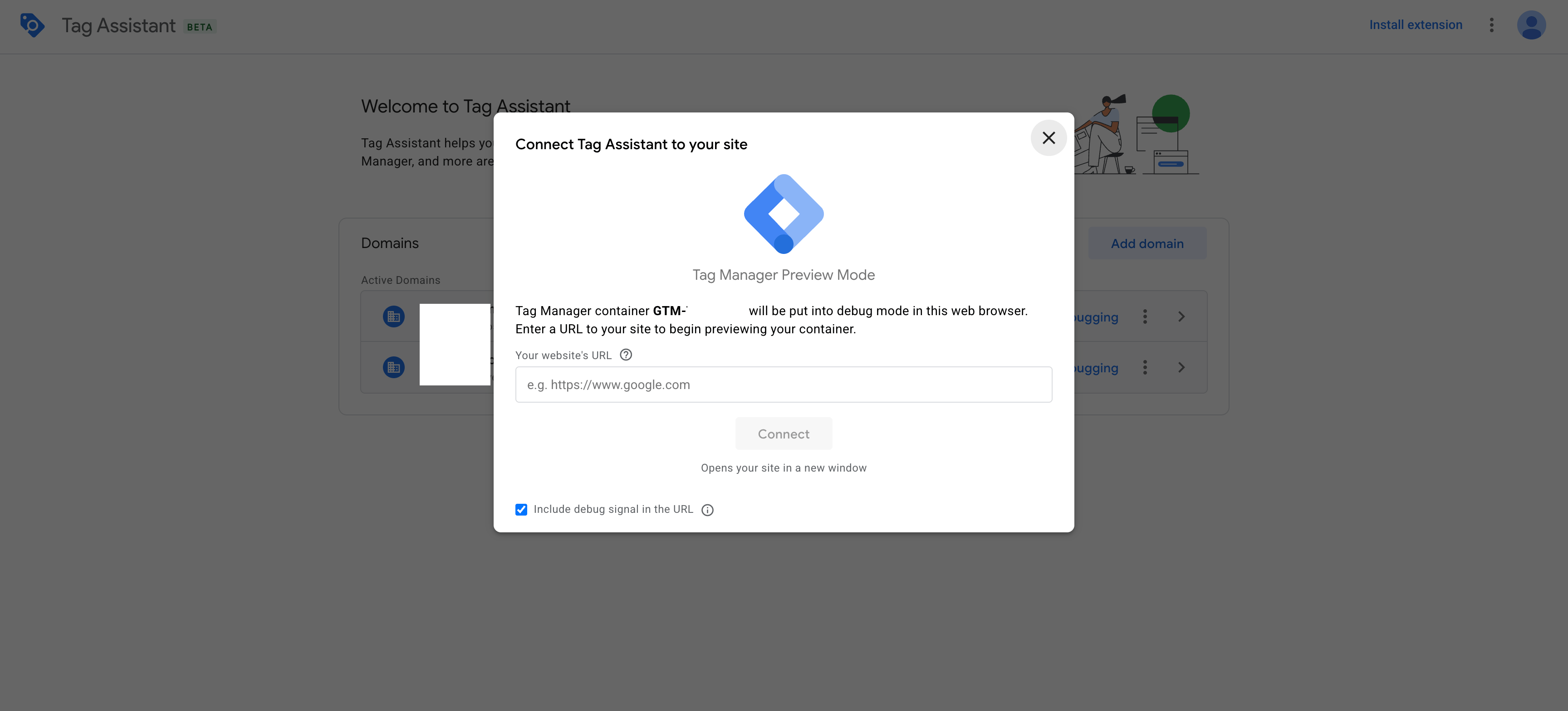
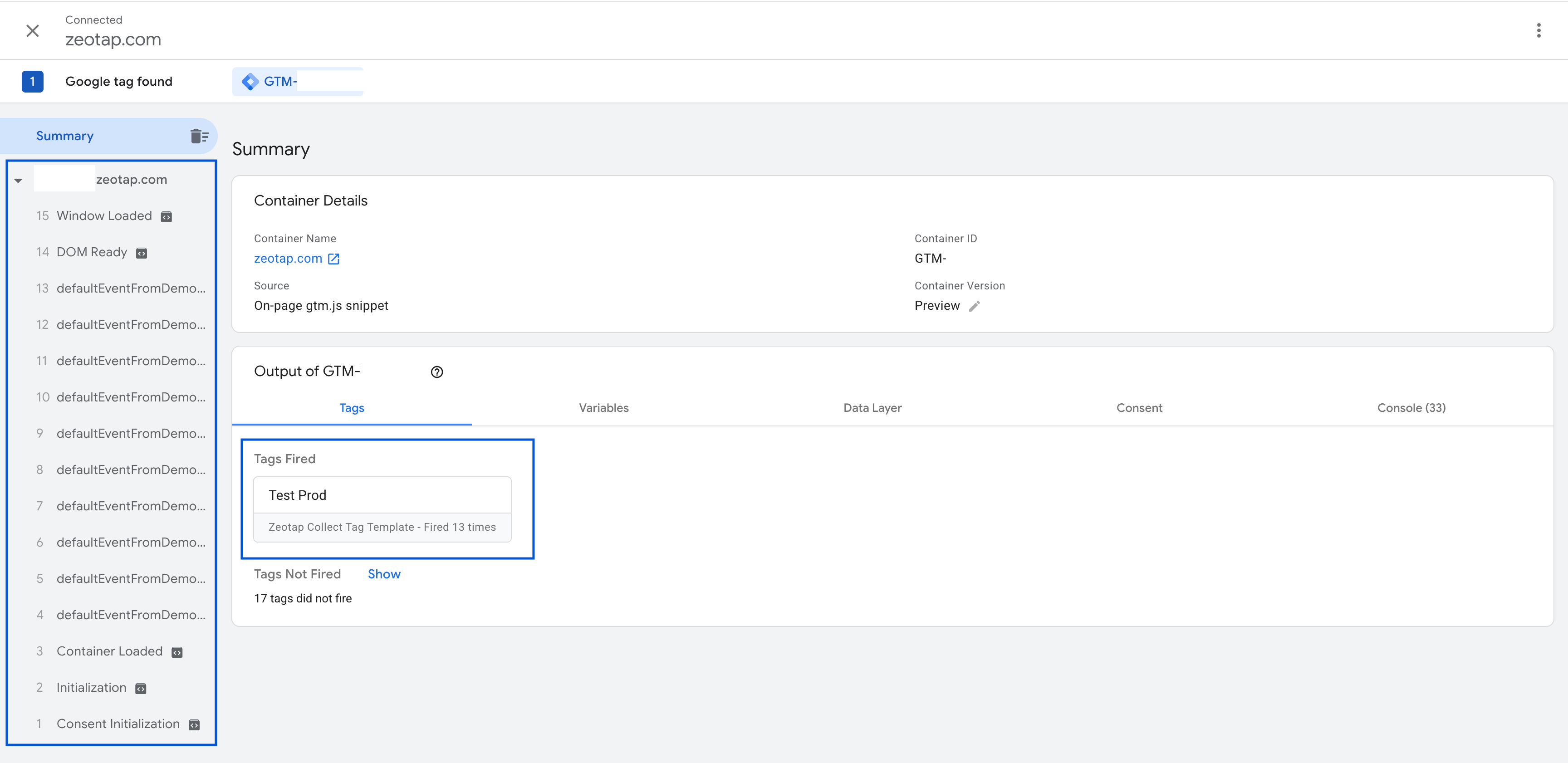
Learn how to validate the Zeotap Collect Tag using Google Tag Manager’s Preview Mode and Chrome DevTools.
Important: Please ensure your CMP configuration includes new Vendor ID 1469 for 1st Party data tracking. Additionally, include Vendor ID 301 if cookie sync is enabled. Learn more
Once you have added, configured, and assigned a trigger to the Zeotap Collect Tag, it is important to validate that everything is working as expected. Google Tag Manager provides a built-in Preview Mode which allows you to test your tags in a live environment without publishing changes.Follow the steps below to validate the tag setup.
This process helps ensure that the Zeotap Collect Tag is functioning properly before publishing your GTM container changes to production. If you need to make any adjustments, you can go back to the configuration or trigger setup steps.
Last modified on June 25, 2026
Was this page helpful?
Assistant
Responses are generated using AI and may contain mistakes.