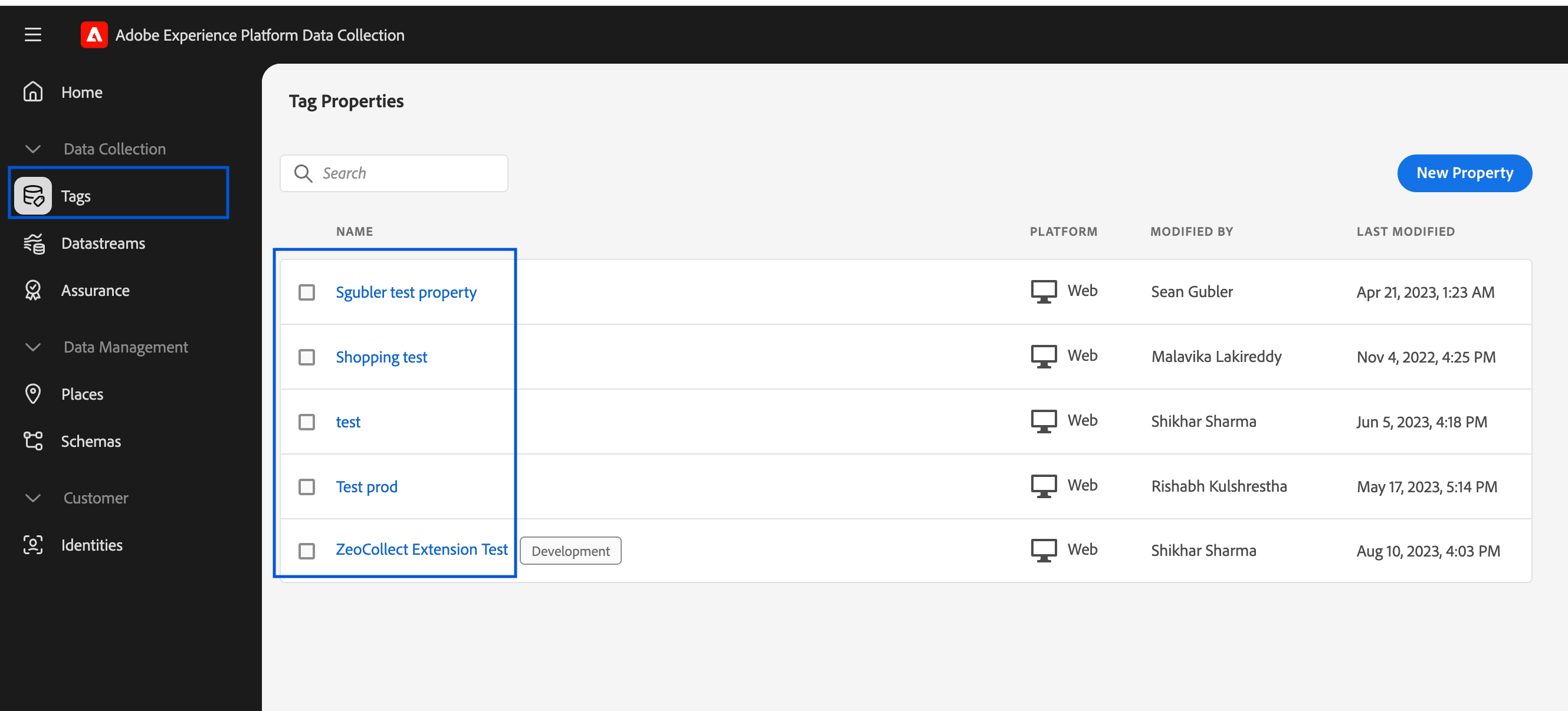
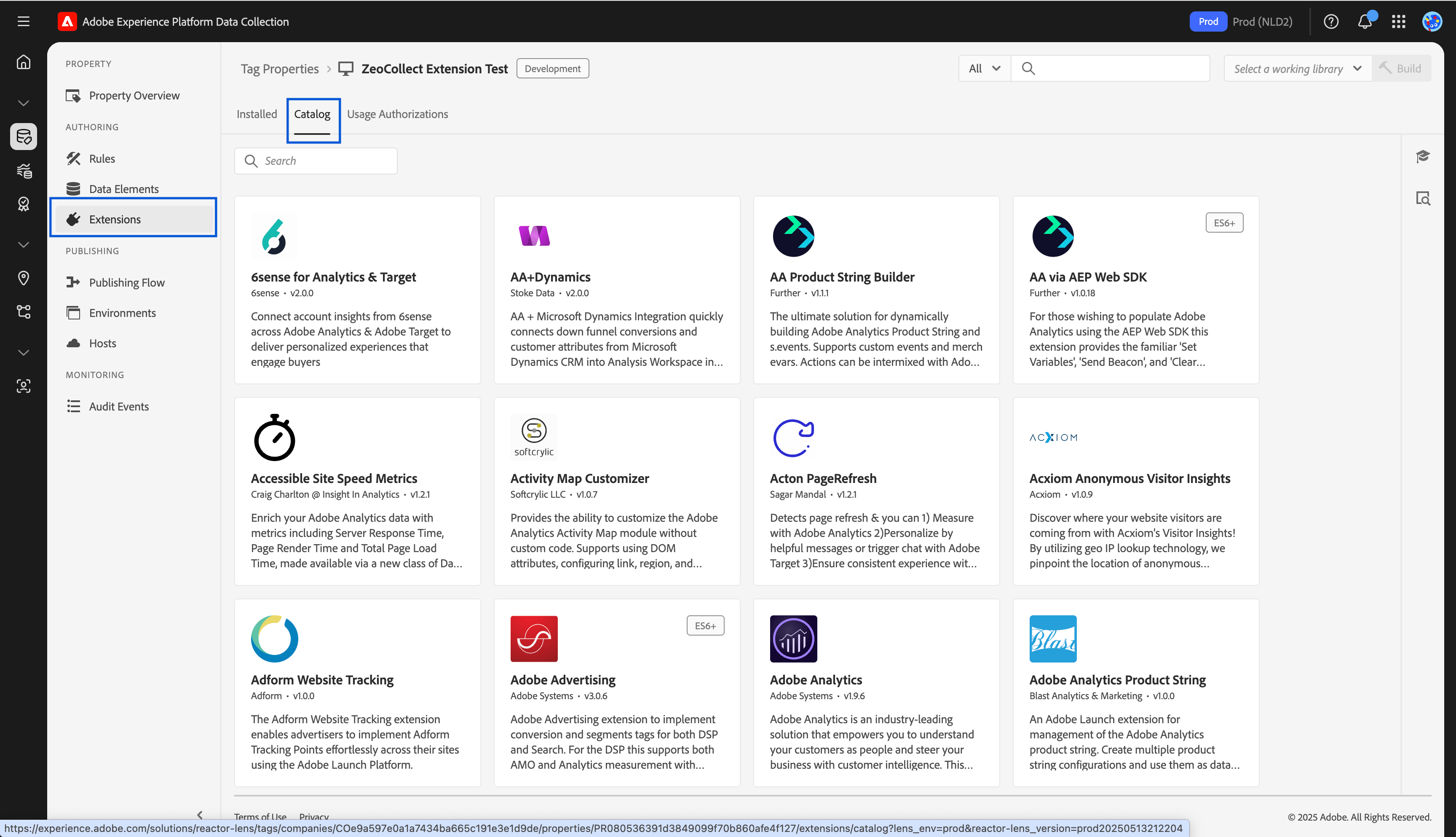
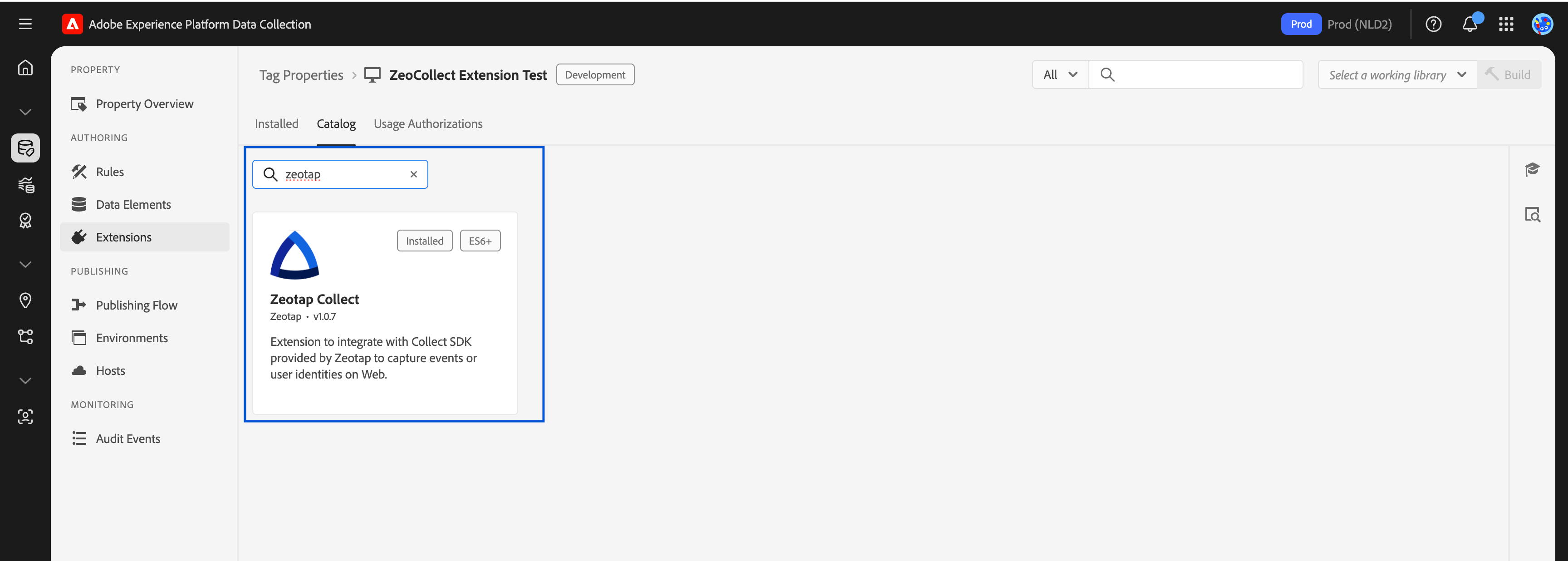
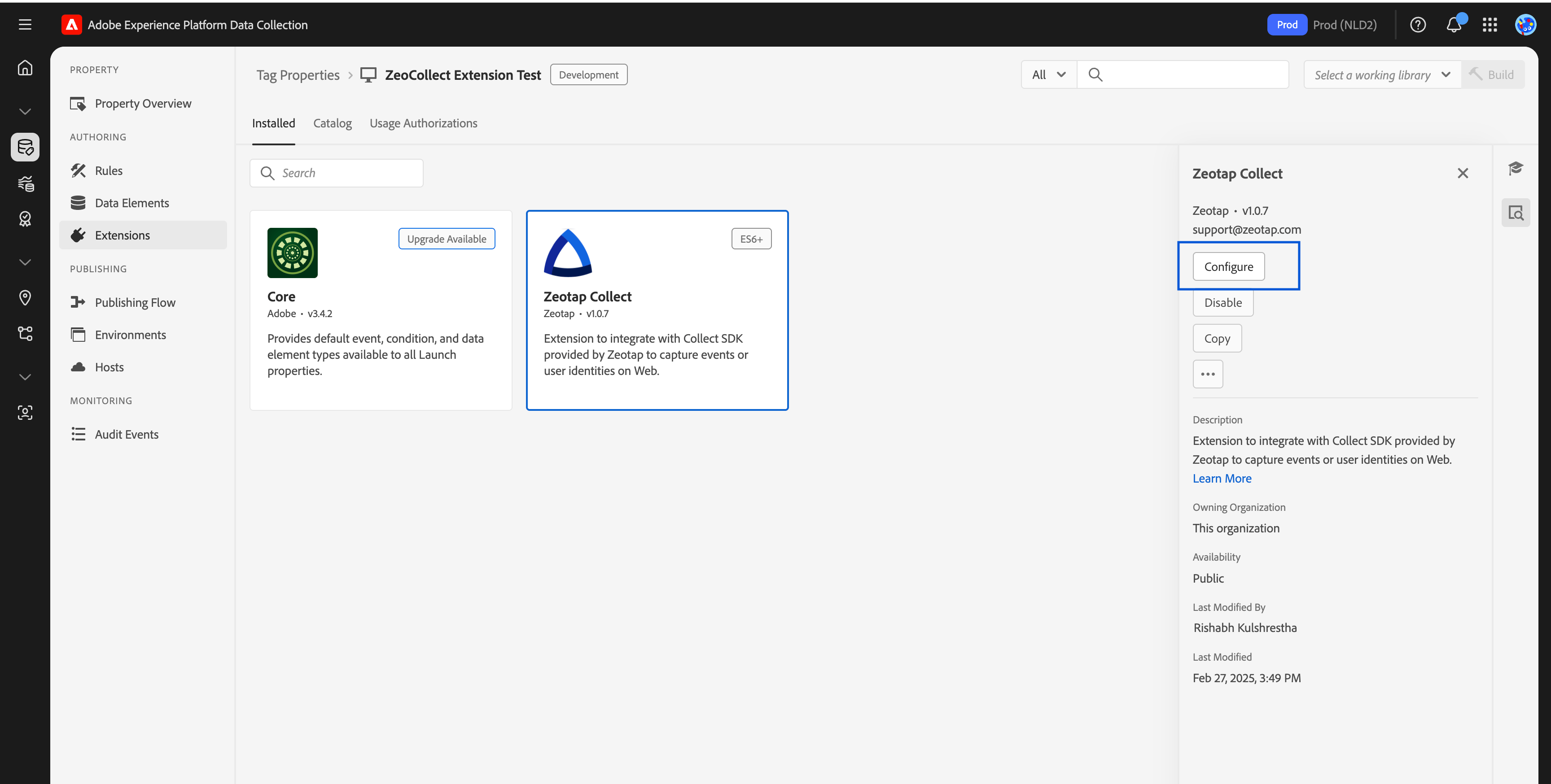
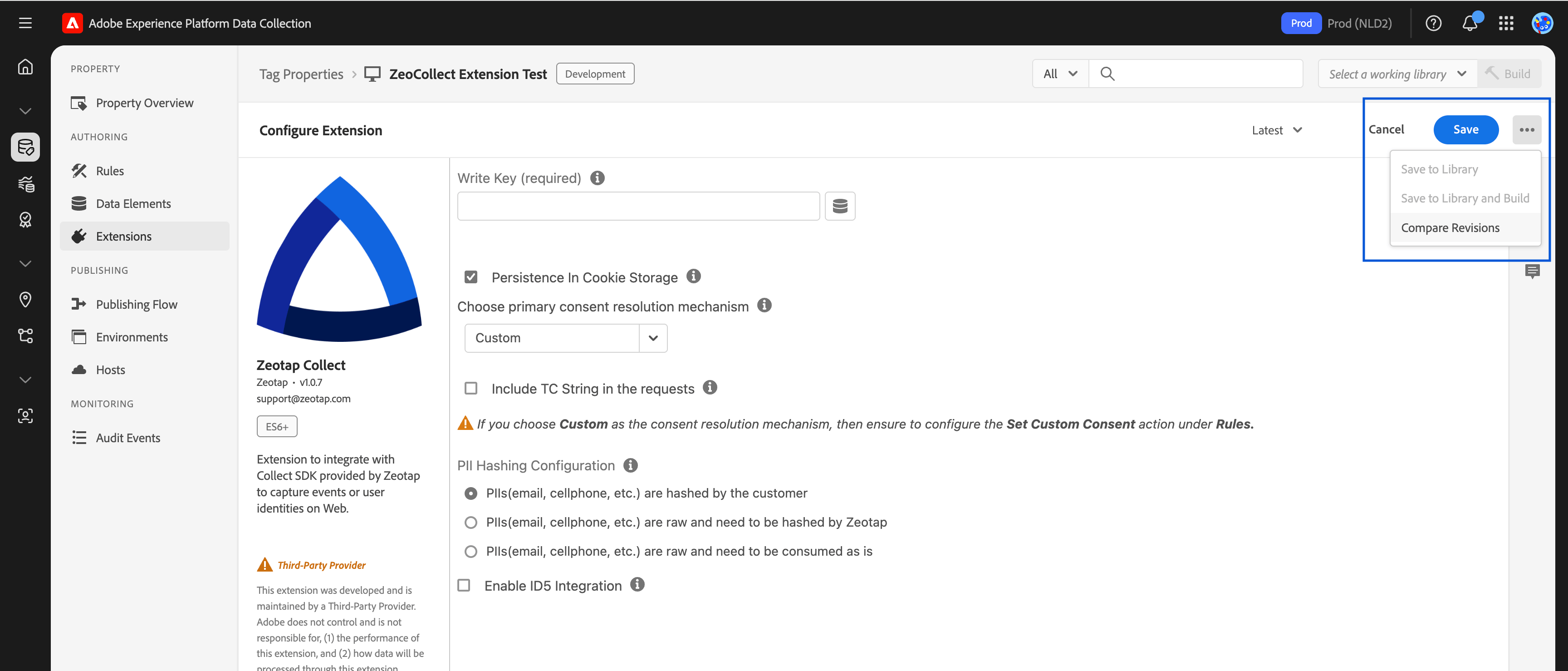
Step-by-step instructions to install and add the Zeotap Collect Extension to your Adobe Launch property.
Important: Please ensure your CMP configuration includes new Vendor ID 1469 for 1st Party data tracking. Additionally, include Vendor ID 301 if cookie sync is enabled. Learn more
Before you can configure rules or begin tracking events, you need to install the Zeotap Collect Extension into your Adobe Experience Platform Launch property.This section walks you through the installation process, including locating the extension, assigning it to your environment, and publishing changes.