Note:For a complete list of audit log event names and their logging conditions, click here. Note that only the users with ‘Admin’ permissions can view audit logs.
Viewing the Audit Logs
Perform the following steps to view Audit Logs for your Organisation on Zeotap CDP:1
Log into the Zeotap CDP App and go to Admin.
2
Under the Admin module, click Audit Logs.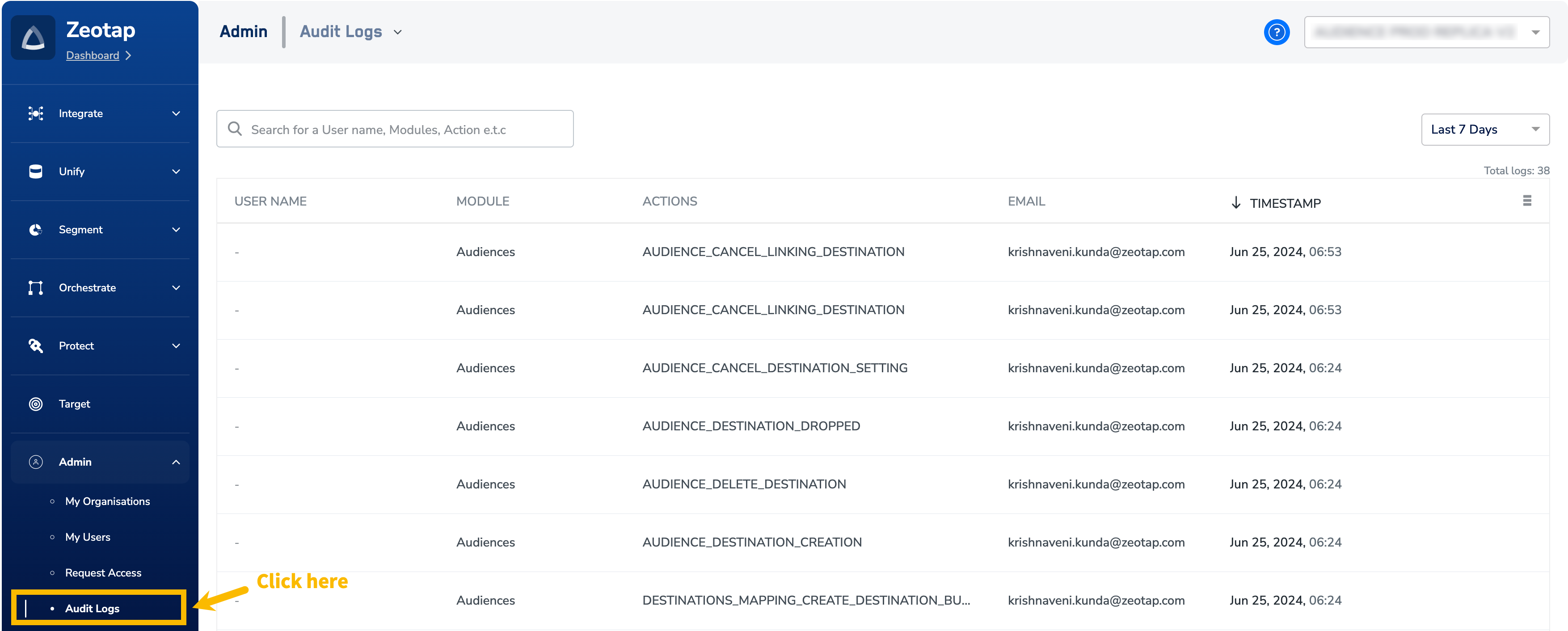
3
In the new screen that appears, you can view the list of log entries for your Organisation for the last 7 days. You can adjust the dates as per your preference. Note that you can choose the time period for which you wish to view the log entries using the drop-down menu as shown below.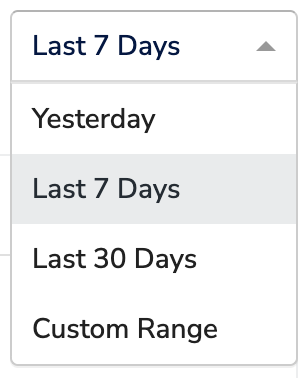
4
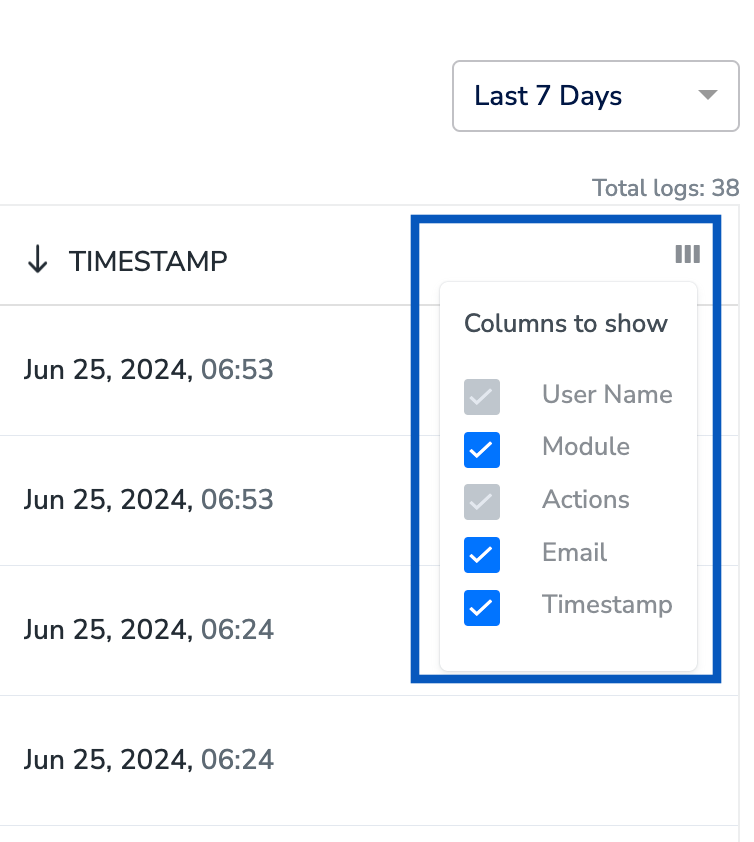
Use the Filters to select columns such as User Name, Module, Actions, Email and/or Timestamp to find specific entries.