

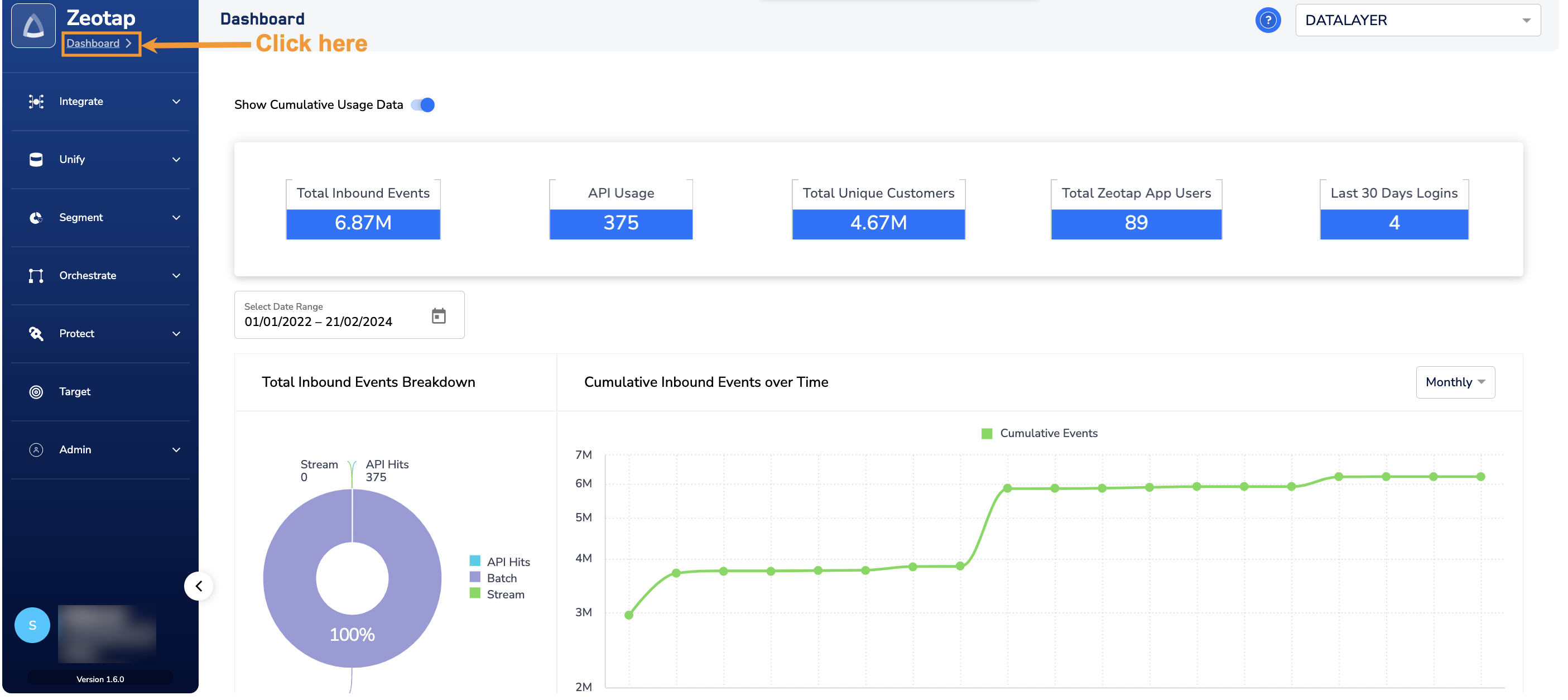
For more information about different panels in the Dashboard, refer here.
When to use the “Show Cumulative Usage Data” option?
Use the Show Cumulative Usage Data button to view the cumulative usage of all organisations within a parent organisation. For example, if your parent organisation is named “Client A” and it has two child organisations, “Client A-Child1” and “Client A-Child2,” then enabling this option allows you to see the combined usage across all entities. By default, the Show Cumulative Usage Data button is disabled. In this state, the Dashboard panels display data solely for the selected organisation.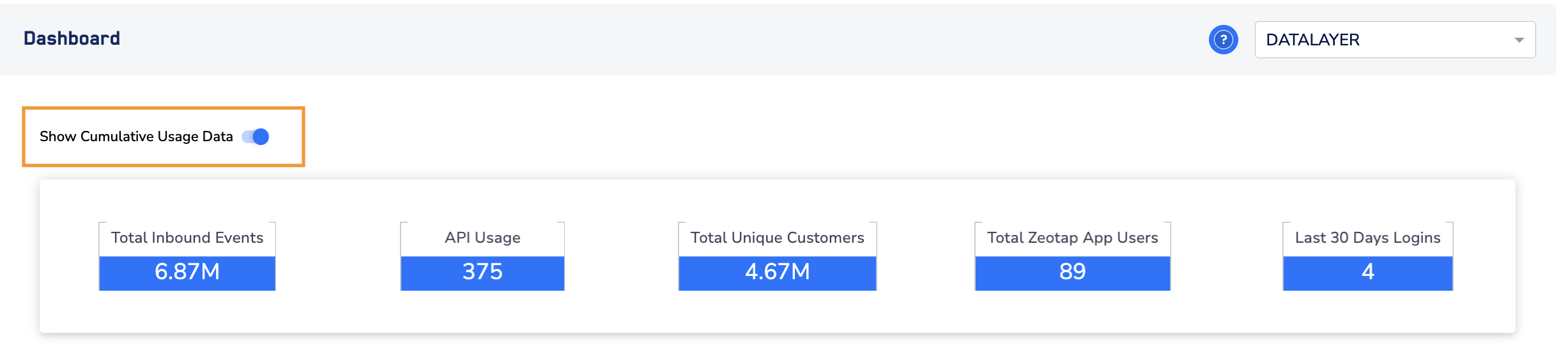
The Show Cumulative Usage Data option appears only when the selected organisation has child organisations.